26
GYSPOT ARCPULL 350
EN
Range of settings for the
manual mode
Comment
Arcing -10 to 10 (default value 0) "The default value is set to ensure optimal arcing and stop the arc
from breaking up when pulling the insert while limiting the short-
circuit current.
Slightly increase the ignition in case of repeated arcing failures. "
Penetration
and cleaning
10 to 60 A
0 to 200 ms
Arc 0 to 350 A
0 to 800 ms
Attachment -10 to 10 (default value 0) The default value is set to ensure optimal attachment of the elec-
trode onto the metal support.
0 to 50 ms
Height 0.5 mm to 5 mm
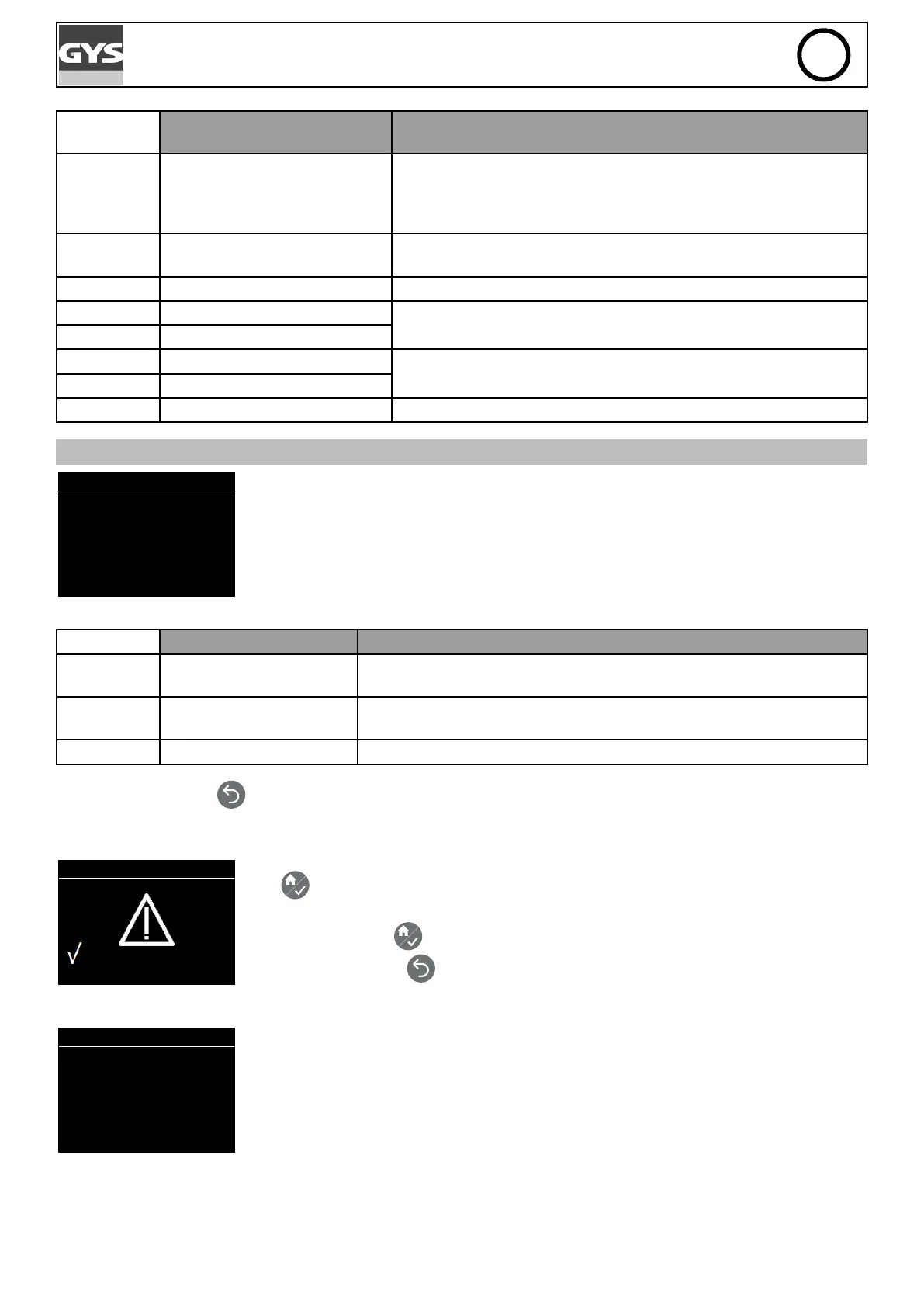
CONFIGURATION
Conf i gur at i on
> Pr egas > 100ms
Post gas 500ms
Language EN
Pr oduct r eset
Info
Press the keys G+ and G- to move the left cursor (Pregas, Postgas, Language, Reset ma-
chine, Info).
When the items Pregas, Postgas or Language are highlighted, press the keys D+ and D- to
modify their value.
Range of settings Comment
Pregas NoGas then from 0.2s to
3s
To weld using a gas coating, it is recommended to have a minimum pre-
gas setting of 0.2s with a ow rate between 10 and 12L/min.
Postgas NoGas or from 0.2s to 3s To weld using a gas coating, it is recommended to have a minimum
postgas setting of 0.2s.
Language FR, GB, DE, NL, ES, IT, RU
Push the return button
to return to the Main Menu
Reset machine
Pr oduct r eset
: 3 sec
t o r eset
When the «Reset Machine» is selected from the Conguration menu, pressing menu/vali-
date
opens the reset machine sub-menu.
Press menu/validate
for 3 seconds to conrm product reset.
Push the return button
to return to the Conguration menu and cancel product reset.
Information panel
Info
Sof t gene V0. 0
Har d gene V0. 0
Sof t gun V0. 0
Har d gun V0. 0
The information panel provides information on software versions and hardware of the gene-
rator and gun (if it is connected).




 To Next Page