7
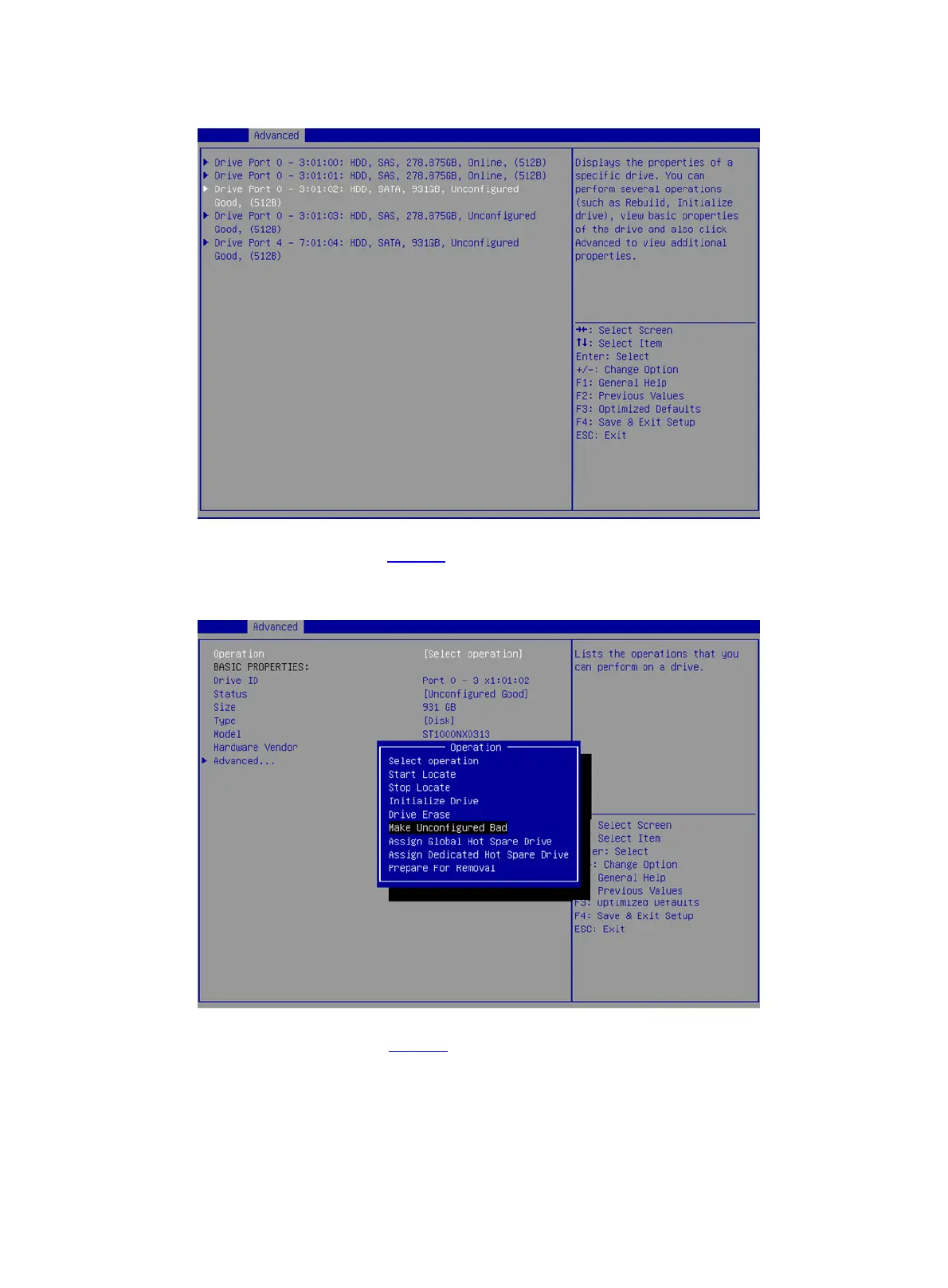
Figure 6 Drive Management screen
3. On the screen as shown in Figure 7, select Operation and press Enter. On the dialog box that
appears, select Make Unconfigured Bad and press Enter.
Figure 7 Operation screen
4. On the screen as shown in Figure 8, select Go and press Enter.











 To Next Page