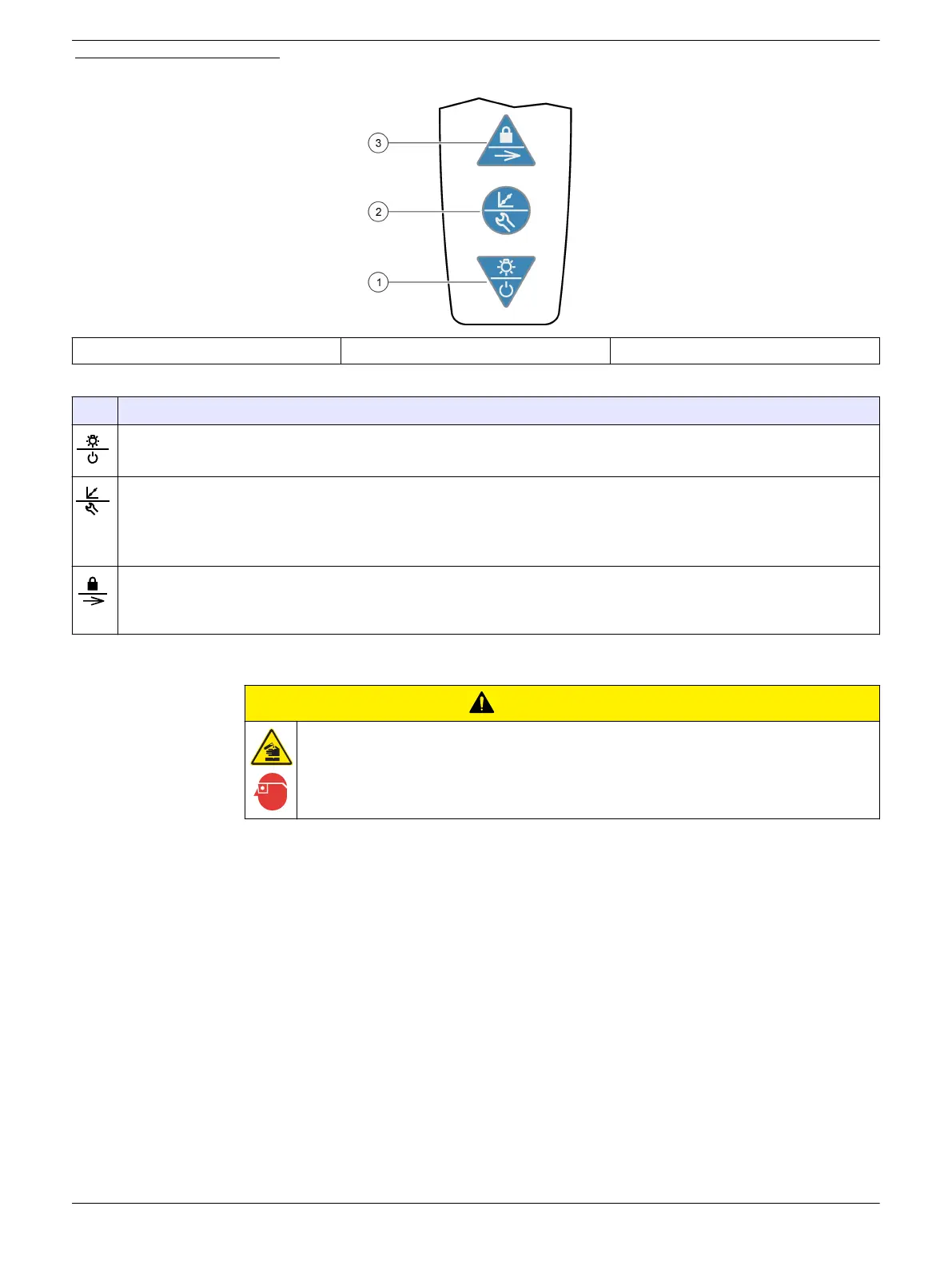
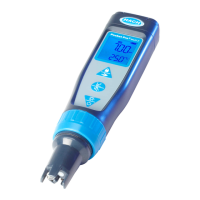
Figure 5 Keypad overview
1 Power/Backlight key 2 Calibration/Settings key 3 Lock/Parameter key
Table 2 Key functions
Key Description
Push and hold to set the power to on or off.
Push to set the backlight to on or off. After 1 minute of no activity, the backlight switches off.
Push to start a calibration of the parameter shown at the top of the display. To exit a calibration, push and hold.
Push and hold until "SEt" shows on the display to go to the settings menu. To exit the settings menu, push and hold
until "End" shows on the display. When in the settings menu, push to scroll through the settings.
Note: Power cannot be set to off while in settings or calibration mode.
Push and hold to scroll through the parameters measured.
Push to set the lock feature to on or off. When the lock feature is on, the lock icon shows and the parameter value on
the display does not change.
Calibration
C A U T I O N
Chemical exposure hazard. Obey laboratory safety procedures and wear all of the
personal protective equipment appropriate to the chemicals that are handled. Refer to the
current safety data sheets (MSDS/SDS) for safety protocols.
Calibrate the tester before initial use and when:
• Results drift
• Results are not accurate
• "?" shows next to the calibration icon on the pH screen
Before initial calibration and after dry storage, soak the sensor for several minutes in the
sample or a pH buffer.
Calibrate the parameters shown in Table 3 with the:
• Auto calibration procedure
• Custom calibration procedure
The number of calibration standards measured (calibration points) depends on the
calibration procedure. Refer to Table 3.
8


 To Next Page