Excel-EN Installation, Commissioning & Operating Manual Approved Document Ref: UI-XLEN-01 Issue 7.0
43
SETUP & PROGRAMMING
4 2 4 2
Relay & Output Responses to Selected Zones
Each of the relays and switched -ve outputs on the main circuit board and high spec zone extension cards
can be independently programmed to respond in one of three different ways for each zone, ON, OFF or
PULSING.
Note:- (Before any programming can be applied to the outputs on the main circuit board, they must
fi rst be made programmable. See programming option 4-1-4-2).
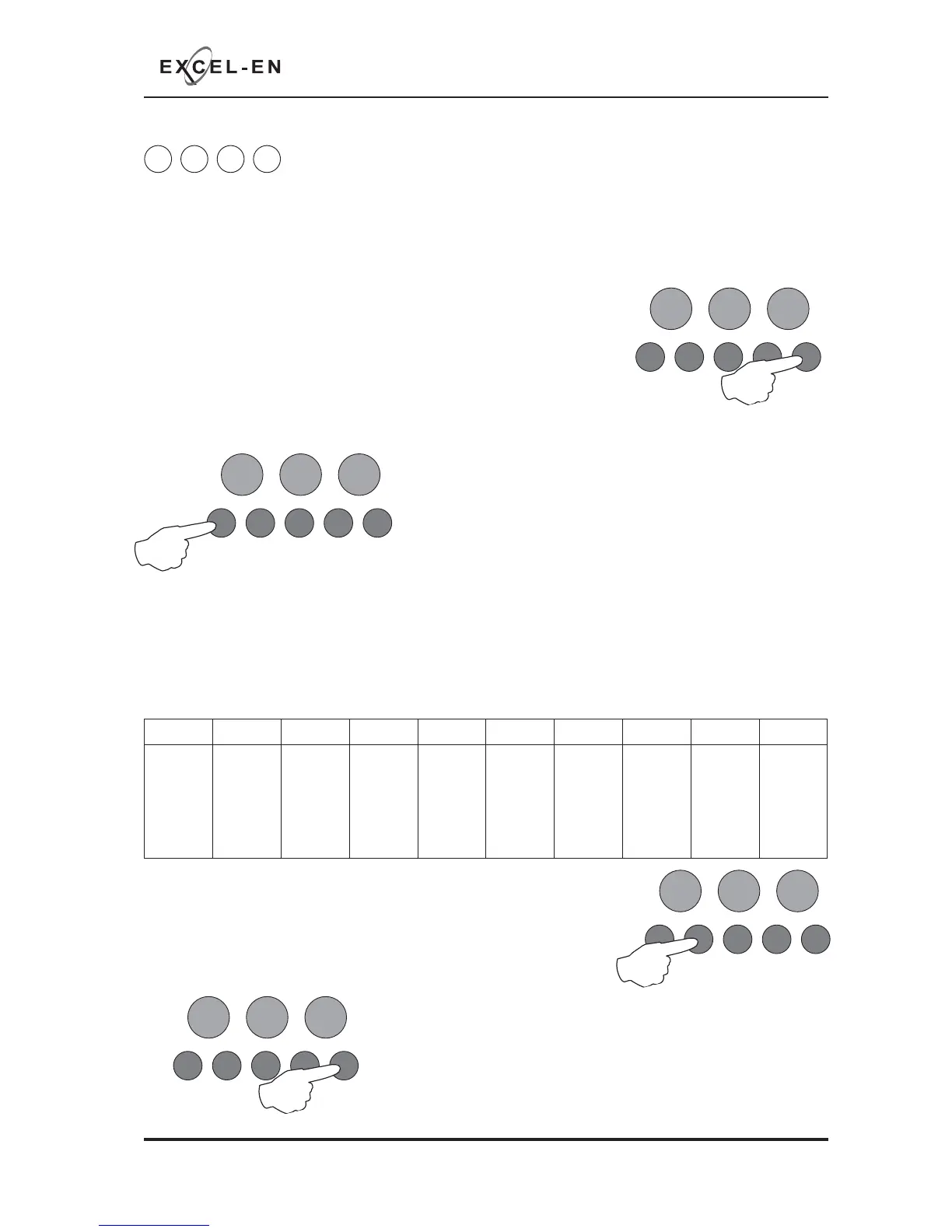
Enter the code, 4-2-4-2 and press the ENTER button.
The zone 1 fi re LED will light. This indicates setting how each of the
outputs are to respond for zone 1.
The amber, fault LEDs will show the current output settings for that zone.
See table below
Use button 1 to move to the zone that requires editing.
With the required zone for editing LED lit, press the ENTER
button to enter ‘editing mode’.
The fi re zone 1 LED will now pulse to indicate setting the response of the fi rst output (fi re relay on main
circuit board) for the selected zone.
Use button 1 to scroll to the output that requires editing, inidicated by a pulsing fi re LED 1 - 10 as per table
below.
The setting of the output is indicated by the amber, fault LED, ON, OFF or PULSING.
RESOUND SILENCE RESET
ENTER
1234
Disable
Mode
Test
Mode
Mute
Buzzer
Test
Lamps
RESOUND SILENCE RESET
ENTER
1234
Disable
Mode
Test
Mode
Mute
Buzzer
Test
Lamps
LED 1 LED 2 LED 3 LED 4 LED 5 LED 6 LED 7 LED 8 LED 9 LED 10
Fire
Relay
(Main
PCB)
Fault
Relay
(Main
PCB)
Fire O/P
(Main
PCB)
Fault
O/P
(Main
PCB)
OPA
Zone
ext card
1 (Zones
5 - 8)
OPB
Zone
ext card
1 (Zones
5 - 8)
Aux
Relay
Zone
ext card
1 (Zones
5 - 8)
OPA
Zone
ext card
2 (Zones
9 - 12)
OPB
Zone
ext card
2 (Zones
9 - 12)
Aux
Relay
Zone
ext card
2 (Zones
9 - 12)
RESOUND SILENCE RESET
ENTER
1234
Disable
Mode
Test
Mode
Mute
Buzzer
Test
Lamps
Use button 2 to change the response of the output for the selected
zone, ON, OFF or PULSING, indicated by the amber, fault LED, then
use button 1 to move to the next output if required.
Press the ENTER button to return
back to the zone selection, indicated by a steady zone fi re LED
RESOUND SILENCE RESET
ENTER
1234
Disable
Mode
Test
Mode
Mute
Buzzer
Test
Lamps
When fi nished, press and hold Button 1 for 3 seconds to save setting
and exit programming mode
Enter the next programming code or disable the controls and return DIL
switch 3 to ‘OFF’.
Tip - You can use button 4 to change the response of all outputs
simultaneously to ON, OFF or PULSING (for faster programming).



 To Next Page