Excel-EN Installation, Commissioning & Operating Manual Approved Document Ref: UI-XLEN-01 Issue 7.0
50
SETUP & PROGRAMMING
4 3 4 3
Comms PCB Output Functional Options
If a repeater Comms PCB (TPCA05) has been fi tted to the panel, the 6, swtched -ve outputs on the PCB
can also be independently programmed with a custom response to; Silence Alarms (including, Silence
button or input programmed for remote Silence Alarms), Evacuate (including, Resound button, input
programmed for Evacuate or 220Ω ‘Evacuate’ call point), Class Change Input, Alert Input or during Zone
Delays.
Enter the above code, and press the ENTER button.
The zone 1 fi re LED will light. This indicates the output to be programmed
as per the table below.
RESOUND SILENCE RESET
ENTER
1234
Disable
Mode
Test
Mode
Mute
Buzzer
Test
Lamps
RESOUND SILENCE RESET
ENTER
1234
Disable
Mode
Test
Mode
Mute
Buzzer
Test
Lamps
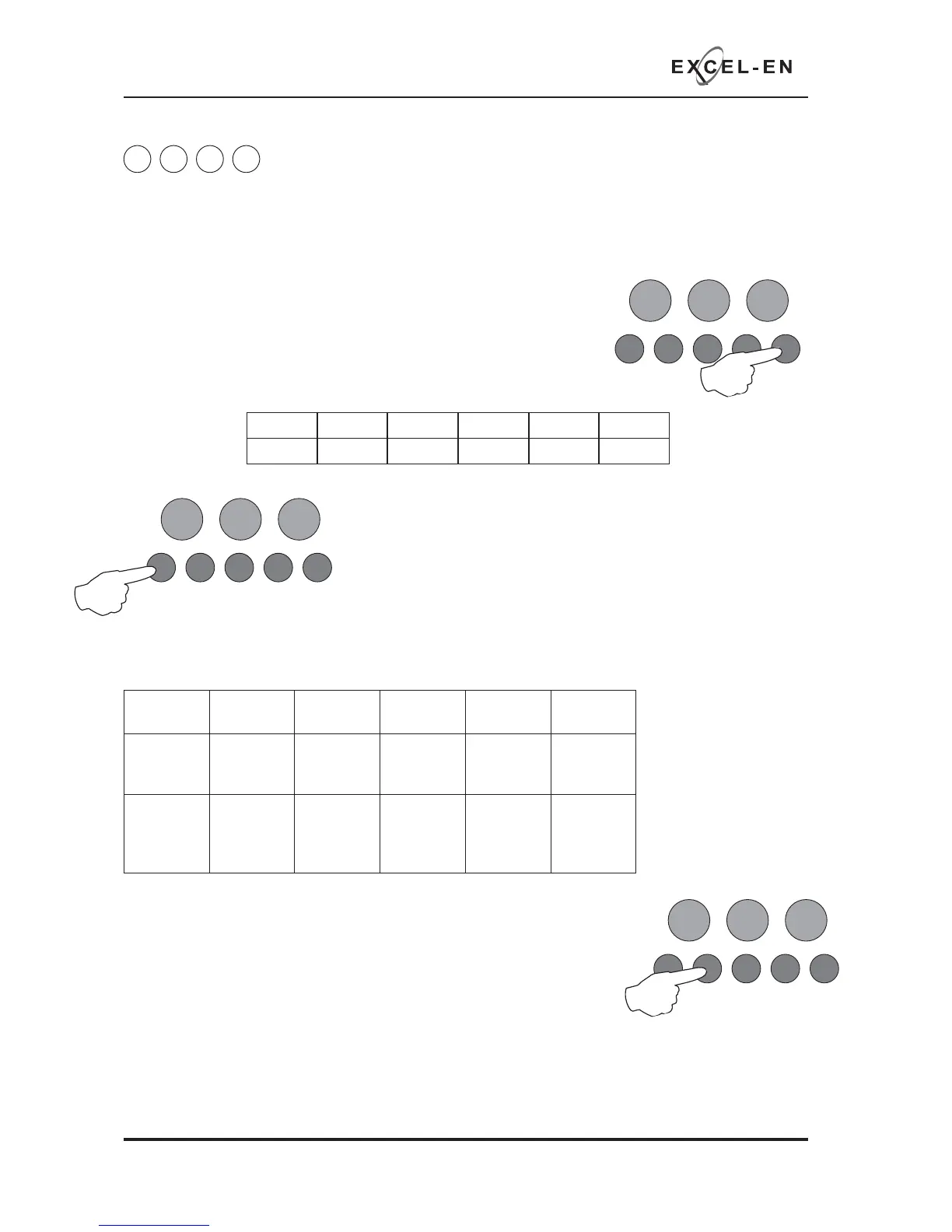
Use button 2 to change the response for the output as per table above,
indicated by the amber, fault LED, ON or OFF. Then use button 1 to move to
the next function if required.
Press the ENTER button to return back to the output selection, indicated by a steady zone fi re LED
When fi nished, press and hold Button 1 for 3 seconds to save setting and exit programming mode.
RESOUND SILENCE RESET
ENTER
1234
Disable
Mode
Test
Mode
Mute
Buzzer
Test
Lamps
Use button 1 to move the fi re LED to the output that requires editing.
With the required output for editing LED lit, press the ENTER button to
enter ‘editing mode’.
The fi re zone 1 LED will now pulse to indicate setting the selected
output’s response to the fi rst function (Resets on Silence Alarms).
Use button 1 to scroll to the function that requires editing for that output, inidicated by a pulsing fi re LED
1 - 5 as per table below.
Fire LED
(pulsing)
LED 1 LED 2 LED 3 LED 4 LED 5
Function
Resets on
Silence
Alarms
Activates
on
Evacuate
Activates
on Class
Change
Activates
on Alert
Activates
During
Delay
Amber
fault LED
(default
setting)
OFF OFF OFF OFF OFF
LED 1 LED 2 LED 3 LED 4 LED 5 LED 6
OP 1 OP 2 OP 3 OP 4 OP 5 OP 6



 To Next Page