EasyManua.ls Logo

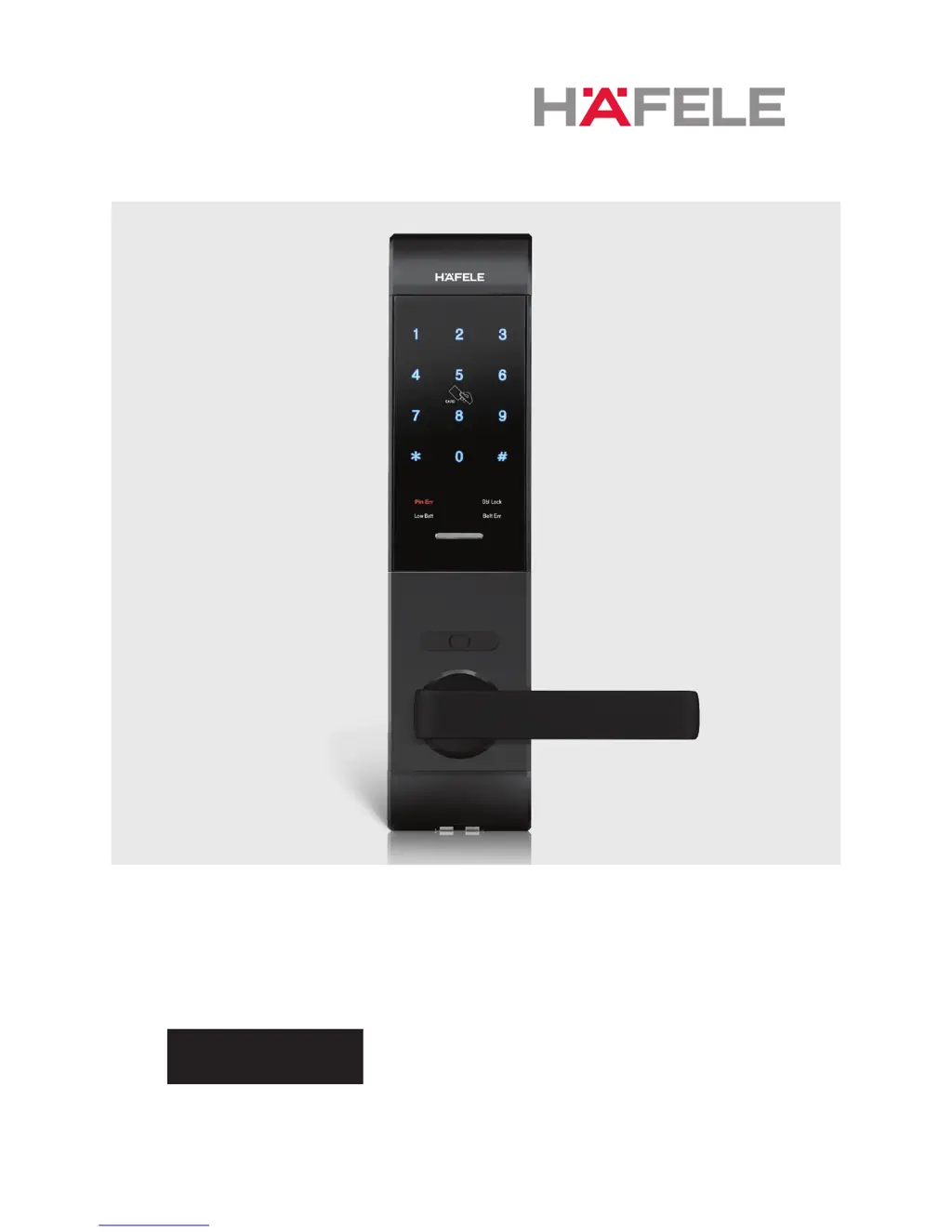
Häfele 7200 - User Manual

Häfele 7200
24 pages
Print Icon
To Next Page IconTo Next Page
Loading...
USER MANUAL
ENGLISH

Questions and Answers

  • N
    Nicole WrightAug 6, 2025
    What to do if I have a password input failure (5 attempts) on my Hafele Door locks?
    • M
      Michelle FuentesAug 6, 2025
      If you've failed 5 password attempts, all functions will be disabled for 1 minute. Please wait for 1 minute before setting a new password or using a touch key (Card/Key tag).
  • M
    Mary SmithAug 22, 2025
    Why is my Hafele Door locks not automatically locking?
    • R
      Robert GilbertAug 22, 2025
      Verify that the auto-locking function is enabled.

Summary

Safety and Precautions

Safety Cautions

Prohibitions and warnings for safe product usage and environment.

Critical Cautionary Notes

Alerts on product damage risk and need for manual operation familiarity.

User Registration Procedures

Password Registration and Change

Guides on setting, changing, and default passwords.

Touch Key;Card;Key Tag Registration

Covers adding touch keys or cards.

Fingerprint Registration Process

Step-by-step guide for enrolling fingerprints.

Door Operation and Access Management

Opening Door via Password

Details password entry for different lock types.

Product Warranty and Service

Locking and Remote Control

Advanced Security Functions

Maintenance and Troubleshooting

Troubleshooting Common Issues

Lists symptoms and solutions for problems.

Häfele 7200 Specifications

General IconGeneral
BrandHäfele
Model7200
CategoryDoor locks
LanguageEnglish

Related product manuals