Need help?
Do you have a question about the Häfele PP8100 and is the answer not in the manual?
Details the five-way solution, PIN codes, fingerprint, card, random coding, auto lock, privacy, defense, burglary, and battery alarms.
Instructions and precautions for safe operation, product care, and battery usage.
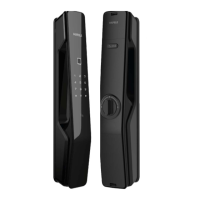
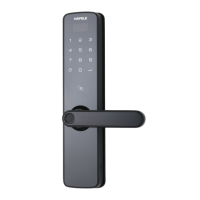
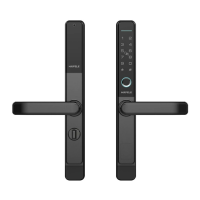
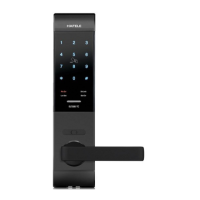
Diagrams and descriptions of outside/inside panels, keypad, card reader, fingerprint sensor, and buttons.
Lists default settings and provides a visual guide for initial setup of PINs, fingerprints, and cards.
Guide for changing master PIN, adding user PIN codes, fingerprints, and key cards.
Procedures for deleting user PIN codes, fingerprints, and key cards.
Configures opening modes, voice guide, and language selection.
How to query the serial number and set up the optional network module.
Manages Bluetooth connectivity and enables defense mode for enhanced security.
Details Auto/Manual, Privacy, and Safe Handle modes.
Temporary mute/voice switch and an overview of menu navigation options.
Step-by-step guide for opening and locking the door using PIN, fingerprint, card, and mechanical key.
Instructions for factory reset, using Micro USB for emergency power, and rebooting the system.
Details on battery replacement and information regarding the optional network module.
 General
| Brand | Häfele |
|---|---|
| Model | PP8100 |
| Category | Door locks |
| Language | English |


 To Next Page