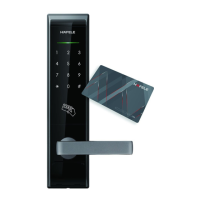
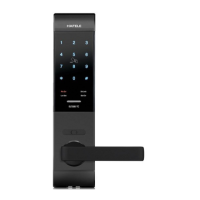
Open & Lock the door
How to use
12
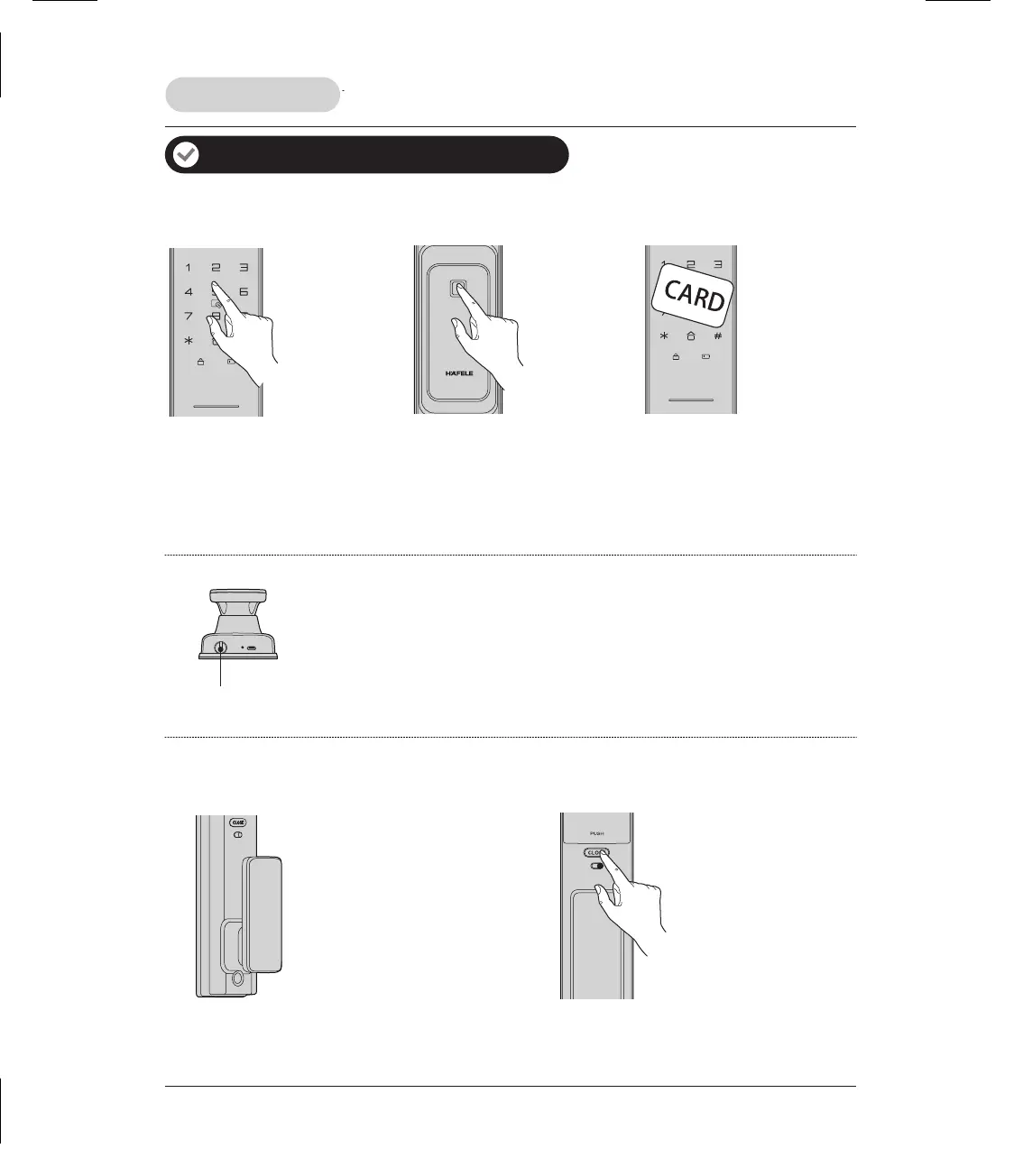
How to open the door from outside
How to open the door from inside
PIN code
Fingerprint
Card
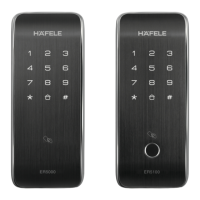
1. Touch keypad
by palm to lighten
keypad.
2. Enter the enrolled
PIN code with end
of [ # ]. Voice prompt
“Verification
Succeeded”.
3. Push or Pull handle
to open the door.
1. Place the enrolled
finger properly on
the fingerprint
sensor area until
one beep sounds.
Voice prompt
“Verification
Succeeded”.
2. Push or Pull handle
to open the door.
1. Place the enrolled
card properly on the
card icon area until
one beep sounds.
Voice prompt
“Verification
Succeeded”.
2. Push or Pull handle
to open the door.
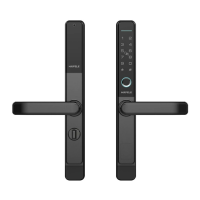
Insert the key into key hole and rotate it with proper angles.
Then push or pull handle to open the door.
Random security coding function
The random number can be added before or after the real user PIN code but the maximum length is 32 digits.
This feature will pervent the real user PIN code from being exposed.
Mechanical key
Mechanical key
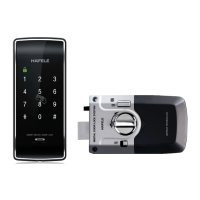
CLOSE/OPEN button
Press [ CLOSE ] button 2 times
to open.
Door handle
Push or pull handle to open the
door.



 To Next Page