11
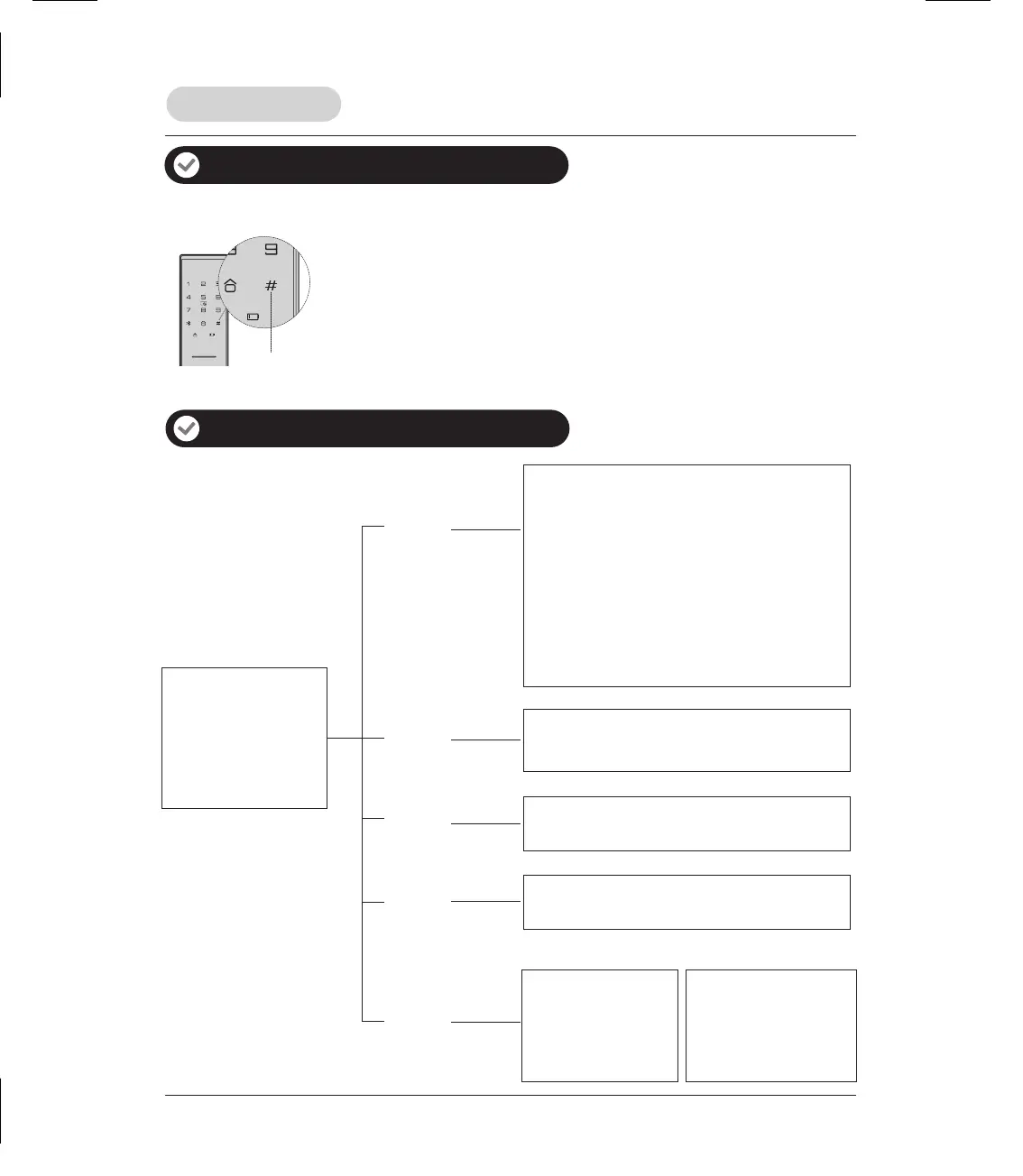
Mute/Voice switch
Menu table
Lock operation
Mute/Voice switch (Temporary setting)
Voice> Mute: When default setting is voice mode, long press [ # ]
button to enable mute mode. After the lock wakes up from sleeping
status, mute mode will be disabled automatically.
Mute> Voice: When default setting is mute mode, long press [ # ]
button to enable voice mode. After the lock wakes up from sleeping
status, voice mode will be disabled automatically.
1. User setting
2. System setting
3. System query
4. Function extension
5. Bluetooth setting
Press [ 1 ]
1. Enroll user PIN code
2. Enroll fingerprint
3. Enroll card
4. Delete user PIN code
5. Delete fingerprint
6. Delete card
7. Opening mode Setting
9. Change master PIN code
1. Voice guide setting
2. Language setting
1. System query serial number
1. Join network
2. Log off network
Press [ 2 ]
Press [ 3 ]
Press [ 4 ]
1. Enable Bluetooth
Press [ 5 ]
1. Connect Bluetooth
2. Disconnect Bluetooth
3. Disable Bluetooth
Bluetooth disabled Bluetooth enabled
Additional lock features



 To Next Page