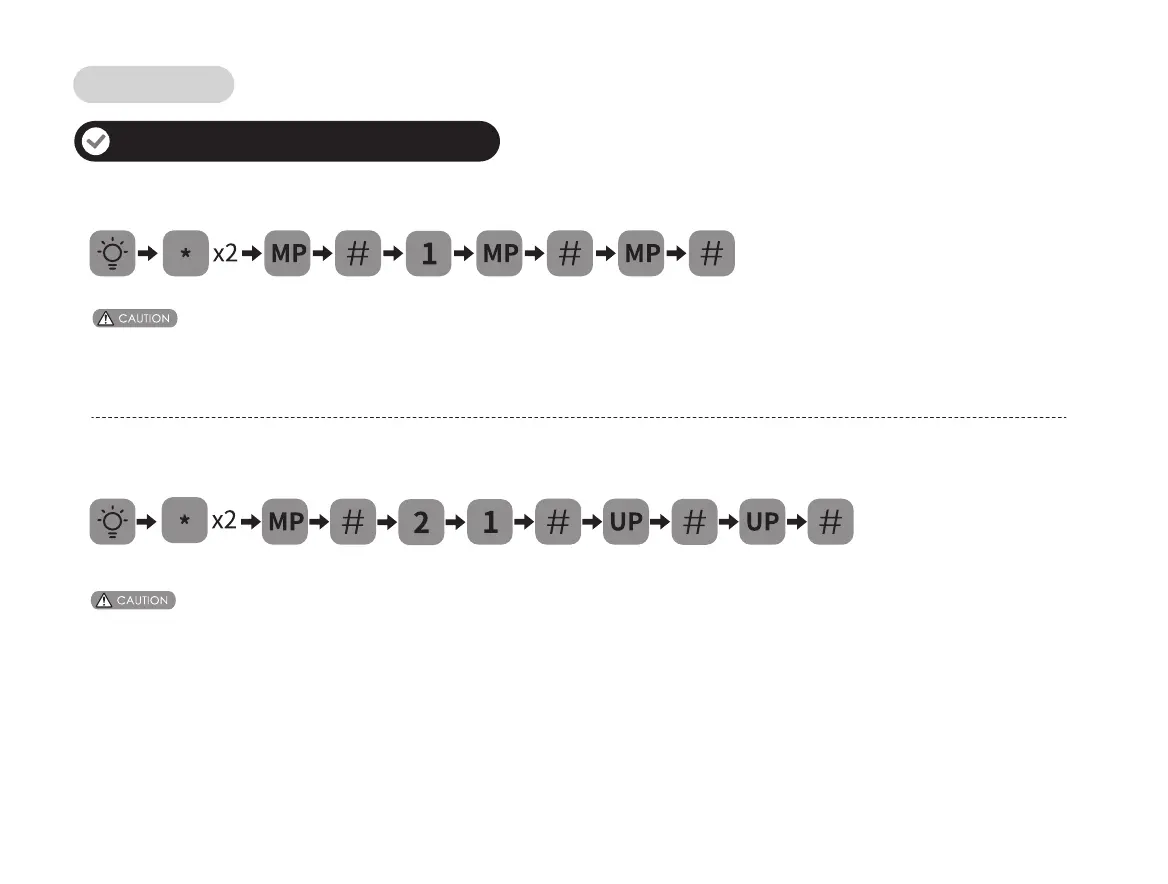
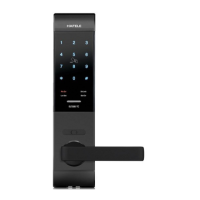
How to change master PIN code
Before changing default master PIN code, all other setting menu will be disabled.You have to change master PIN code first,
then do other lock settings.
How to add user PIN codes
1. When registering user PIN codes, the code must be entered within 10 seconds.
2. At any time you can return to the previous menu by pressing the “
*
” key.
(confirm)(4–10 digits) (4–10 digits)
(first setting use 12345678) (confirm)
(4–10 digits)
Add/Change access data
Lock operation


 To Next Page