7
III. How to set up
1. PAIRING
Checklist:
Adding new lock:
1. Download “Hafele Access” App from App Store/Google Play
2. Register a new account by phone number or email address
or Login with an existing account on App
> Lock has not been paired
> The keypad stays awake during pairing
> Turn on your phone’s Bluetooth and Internet connection
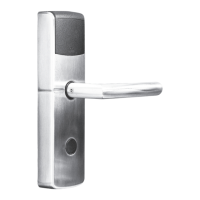
Login > Click add button to add a new lock> Select “Mortise” lock> Tap on lock keypad to activate
the lock > Click on the lock code > When device displays on the app with the “+” sign, click “+”
> (Series of beeps will sound on successful paring) > Lock paired > Enter your lock name and conrm
> Lock added successfully


 To Next Page