Need help?
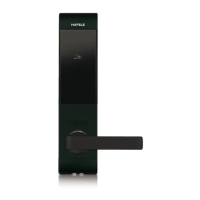
Do you have a question about the Häfele DL7900 and is the answer not in the manual?
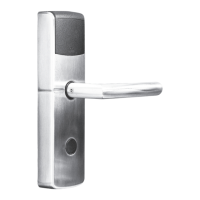
Details the external components of the digital lock.
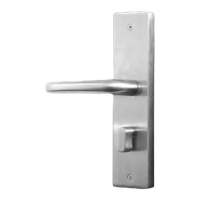
Details the internal components of the digital lock.
Lists all essential items included in the product package.
Highlights important warnings and accessory information.
Instructions on how to secure the door using the lock.
Instructions on how to open the door using the lock.
Steps for connecting the lock to the mobile app.
Information about the initial unlock PIN.
Guide to setting and managing the admin password.
Steps for creating and sharing user PIN codes.
Instructions for managing keycards.
Guide to managing access via Bluetooth keys.
Settings for lockout and dual locking modes.
Explains fire detection and obstruction alarm features.
How to view logs and manage notifications/sounds.
Utilizing decoy digits to protect the main PIN.
How the lock automatically re-secures the door.
Instructions for using external power during battery failure.
Solutions for unsuccessful pairing and Bluetooth key problems.
Fixes for lock operation, battery level, and keypad flickering.
Resolving keypad power issues and PIN code errors.
Step-by-step instructions on how to change the lock's batteries.

 To Next Page
 General