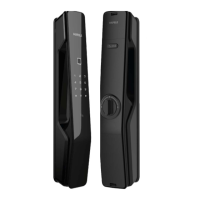
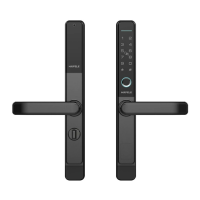
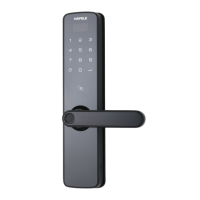
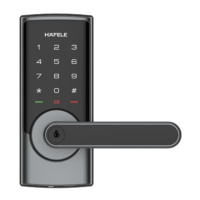
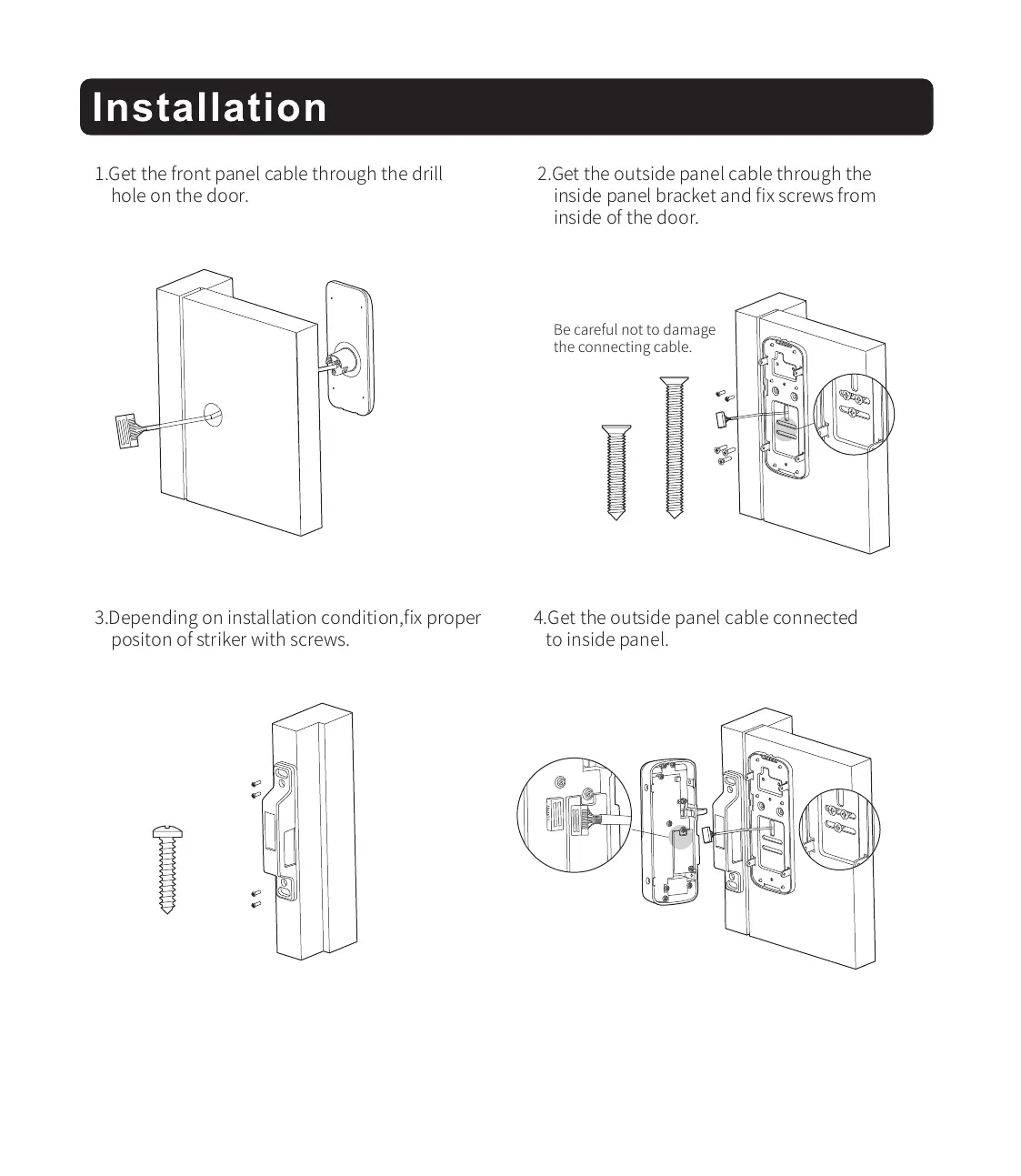
1.Get the front panel cable through the drill
hole on the door.
3.Depending on installation condition,fix proper
positon of striker with screws.
4.Get the outside panel cable connected
to inside panel.
2.Get the outside panel cable through the
inside panel bracket and fix screws from
inside of the door.
Be careful not to damage
the connecting cable.


 To Next Page
 Loading...