6
CE
15VDC · 400mA
GROUND
LEFT RIGHTBALANCED
Hafler is a division of Radial Engineering Ltd.
OUTPUT
LEFT RIGHT
INPUT
LEFT RIGHT
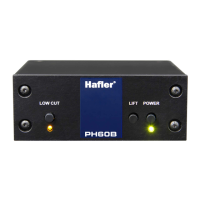
PH60B PHONO PREAMP
FOR MOVING COIL
Hafler
R
L R
AUX
AUX
BD/DVD
TUNER
CD
INPUT
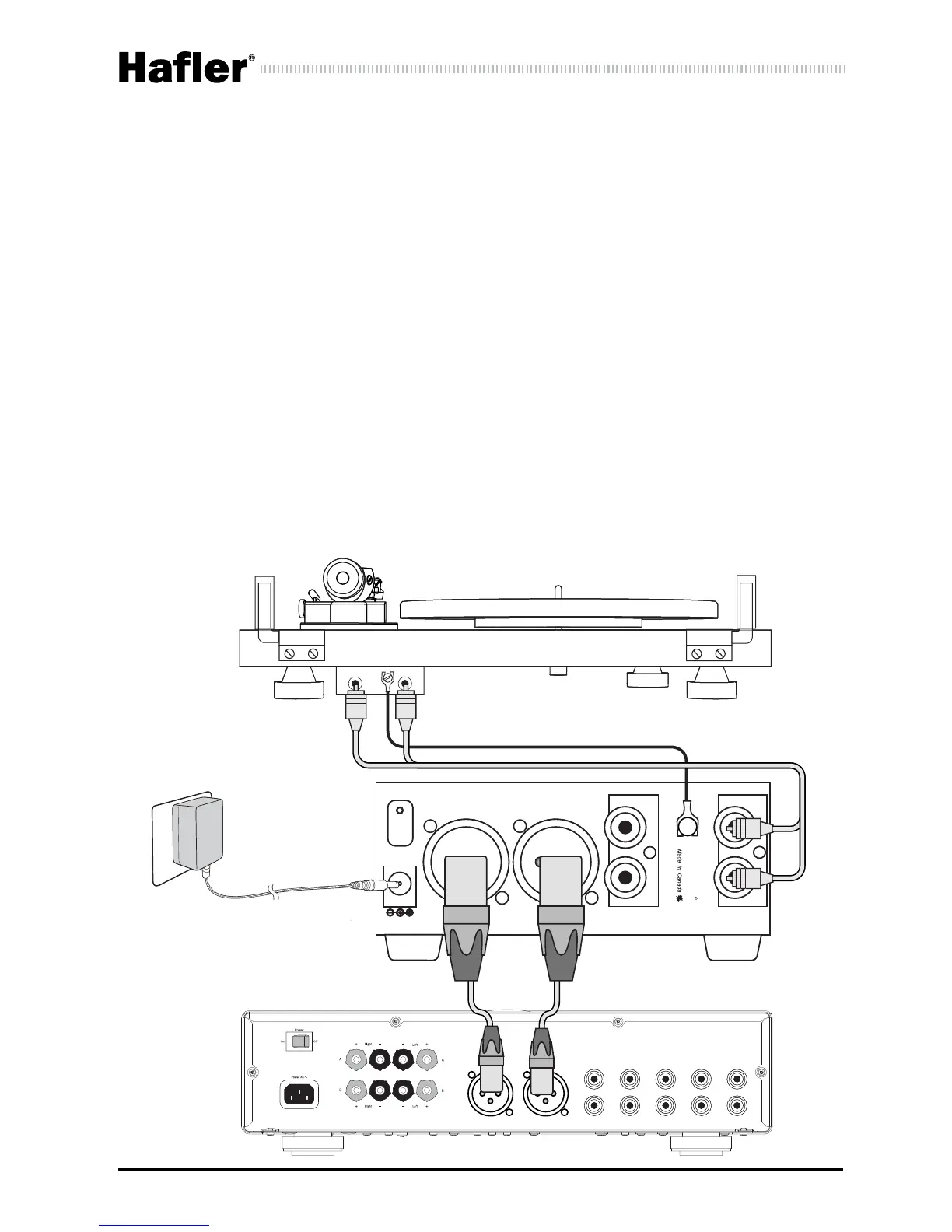
Using the Balanced Outputs
The balanced XLR outputs on the PH60B allow you to connect to de-
vices with balanced inputs, including some home stereo receivers, and
pro audio equipment such as recording interfaces or mixing consoles.
This allows you to set up a turntable for playback in a home theater or
recording studio, or to convert your vinyl collection to a digital format
using recording software. Ensure that you are connecting to inputs that
are set for line-level operation. Once connected, should you encounter
buzz or hum from ground loops, simply engage the LIFT switch on the
front of the PH60B to lift the audio ground on the XLR outputs. The bal-
anced outputs on the PH60B can be set between two different outputs
levels using an internal push-switch. The default setting is +4dB with
the switch in the ‘out’ position, and -10dB with the switch pushed in.
Turntable
Receiver


 To Next Page