EasyManua.ls Logo

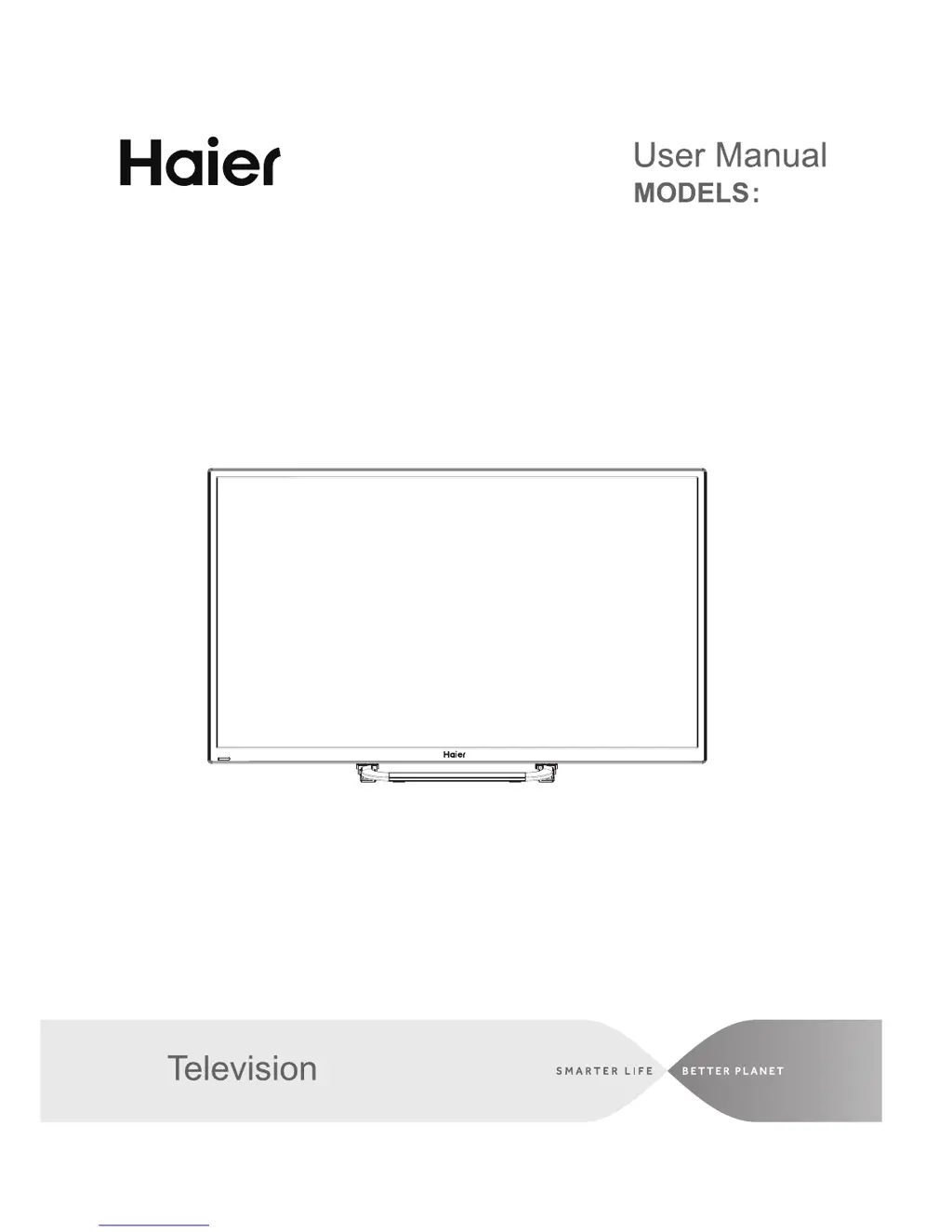
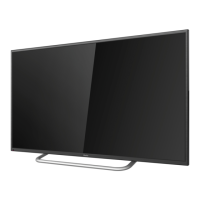
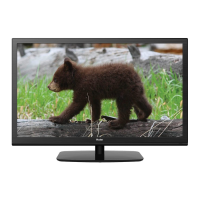
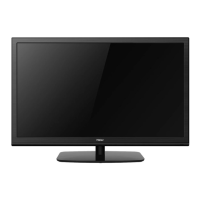
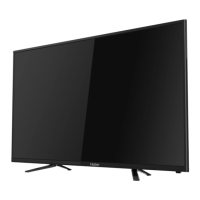
Haier 32D3005 - User Manual

Haier 32D3005
65 pages
Print Icon
To Next Page IconTo Next Page
Loading...
LED
32D3005

Table of Contents

Other manuals for Haier 32D3005

Questions and Answers

  • B
    Barbara SandersSep 8, 2025
    Why is my Haier 32D3005 not responding to the remote control?
    • S
      Susan MooreSep 8, 2025
      If your Haier LED TV is not responding to the remote control, first check if the batteries in the remote are working and replace them if needed. If the issue persists, clean the remote control sensor lens on the TV. As a temporary solution, you can use the buttons on the side of your TV.
  • J
    jessica55Sep 10, 2025
    How to fix a Haier LED TV that has no power?
    • J
      John HolmesSep 10, 2025
      If your Haier LED TV has no power, ensure that the TV's AC power cord is securely plugged into the outlet. If it is, unplug the TV, wait for 60 seconds, and then plug it back in and turn the TV on again.
  • S
    snyderalanSep 12, 2025
    What to do if my Haier 32D3005 LED TV has no picture?
    • M
      Meghan VelezSep 12, 2025
      If your Haier LED TV shows no picture, check the antenna connections at the rear of the TV to ensure they are properly connected. If the connection is good, try tuning to another channel to rule out broadcast station issues. Also, adjust the contrast and brightness settings. Finally, check the Closed Captions control, as some TEXT modes might block the screen.
  • T
    Teresa MooreSep 13, 2025
    How to resolve snowy picture and noise on Haier 32D3005 LED TV?
    • A
      Amanda LopezSep 14, 2025
      If your Haier LED TV picture is snowy and noisy, check the antenna connection.
  • R
    Ryan CollinsSep 16, 2025
    How to fix a 'ghost' or double image on Haier LED TV?
    • K
      Kathryn MckaySep 16, 2025
      If you are experiencing a “ghost” or double image on your Haier LED TV, it might be due to obstructions like high-rise buildings or hills affecting the antenna signal. Using a highly directional antenna may improve the picture.
  • E
    Elizabeth HuntSep 18, 2025
    Why are there always dark or always lit pixels (dots) on my Haier 32D3005?
    • D
      Douglas WalkerSep 18, 2025
      The presence of pixels (dots) that are always dark or always lit on your Haier LED TV is inherent to this type of product and does not indicate a defect.

Summary

For Your Safety

Important Safety Instructions

Electrical and Power Safety

Guidelines for safe use of power connections, cords, plugs, voltage, and avoiding electrical hazards.

Placement, Ventilation, and Environmental Safety

Advice on TV placement, ventilation, temperature, and protection from moisture and dust.

Preparation

Attaching the Stand

Step-by-step instructions for assembling and attaching the TV stand, including screw details.

Turning On the TV

Initial setup steps, including connecting cables, batteries, and powering on.

Peripheral Connection and Controls

Peripheral Connection Ports

Details and descriptions of various input/output ports on the TV.

Making Connections

Connecting Antenna or Cable

Instructions for connecting the TV to an antenna or cable wall jack using an RF cable.

Operating Instructions

Using the Remote Control

Explanation of each button on the remote control and its function.

Initial Setup Wizard

Step-by-step guide for the initial TV setup wizard, including language, mode, and signal setup.

Selecting Input Source

How to switch between different input sources like TV, HDMI, USB, etc.

Navigating On-Screen Menus

Instructions on how to open, navigate, and exit the TV's on-screen menu system.

Product Specification

Troubleshooting Guide

Picture and Display Problems

Troubleshooting for ghosting, no picture, poor picture, snowy picture, horizontal lines, and pixel issues.

Audio Problems

Solutions for when there is picture but no sound, checking volume and mute.

Power and Remote Control Issues

Troubleshooting steps for when the TV does not turn on or respond to the remote control.

Warranty Information

Warranty Coverage and Exclusions

Information on what the warranty covers, what is excluded, and commencement of warranty.

Haier 32D3005 Specifications

General IconGeneral
Screen Size32 inches
Display TypeLED
Resolution1366 x 768
HDMI Ports2
USB Ports1
Smart TVNo
Aspect Ratio16:9
Built-in SpeakerYes

Related product manuals