EasyManua.ls Logo

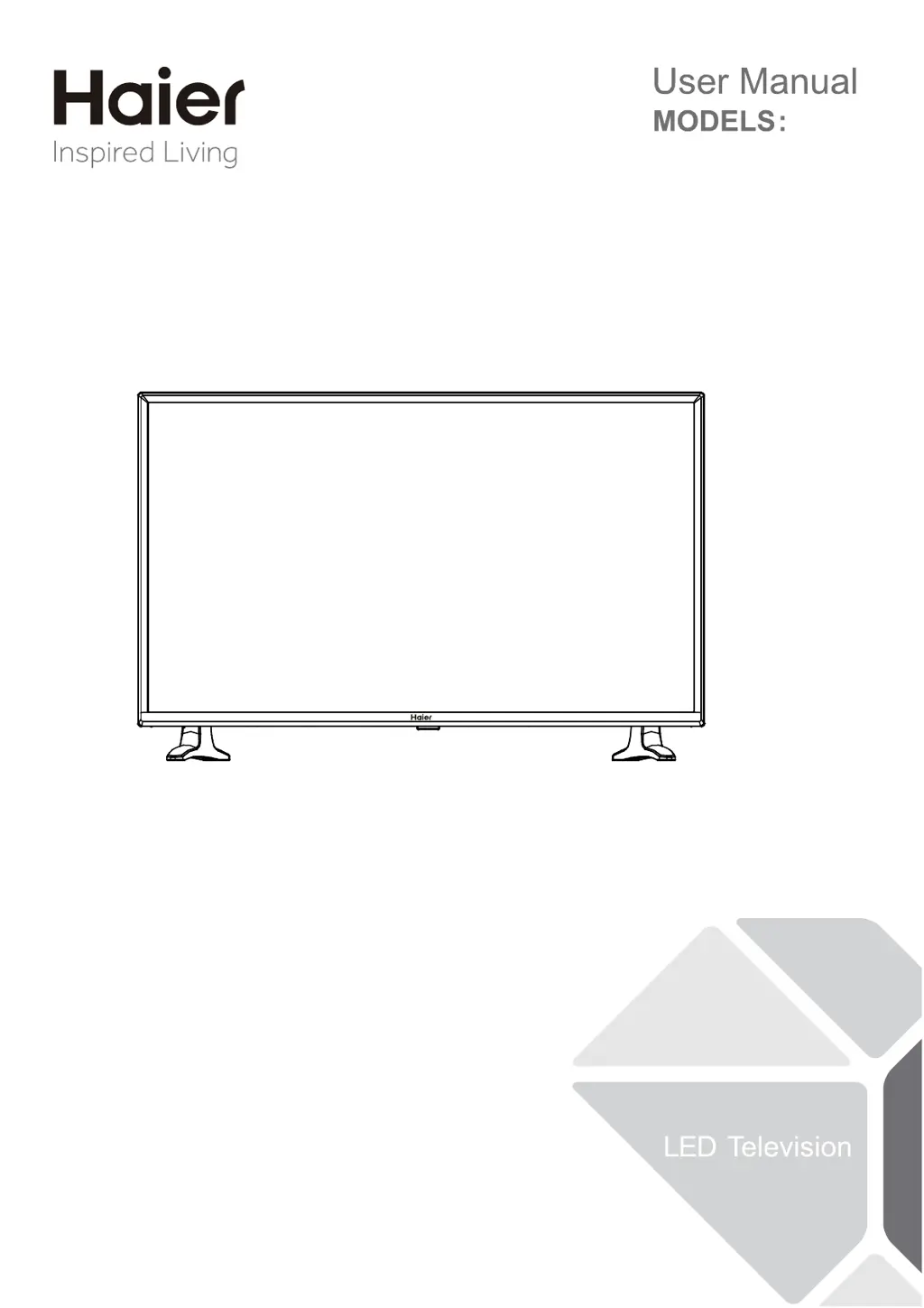
Haier 32F2000 - User Manual

Haier 32F2000
24 pages
Print Icon
To Next Page IconTo Next Page
Loading...
32F2000

Questions and Answers

  • R
    Robert PearsonAug 12, 2025
    How to fix a Haier LED TV that won't turn on?
    • J
      John McgeeAug 12, 2025
      If your Haier LED TV has no power, check if the AC power cord is properly plugged into the outlet. Unplug the TV, wait for 60 seconds, then reinsert the plug and turn the TV on again.
  • K
    Kurt BoyerAug 16, 2025
    How to restore sound on my Haier 32F2000 LED TV?
    • F
      farrelldylanAug 16, 2025
      If your Haier LED TV has a good picture but no sound, increase the volume level by pressing the VOL+ button on the remote control or the TV's side control panel. Also, check if the MUTE function is activated and deactivate it.
  • L
    Larry LeonardAug 19, 2025
    How to improve color quality on Haier 32F2000?
    • P
      Paige RamirezAug 19, 2025
      If your Haier LED TV has good sound but poor color, adjust the contrast, color, and brightness settings.
  • S
    stanleyjulieAug 23, 2025
    What to do if my Haier 32F2000 LED TV remote control is not working?
    • E
      elliottpatrickAug 23, 2025
      If your Haier LED TV is not responding to the remote control, first check if the batteries are working and replace them if needed. Then, clean the remote control sensor lens on the TV. As an alternative, you can use the buttons on the side of your TV.
  • J
    Jocelyn PriceAug 27, 2025
    What to do if my Haier 32F2000 has no picture?
    • M
      Mary RandolphAug 27, 2025
      If your Haier LED TV shows no picture, try switching to another channel. Adjust the contrast and brightness settings. Also, check the Closed Captions control, as some TEXT modes could block the screen. The issue could also be from the broadcast station.
  • E
    Eric VasquezAug 30, 2025
    Why does my Haier 32F2000 LED TV have a snowy picture and noise?
    • T
      Thomas FrenchAug 30, 2025
      If your Haier LED TV displays a snowy picture and noise, check the antenna connection.
  • C
    Cheryl MyersSep 3, 2025
    What causes horizontal dotted lines on my Haier LED TV screen?
    • M
      Michael WilkinsonSep 3, 2025
      Horizontal dotted lines on your Haier LED TV may be caused by electrical interference from devices such as a hair dryer nearby.
  • C
    Curtis BrownSep 7, 2025
    Why are there stuck pixels on my Haier LED TV?
    • J
      jasondaySep 7, 2025
      These types of occurrences are inherent to this type of product and do not constitute a defective product.

Summary

FOR YOUR SAFETY

Safety Warnings and Precautions

General safety advice, including electrical hazards, battery installation, and proper usage.

FCC Compliance Statement

Statement regarding FCC rules for radio frequency interference and user compliance.

PRECAUTIONS AND REMINDERS

General Precautions

Guidelines on placement, ventilation, environment, and cleaning the TV unit.

Remote Control Handling

Tips for handling the remote control, including avoiding damage and proper use.

IMPORTANT SAFETY INSTRUCTIONS

Electrical Safety

Instructions to prevent electric shock, including plug safety and cord protection.

Environmental & Usage Safety

Guidelines on avoiding moisture, heat, and ensuring proper installation.

Servicing and Repair Safety

Instructions regarding qualified service personnel and repair procedures.

Outdoor Antenna Grounding

Guidelines for proper grounding of the antenna system for surge protection.

PREPARATION

Attaching the TV Stand

Instructions for assembling the TV stand to the TV unit.

Wall Mounting Preparation

Guidelines for mounting the TV on a wall, including clearance and bracket use.

Initial TV Setup and Power On

Steps for setting up and turning on the TV for the first time.

PERIPHERAL CONNECTION AND CONTROLS

Connecting External Devices

Details on connecting various external devices like USB, HDMI, VGA, etc.

Front Panel Controls

Explanation of the TV's physical buttons on the front panel and their functions.

MAKING CONNECTIONS

Antenna and Cable Connections

How to connect the TV to antenna or cable sources.

Audio;Video Device Connections

Instructions for connecting external audio and video devices via HDMI or component.

Headphone Connection

How to connect headphones to the TV.

OPERATING INSTRUCTIONS

Remote Control Guide

Detailed explanation of all remote control buttons and their functions.

INITIAL SETUP

Setup Wizard Navigation

Guide through the TV's initial setup wizard for language, time, and signal.

Input Source Selection

How to select and switch between different input sources on the TV.

On-Screen Menu Navigation

Guide on how to use the TV's on-screen menu system for adjustments.

Picture Settings and Adjustments

Picture Modes

Explanation of different picture modes (Standard, Vivid, Mild, User, Energy Saving).

Picture Adjustment Options

Guide to adjusting brightness, contrast, color, tint, sharpness, and color temperature.

Audio Settings and Adjustments

Sound Modes

Explanation of different sound modes (Standard, Music, Theater, News, User).

Audio Adjustment Options

Guide to adjusting balance, bass, treble, surround sound, digital output, and language.

Channel Management

Signal Type and Scanning

Selecting signal type (Air/Cable) and performing auto channel scan.

Favorite and Skip Channels

Functionality to manage favorite channels and skip unwanted ones.

Channel Labeling

How to label channels for easier identification.

Setup Menu Options

Language and Aspect Ratio

How to change menu language and adjust screen aspect ratio.

Sound and Time Settings

Adjusting MTS sound modes and time settings like time zone and sleep timer.

Lock and Security Features

Noise Reduction and Closed Caption

Settings for picture noise reduction and closed captioning display.

Caption Customization

Customizing digital closed captioning font, size, edge, and color.

System Lock and Ratings

Enabling or disabling content rating limits for US and Canada.

Content Rating Controls

US Rating System

Setting US TV and MPAA movie rating limits.

Canada Rating System

Setting Canada English and French rating limits for programs.

Media Player Functionality

USB Media Player Usage

How to use the USB port for playing music and photos.

Photo and Music Playback

Steps for navigating and viewing photos and playing music files from USB.

Tips and Maintenance

Screen Care and Warnings

Instructions for cleaning the TV screen and mobile phone warnings.

Environmental Disposal

Information on recycling and disposing of the TV responsibly at its end of life.

Legal and Compliance Notices

FCC and Cable Compliance

FCC requirements for modifications, cables, and Canadian compliance.

Product Specifications

Display and Connection Specs

Technical details on display size, system, and connection ports.

Physical and Power Specs

Information on dimensions, weight, wall mounting, and power consumption.

Package Contents

List of items included in the TV package.

Troubleshooting Common Issues

Picture and Sound Problems

Solutions for common picture and sound issues like ghosting, no sound, or poor quality.

Power and Connectivity Issues

Troubleshooting steps for power-related problems and remote control unresponsiveness.

Pixel Behavior

Explanation of pixel behavior and inherent product characteristics.

Warranty Information

Warranty Coverage Details

Information on warranty period, exclusions, and how to obtain service.

Haier 32F2000 Specifications

General IconGeneral
BrandHaier
Model32F2000
CategoryLED TV
LanguageEnglish

Related product manuals