Service Manual
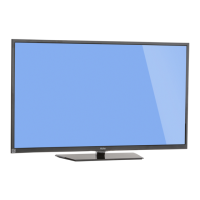
Model No.: 40D3505
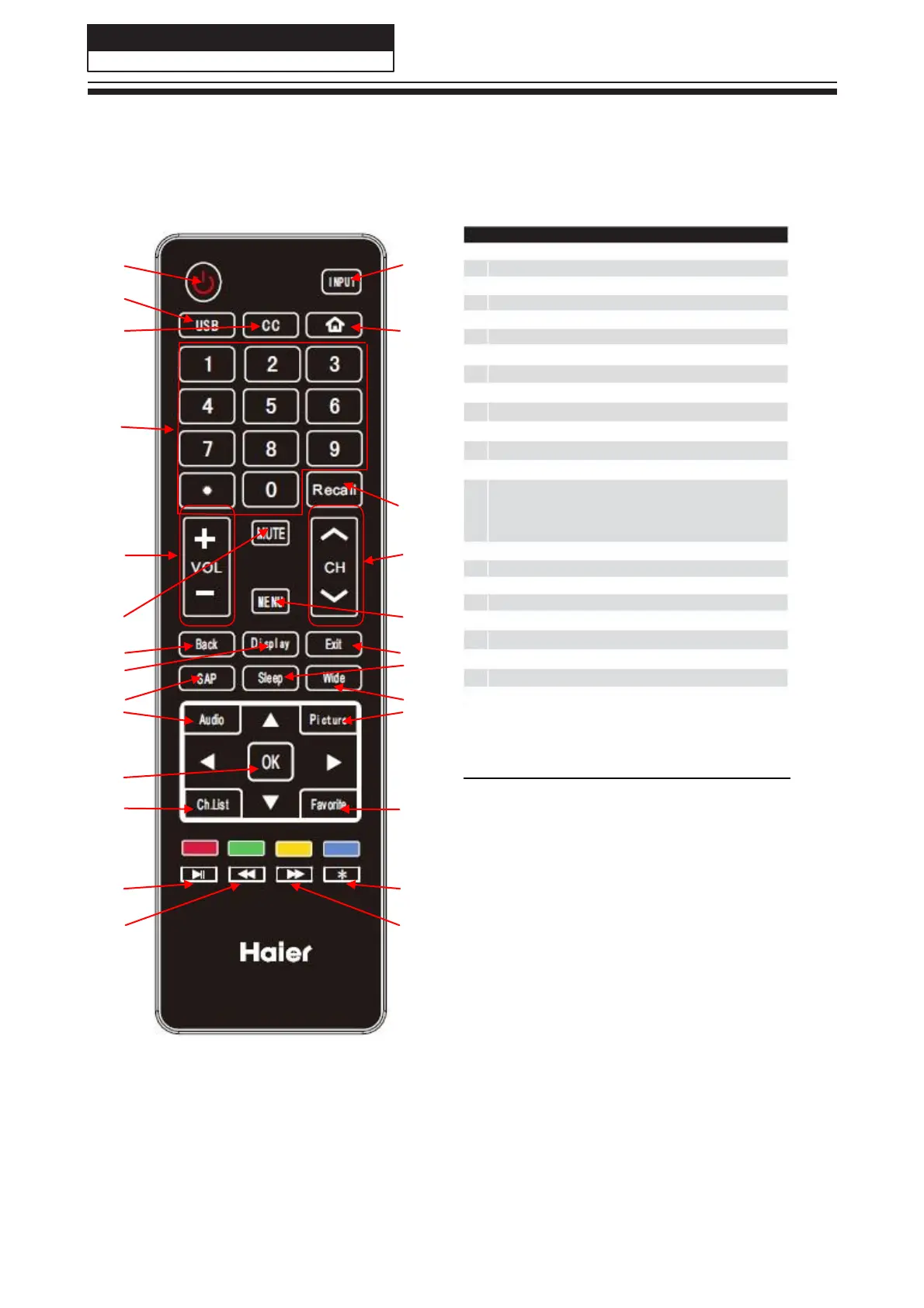
6-3. Setting Up Your Remote Control
When using the remote control, aim it towards the remote sensor on the TV.
1 2
3
4 5
21
6
7
8 9
10 11
12 13
14 16
15 17
18 19
20
21 22
23 24
25 26
22
1
2
3
4
5
6
7
8
9
10
11
12
13
14
15
16
17
18
19
20
21
22
23
24
25
26
POWER.
INPUT.
USB
Shortcut button.
CC.
HOME;
Program Number Channel selection.
RECALL button.
VOL+/VOL-: Volume selection
.
CH∧/CH∨: Channel selection.
Mute.
Menu button.
Back button.
Exit button.
DISPLAY button.
SAP button.
Sleep button.
Wide button.
Audio button.
Picture Mode.
OK button.
Channel List.
Favorite program.
Play / Pause button (only for USB).
EPG button.
Fast Reverse (only for USB).
Fast Forward (only for USB).



 To Next Page