EasyManua.ls Logo

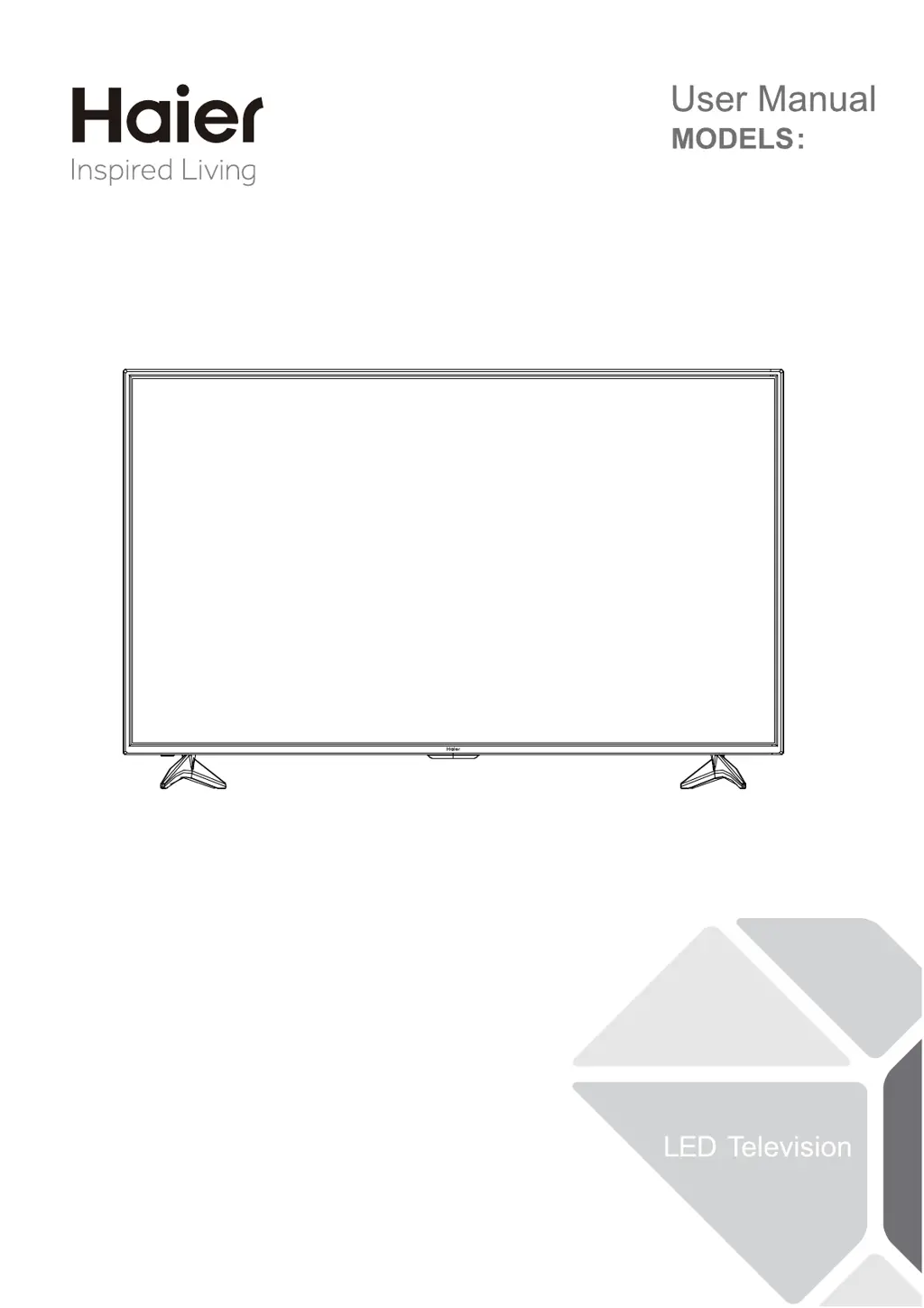
Haier 55UFC2500 - User Manual

Haier 55UFC2500
24 pages
Print Icon
To Next Page IconTo Next Page
Loading...
55UFC2500

Questions and Answers

  • R
    Robin GallegosAug 14, 2025
    What to do if my Haier LED TV has no power?
    • J
      Jenny TaylorAug 14, 2025
      If your Haier LED TV has no power, first, ensure the AC power cord is securely plugged into the outlet. If it is, unplug the TV, wait 60 seconds, then plug it back in and try turning the TV on again.
  • N
    Nicole WalterAug 17, 2025
    What to do if my Haier 55UFC2500 LED TV has no picture?
    • R
      Robert MartinezAug 17, 2025
      If your Haier LED TV shows no picture, first check the antenna connections at the rear of the TV to ensure they are properly connected. If the connections are good, it might be a broadcast station issue, so try another channel. Also, adjust the contrast and brightness settings and check the Closed Captions control, as some TEXT modes could block the screen.
  • A
    Amber CarterAug 20, 2025
    How to fix a Haier LED TV with good picture but no sound?
    • T
      troy31Aug 20, 2025
      If your Haier LED TV has a good picture but no sound, increase the volume level by pressing the VOL+ button on the remote control or on the TV's side control panel. Also, check to see if the MUTE function is activated.
  • R
    Robert NguyenAug 25, 2025
    What to do if Haier LED TV has good sound but poor color?
    • C
      Caitlin ScottAug 25, 2025
      If your Haier LED TV has good sound but poor color, try adjusting the contrast, color, and brightness settings to improve the picture quality.
  • J
    Jill SimpsonAug 27, 2025
    Why is my Haier LED TV not responding to the remote control?
    • D
      Daniel YoungAug 27, 2025
      If your Haier LED TV isn't responding to the remote control, start by checking the batteries and replacing them if needed. Then, clean the remote control sensor lens on the TV. As an alternative, you can use the buttons located on the side of your TV.
  • T
    Tracy ColeAug 31, 2025
    How to resolve snowy picture and noise on Haier LED TV?
    • A
      Angela KellyAug 31, 2025
      If your Haier LED TV is showing a snowy picture and noise, check the antenna connection to ensure it's properly connected.
  • C
    Crystal DavisSep 3, 2025
    How to fix a ghost or double image on Haier 55UFC2500?
    • T
      Tim MercadoSep 3, 2025
      A “ghost” or double image on your Haier LED TV might be due to obstructions like high-rise buildings or hills interfering with the antenna signal. Using a highly directional antenna may improve the picture.
  • A
    April SimsSep 6, 2025
    Why is there a horizontal dotted line on my Haier LED TV screen?
    • D
      David ColeSep 6, 2025
      A horizontal dotted line on your Haier LED TV may be caused by electrical interference from devices like hair dryers nearby.
  • J
    Jason BatesSep 9, 2025
    Why are there pixels (dots) that are always dark or always lit on my Haier LED TV?
    • M
      Margaret KellerSep 9, 2025
      These types of occurrences are inherent to this type of product and do not constitute a defective product.

Summary

For Your Safety

Safety Symbols Explained

Explains symbols for dangerous voltage and important instructions related to product safety.

Battery Safety Precautions

Warns about battery handling, replacement, and exposure to excessive heat.

FCC Compliance Statement

Details FCC Class B compliance and measures to prevent radio frequency interference.

Precautions and Reminders

Safe Placement and Ventilation

Advises on placing the unit on even surfaces and not blocking ventilation openings.

Handling Malfunctions and Damage

Guides on immediate actions for TV issues, foreign materials, or physical damage.

Remote Control Care

Advises on protecting the remote control from dropping, liquids, and aerosol cleaners.

Important Safety Instructions

Preparation

Attaching the Stand

Instructions for assembling the TV stand using the provided screws.

Preparing for Wall Mounting

Guidance on TV placement and bracket selection for wall mounting.

Turning On the TV

Steps for connecting cables, inserting batteries, and powering on the TV.

Peripheral Connection and Controls

Peripheral Connection Ports

Identifies rear connection ports and their functions for external devices.

Front Control Panel

Lists and describes the function of buttons on the TV's front control panel.

Making Connections

Antenna;Cable Wall Jack Connection

Guides on connecting the TV to an antenna or cable via the RF input.

External Audio;Video Device Connection

Explains connecting external devices using HDMI, component, or composite cables.

Optical Out Connection

Details connecting audio output to external systems via the optical port.

Operating Instructions

Using the Remote Control

Explains the function of each button on the TV remote control.

Initial Setup

Input Source Selection

How to select and switch between different input sources for the TV.

On-Screen Menu Navigation

Guide on using the TV's on-screen menu and its sub-menus.

Picture Settings

Audio Settings

Channel Settings

Channel Setup Options

Explains signal type, auto scan, favorites, and channel labeling.

TV Setup Menu

Menu and Time Settings

Covers language, aspect ratio, sound modes, time, and sleep timer.

Advanced Picture and Audio Settings

Noise Reduction and Closed Captioning

Explains settings for picture noise reduction and closed captioning.

Lock Settings

Password and System Lock

Details setting up passwords, changing them, and system lock features.

Parental Control and Ratings

US and MPAA Rating Systems

Explains US age-based, content-based, and MPAA movie rating controls.

Canadian Rating Systems

Details Canadian English and French rating systems for content control.

RRT Settings

Covers adjusting and resetting RRT settings.

Media Playback

USB Media Player

Explains how to connect and use USB devices for media playback.

Photo Playback

Guides on viewing photos, slideshows, and navigating images.

Music Playback

Details playing music files, controlling playback, and repeat modes.

Tips for Use

Screen Care Instructions

Advises on cleaning and protecting the TV screen from scratches and damage.

Mobile Telephone Warning

Warns about potential TV interference from mobile telephones.

End of Life Directives

Information on environmentally friendly disposal and recycling of the TV.

Legal Notices

FCC and Cable Regulations

Details FCC rules on modifications, cable requirements, and Canadian compliance.

HDMI Trademark Information

Information regarding HDMI trademarks and their registration.

Product Specification

Troubleshooting

Warranty Information

General Warnings

Haier 55UFC2500 Specifications

General IconGeneral
Screen Size55 inches
Display TechnologyLED
Smart TVYes
HDMI Ports3
USB Ports2
Wi-FiYes
BluetoothYes
Sound Output20W
Resolution3840 x 2160 (4K UHD)
Operating SystemAndroid

Related product manuals