Menu Operations
Picture Menu Options
1. Press MENU button to display the main menu, and VOL+/VOL-to select the
main menu .
2. Press CH+/CH- to scroll through the parameters
3. Press VOL+/VOL- buttons to make changes to the parameters
4. Press the EXIT button to exit the menu
* In this manual, the OSD (On Screen Display) may be differ from your TV
These are examples to illustrate the TV's operation.
Press TV/AV to select the input source. The menu for each source is
different .
Picture quality can be adjusted for any input separately .
The picture quality on the screen can be adjusted as follows:
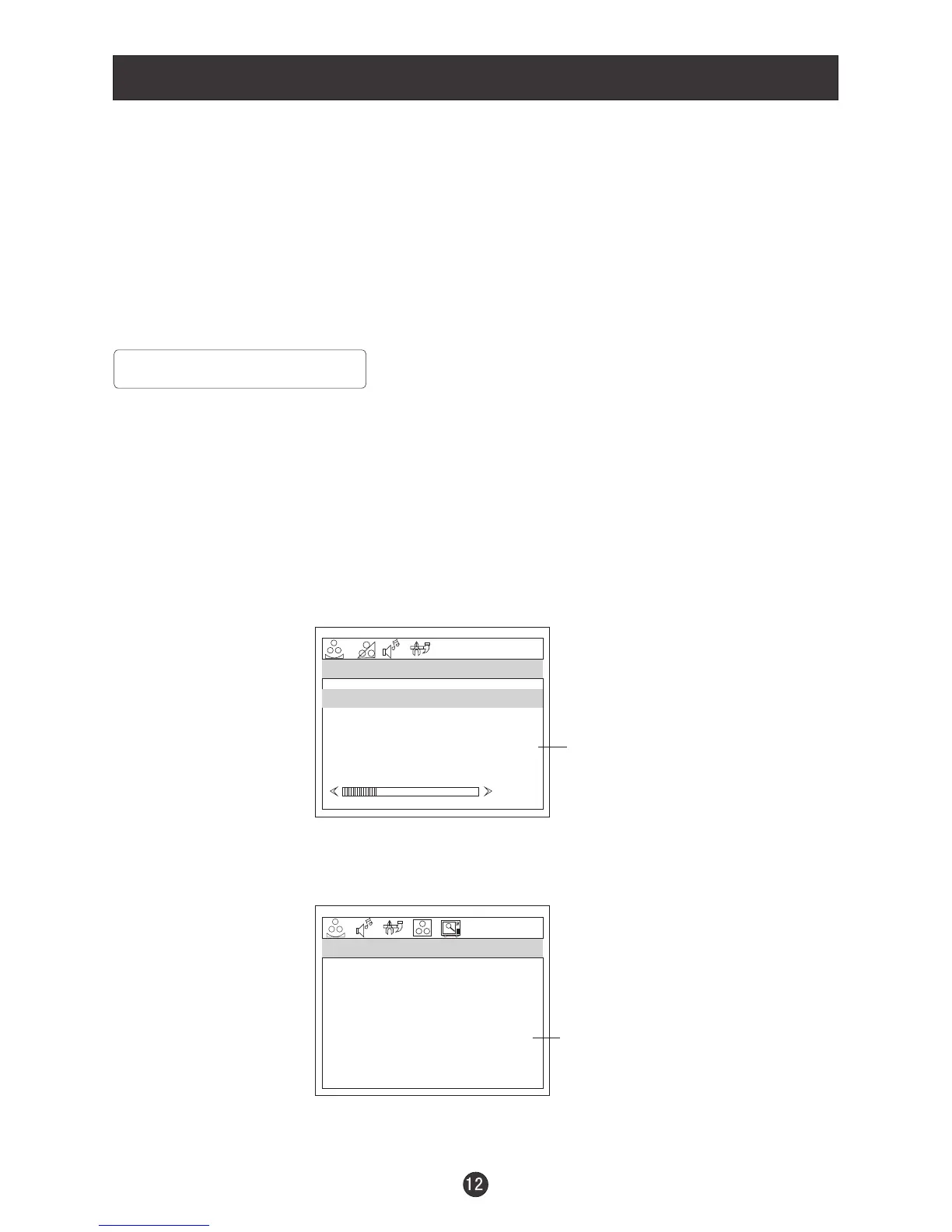
1. Press MENU button and VOL+/VOL- until the following menu appears
on the screen.
PC/COMPONENT MENU
TV/AV/SV MENU
PICTURE
BRIGHTNESS
CONTRAST
SHARPNESS
COLOR
HUE
PICTURE
BRIGHTNESS
CONTRAST
SHARPNESS
COLOR TEMP
30
Note: Symbols on top of the menu in this manual may differ from the actual set display
30
30
2
COOL
50
50
2
50
50
Only available in NTSC system
Not available in component


 To Next Page