Menu Operations
Tuning Menu Options
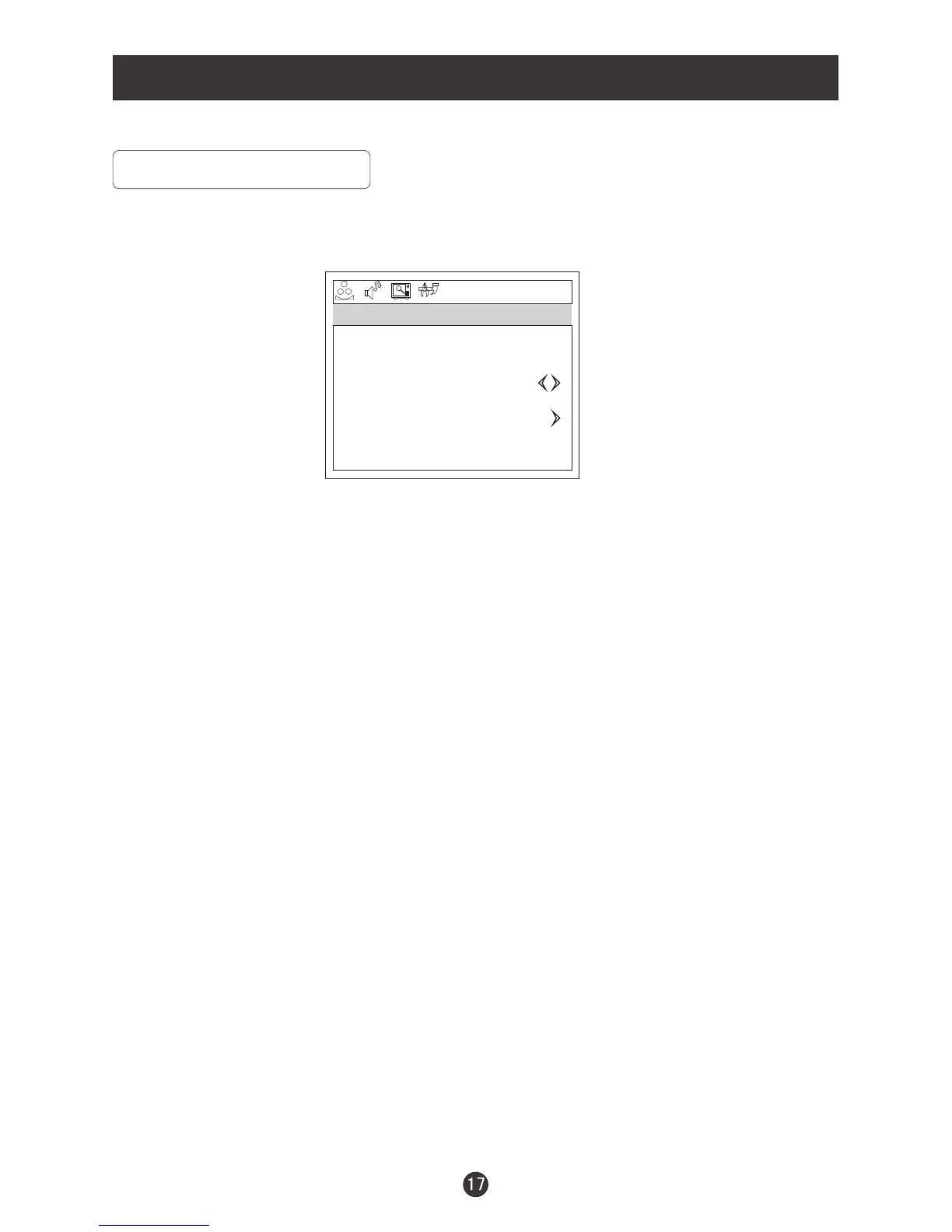
1. Press MENU and VOL+/VOL- button until the following menu appears on the
screen
Note: This menu appears only in TV mode .
2. Press CH+/CH- button to enter the tuning menu and to go up and down to
select the desired option .
3.Press VOL+/VOL- button to increase and decrease the level to adjust the
selected option to your preference .
4.Repeat step 2 and step 3 until desired settings have been achieved .
Functions:
1. CHANNEL : Press VOL+/VOL-to go up and down to set the channel position.
The display will show the current playing channel.
Channel Coverage by Antenna:
Antenna Type Channel Range
VHF 2-13
UHF 14-69
CATV 1-125
2.
3. AFC :
SKIP : If you want skip a channel , press VOL+/VOL- to select ON , and this
channel will be skipped next time when you press CH+/CH- . You can press
the digit buttons to select the channel . If you want to restore the channel , select
OFF.
Auto frequency control. Select ON to improve image quality .
CHANNEL 1
SKIP OFF
AFC ON
FINE TUNE
ANTENNA CATV
AUTO PROGRAM
TUNING


 To Next Page