OTHER FUNCTIONS
2.FUNCTION 2
(1)Press [MENU] button to select FUNCTION1 menu.
(2)Press [-CH+] buttons, and select an item.
(3)Press [-VOL+] buttons to set function of the item .
(1)Press [MENU] button to select FUNCTION2 menu.
(2)Press [-CH+] buttons, and select an item.
(3)Press [-VOL+] buttons to set function of the item .
Note:
(1)If you select COUNT item , you can get
the total time of receiving TV program
(except standby time).
(2)Soft-exchanging channel No. function:
Select S.C.C ON, so when you exchange channel No.,
The picture will fade in/out.
LANG. ENGLISH
I
CURTAIN
LOW VOL 20
NORMAL VOL 40
HIGH VOL 60
VOL STORE OFF
SELECT ADJUST
FUNCTION1
SELECT ADJUST
SUBMARINE
POS.EX
S.C.C OFF
COUNT 13:21
FUNCTION2
10
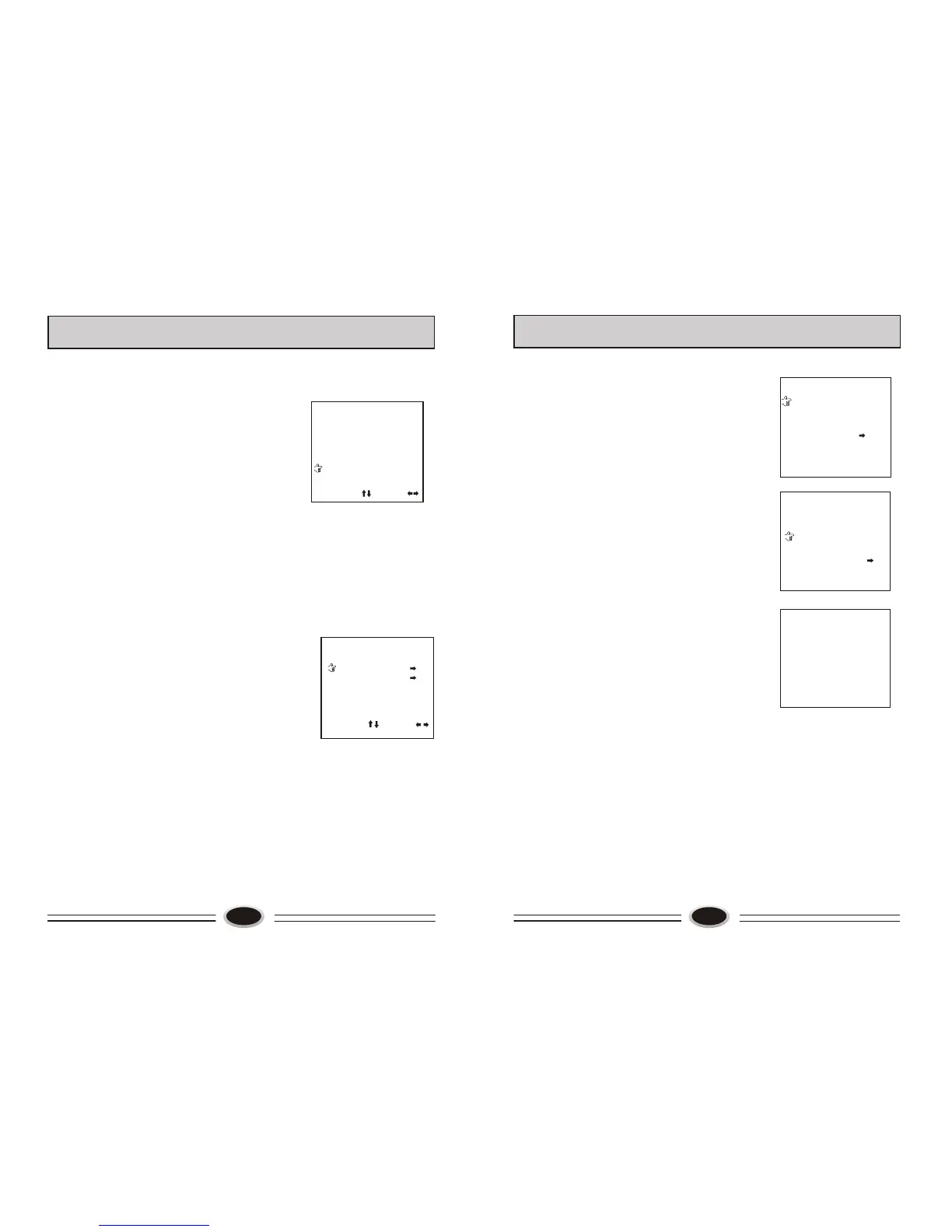
3.POS.EX item:
Press [VOL+] button to enter its sub-menu(digits
in POS.EX and EX.POS2 items are present
channel No.).
Press [-CH+] buttons to select EX.POS2 item.
Press [CH+] button to put into channel No.(for
example:9).
Press [-CH+] buttons to select EXCHANGE item,
press [VOL+] button to approve. The program in
channel No. 1 will change with the program in
channel No.9.
OTHER FUNCTIONS
POS.EX.
EX.POS1 23
EX.POS2 23
EXCHANGE ?
RETURN
POS.EX.
EX.POS1 1
EX.POS2 9
EXCHANGE ?
RETURN
9
11
1.FUNCTI ON 1
The function can select OSD language, curtain mode,volume mode and volume
memory mode.
Note:
(1)When you select VOL STORE ON, the TV set can hold the same volume with
changing channel No. .(The channel No. must be 1 between 50.)
(2)When you select CURTAIN item, you can select three curtain modes: I, II and
III.
(3)The TV set can select English or Russian OSD.



 To Next Page