Display lock is not memorized, after power back on, display is unlocked.
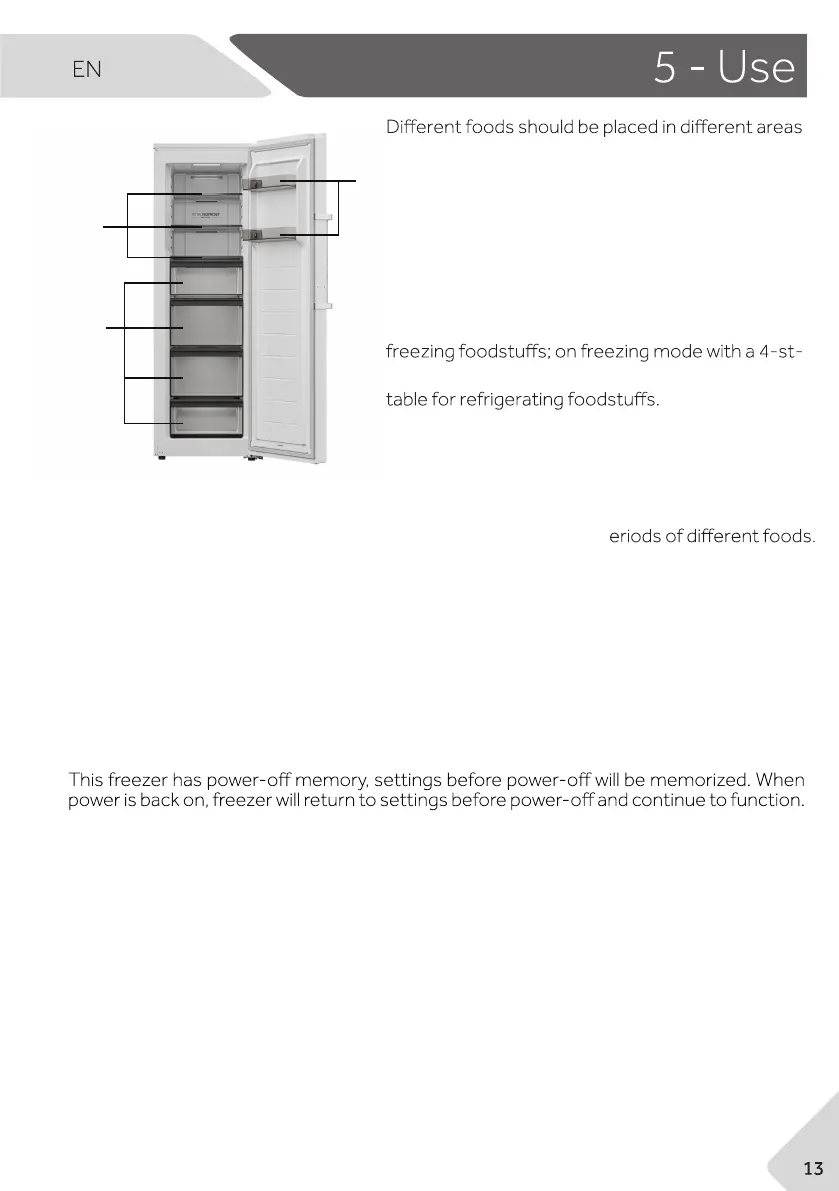
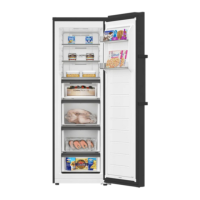
according to their properties (Fig. 5).
1 Pickled foods, canned food, fruit, vegetables,
salad, etc.
3 Eggs, canned food, spices, drinks and bottled
foods, etc.
On refrigerating mode without a 4-star compart-
ment: this refrigerating appliance is not suitable for
ar compartment this freezing appliance is not sui-
Food can be stored in the freezer at a temperature
of at least -18°C for 2 to 12 months, depending on
its properties (e.g., meat: 3-12 months, vegetables: 6-12 months).
In order to avoid expiration of storage periods, please note the freezing date, time limit a-
nd name of the food on the packaging according to the storage p
5.11 Door open alarm
When freezer is kept open for more than 1 minute, alarm tone is sounded. The alarm to-
ne will be sounded every 30 seconds if door is kept open. The alarm will stop until door is
closed or after 7 minutes from door opening. The alarm tone stops and freezer light goes
off.
5.12 High temperature alarm
5.9 Auto Set mode (F)
Fig. 5
3
1
5.10 Power-off memory
The freezer is equipped with high temperature alarm. In Freeze mode , if “HH” is flashing
displayed on indicator (a) with alarm tone sounded, touch any button, the alarm tone st-
ops, that means temperature in the freezer is too high. Please check if freezer door is t-
ightly closed or if large amount of warm food is put inside the freezer. After a period, “HH”
will disappear. If not, and the alarm tone come back, please contact aftersales service.
In Auto Set mode, the temperature will be set to -18°C in Freeze mode or 4°C in Refrige-
rate mode automatically.
When display is unlocked, touching "Auto Set" (F), indicator "Auto Set"(f) is high light and
freezer works in Auto Set mode. To deactivate manually Auto Set mode, repeat steps
above and indicator "Auto Set" (f) is low light, the temperature will return to -18°C in Fre-
eze mode or 4°C in Refrigerate mode.
2
2 Meat products, snack foods, etc.


 To Next Page