TO USE THE MENU
1. Press the Menu key to display the main menu.
2.
3. Press “ ”(right) or “OK” key to enter the sub-menu, to start or adjust the
selected function item.
4. Press Menu button to return to previous menu or to exit.
5.
Picture: Adjust picture parameter setting.
Audio: Adjust audio parameter setting.
Features: Set different functions, timer,TV-lock , etc.
Installation: Setting OSD language, channel search, TV reset to factory
setting, etc.
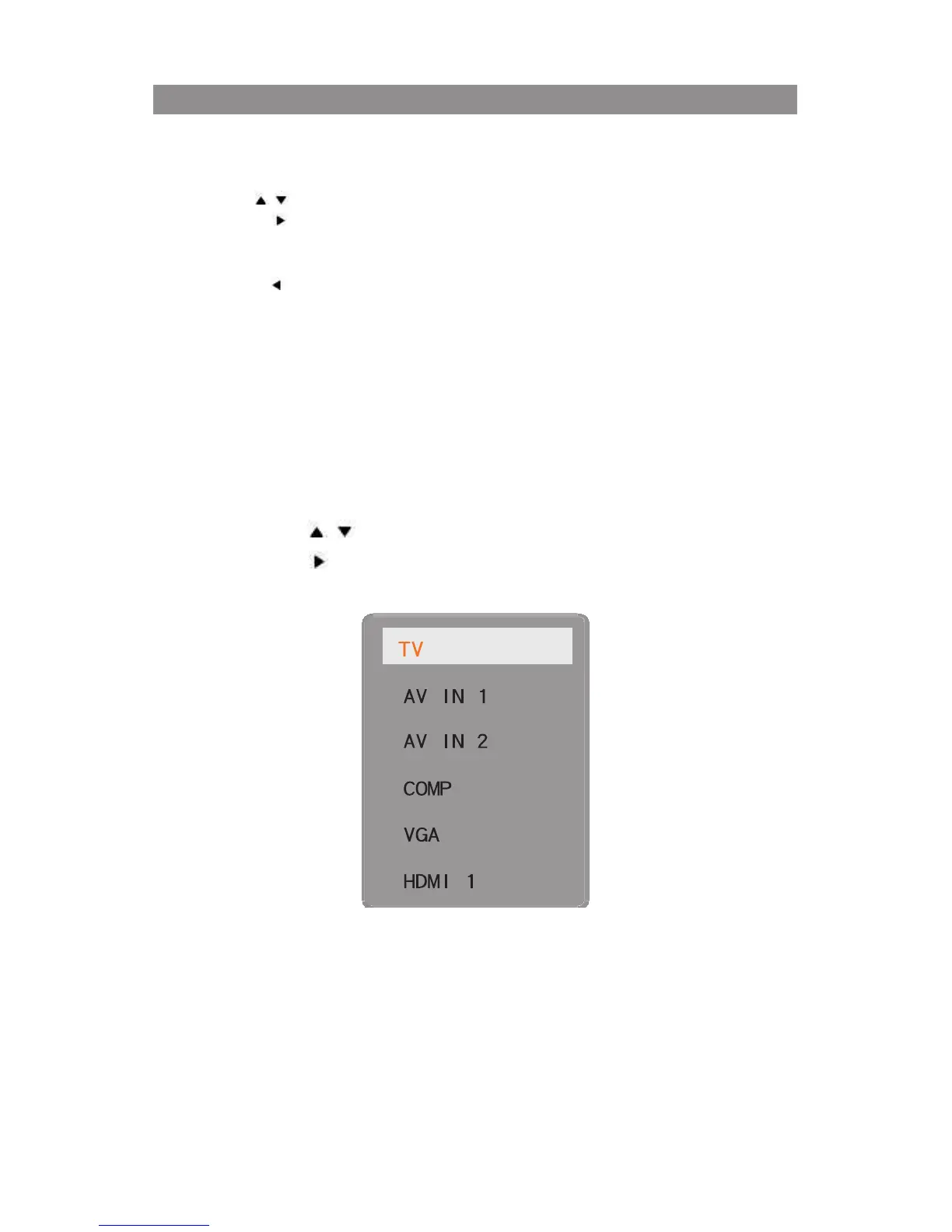
Use “ / ” key to select the function item that needs to be adjusted.
Press “ ”(left) key to return to previous menu.


 To Next Page