14
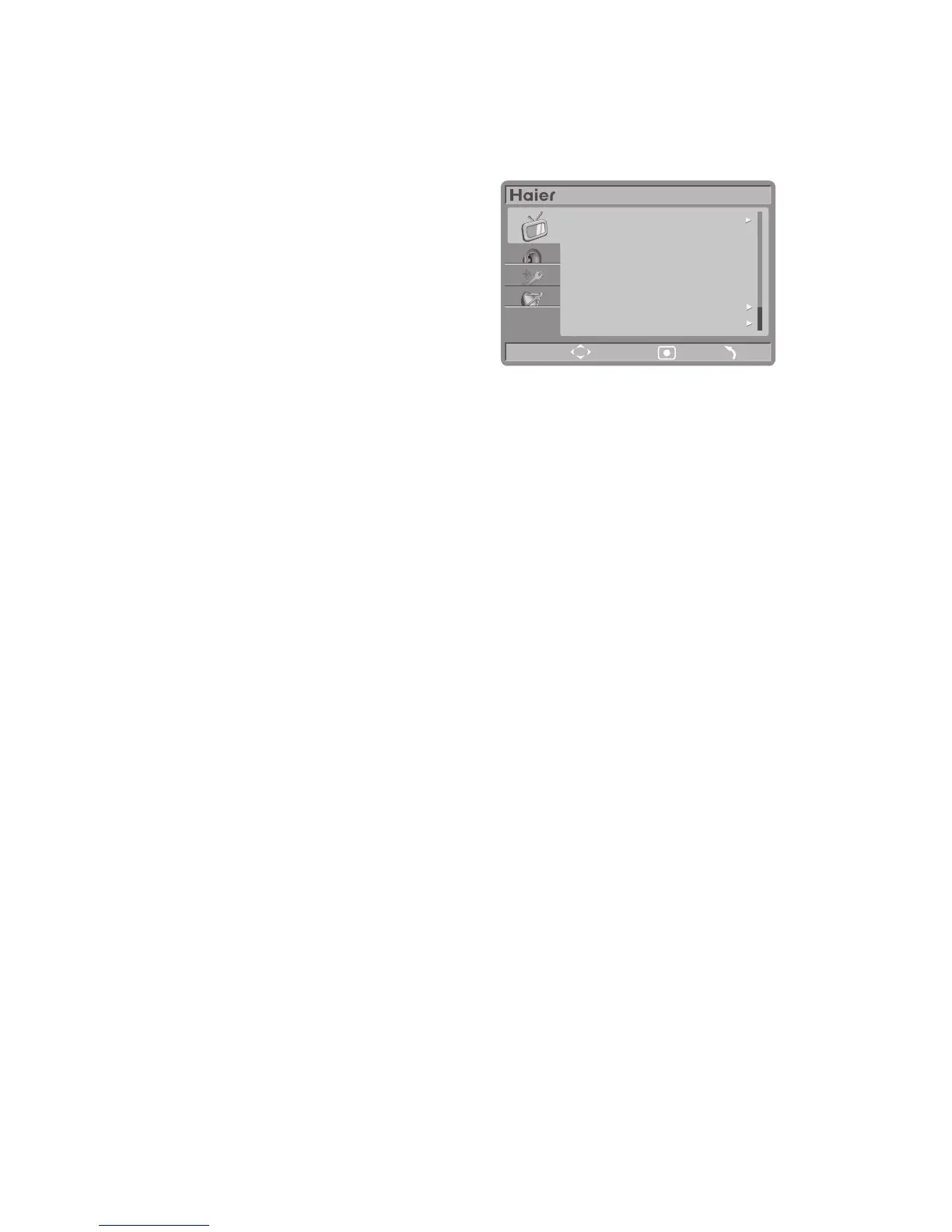
PICTURE MENU
1. Auto Picture: Select smart picture modes, if you select modes except personal mode,
the preset value will apply to those items: Contrast, brightness, colour, tint, sharpness,
noise reduction, Color Temp, dynamic contrast, dynamic backlight, color enhancement, etc.
2. Contrast: Adjust black and white level for
picture, for suitable contrast makes
picture clear and bright.
3. Brightness: Video brightness adjustment,
usually used together with contrast.
4. Colour: Video color saturation adjustment.
5. Tint: Video tint adjustment.
6. Sharpness: Video sharpness adjustment.
7. Noise reduction: Video noise signal reduction.
8. Color Temp: Provide different color temperature modes.
9. (Advanced Pic): Adjust picture appearance to the best contrast, color and sharpness
through digital method.
■ Dynamic contrast: Auto-enhance video contrast.
■ Dynamic backlight: Adjust backlight to get the best visual effect according to
brightness.
■ Colour enhancement: Make color much brighter and clearer in detail.
10. Picture format: Switch the picture proportion.
Notes: 1. Some picture settings would not be available or some items would show
differently due to different signal.
2. When the source is HDMI, there would be a item named “PC MODE” in
Picture page, and the HDMI picture mode could be selected throught the item.


 To Next Page