16
INITIAL SETUP
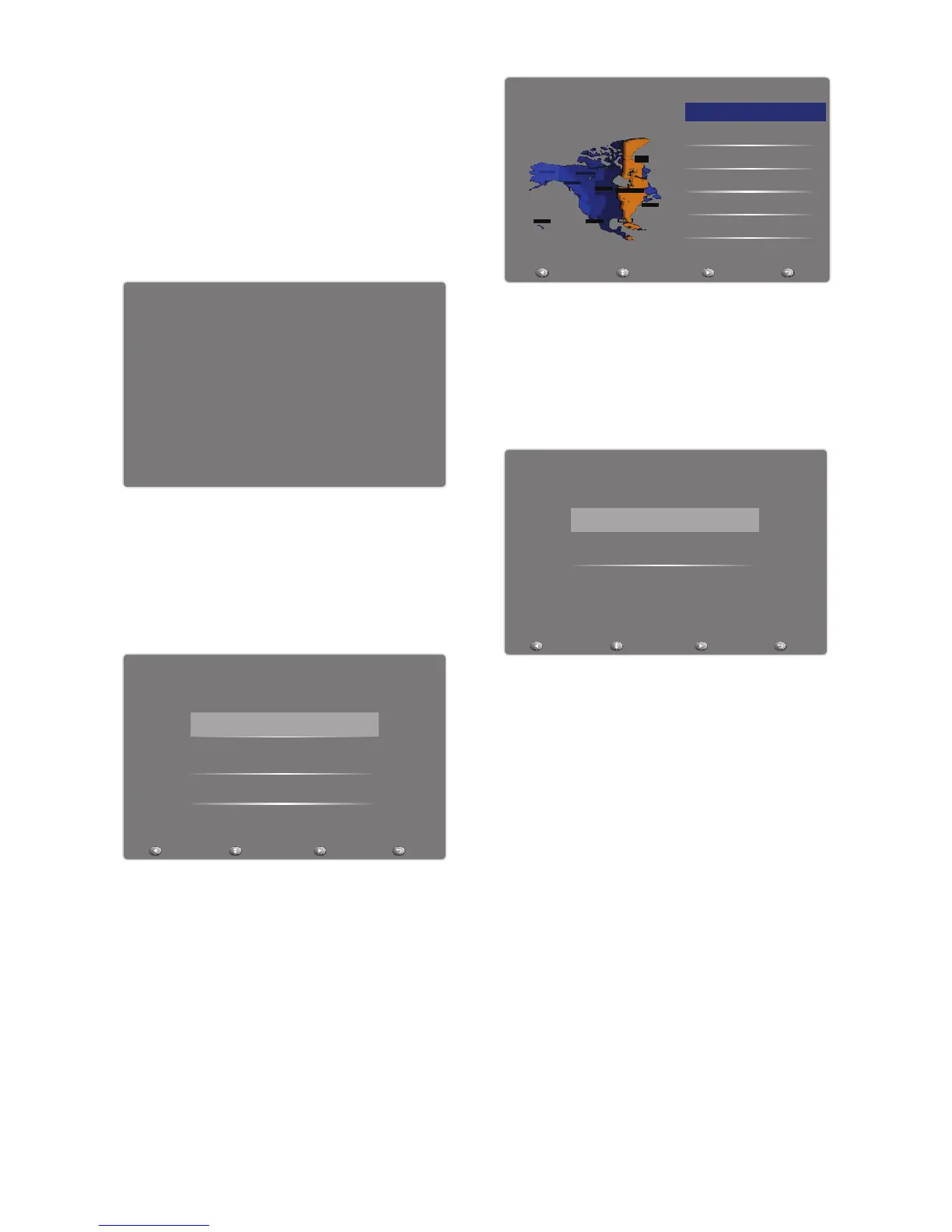
Welcome
Welcome to use the wizard for initial
Setup!!
Please press [ENTER] to start the
wizard.
Welcome to use the Wizard for Initial Setup!!
Please press [ENTER] to start the wizard.
Initial Setup Welcome
Language
Please select your language, press [CH-]/
[CH+] to select,
press [ENTER] to confirm:
Please select your language:
Initial Setup Language
Español
Français
Back Select Next Exit
English
Time Zone
Please select your time zone, press
[CH-]/[CH+] to select,
press [ENTER] to confirm:
INDIANA
ALASKA
HAWAII
ARIZONA
Atlantic
NEW
foundland
EASTERN
CENTRAL
MOUNTAIN
PACIFIC
Initial Setup
Please select your time zone:
Central Time
Mountain Time
Pacific Time
Alaska
Hawaii
Time Zone
Eastern Time
Back Select Next Exit
Tuner Type
Please select your tuner type, press
[CH-]/[CH+]to select,
press [ENTER] to confirm:
Back Select Next Exit
Please select your tuner mode:
Initial Setup Tuner
Cable
Antenna
1. Antenna: Set the signal type to
antenna. When set to Air, the TV can
receive analog and digital (ATSC)
broadcasting signals.
2. Cable: Set the signal type to
cable. When set to Cable, the
TV can receive analog and QAM
broadcasting signals.
Scan
Please select scan or skip scan, press
[CH-]/[CH+] to select,
press [ENTER] to confirm:



 To Next Page