18
screen.
5. Press [EXIT] to immediately exit
the menu.
Press once to display the on-
screen menu, and press again
to return to normal view. If no
buttons are pressed, the menu
closes automatically after
about 60 seconds.
To exit the menus:Press [EXIT] (or
[MENU])
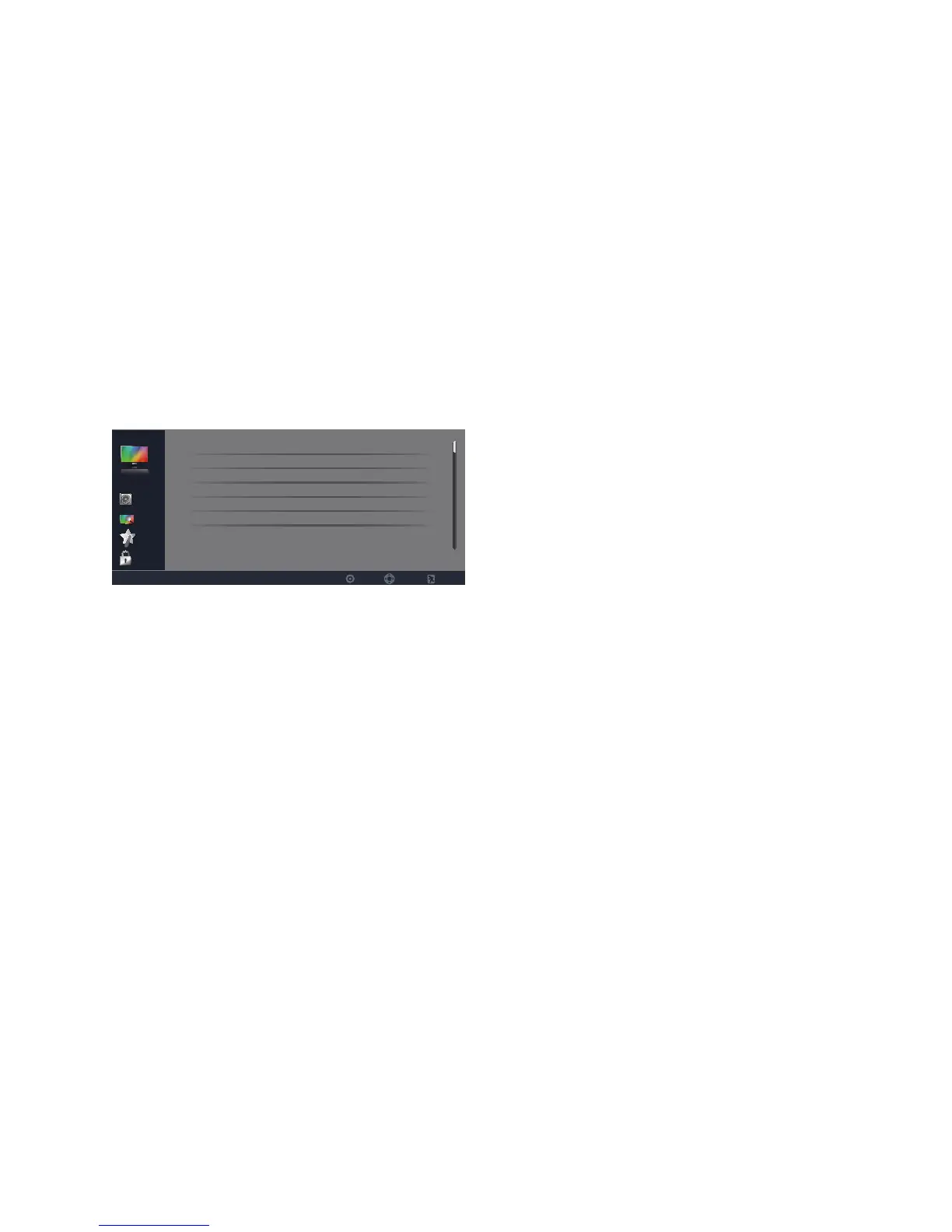
VIDEO
Parental
Setup
TV
Audio
SelectEnter Exit
Video
Picture Mode Energy Saving
Brightness
Contrast
Saturation
Tint
Sharpness
50
50
50
0
10
1. Picture Mode: Use the [CH-] or
[CH+] buttons to highlight one of
the following options, then press
[ENTER] to enter the sub-menu
and press [VOL-] or [VOL+] to
adjust.
[Energy Saving] – Picture settings
that conserve the most energy.
[Mild] – Adjusts the brightness
and contrast level, and lowers the
sharpness for a soft picture viewing
mode.
[Standard] – Select for standard
picture settings. Recommended for
home entertainment.
[Bright Room] – Select for
enhanced picture brightness.
[User] – Allows you to store your
preferred settings.
Note: Changing the settings
below will automatically
change the Picture Mode to
User.
2. Brightness: Adjust to brighten or
darken the picture. Press
[VOL-]
to
darken the picture. Press [VOL+]
to brighten the picture.
3. Contrast: Adjust the white level
of the picture. Press [VOL-] to
decrease the contrast.Press [VOL+]
to increase the contrast.
4. Saturation: Adjust the color
saturation of the picture. Press
[VOL-] to increase the color
saturation. Press [VOL+] to
increase the color saturation.
5. Tint: Adjust the tint of the picture.
Press [VOL-] to increase the red
tones.Press [VOL+] to increase the
green tones.
6. Sharpness: Adjust to sharpen or
soften the picture. Press [VOL-] to
soften the picture.Press [VOL+] to
sharpen the picture.
7. Color Temperature: Use the
[CH-] or [CH+] buttons to
highlight one of the following
options, then press [ENTER] to
enter the sub-menu and press
[VOL-] or [VOL+] to adjust.
[Cool] – Select to give the white
color a bluish tint.
[Standard] – Select to give the
white color a neutral tint.
[Warm] – Select to give the white
color a reddish tint.



 To Next Page