22
Channel
Power Off Timer/Timer
3. Sleep Timer: Set the sleep time.
Press [VOL-] or [VOL+] to select
the sleep time.
4. Auto Sleep:Set the Auto Sleep
time .Press [VOL-] or [VOL+] to
select OFF/1Hour/2Hours/5Hours.
Time
Select
Auto Synchronization On
Date
Time
Daylight Saving Time
Power On Timer
Timer
Off
Off
Off
Power On Channel
Power Off Timer
Timer
2000/01/01
11:12:01
00:00:00
00:00:00
Back
MENU
Parental
Video
Audio
TV
Setup
Caption
Select Back
Analog Closed Caption
Caption Display
Digital Closed Caption
Digital Caption Style
CC1
Service 1
On OnMute
MENU
Parental
Video
Audio
TV
Setup
Off
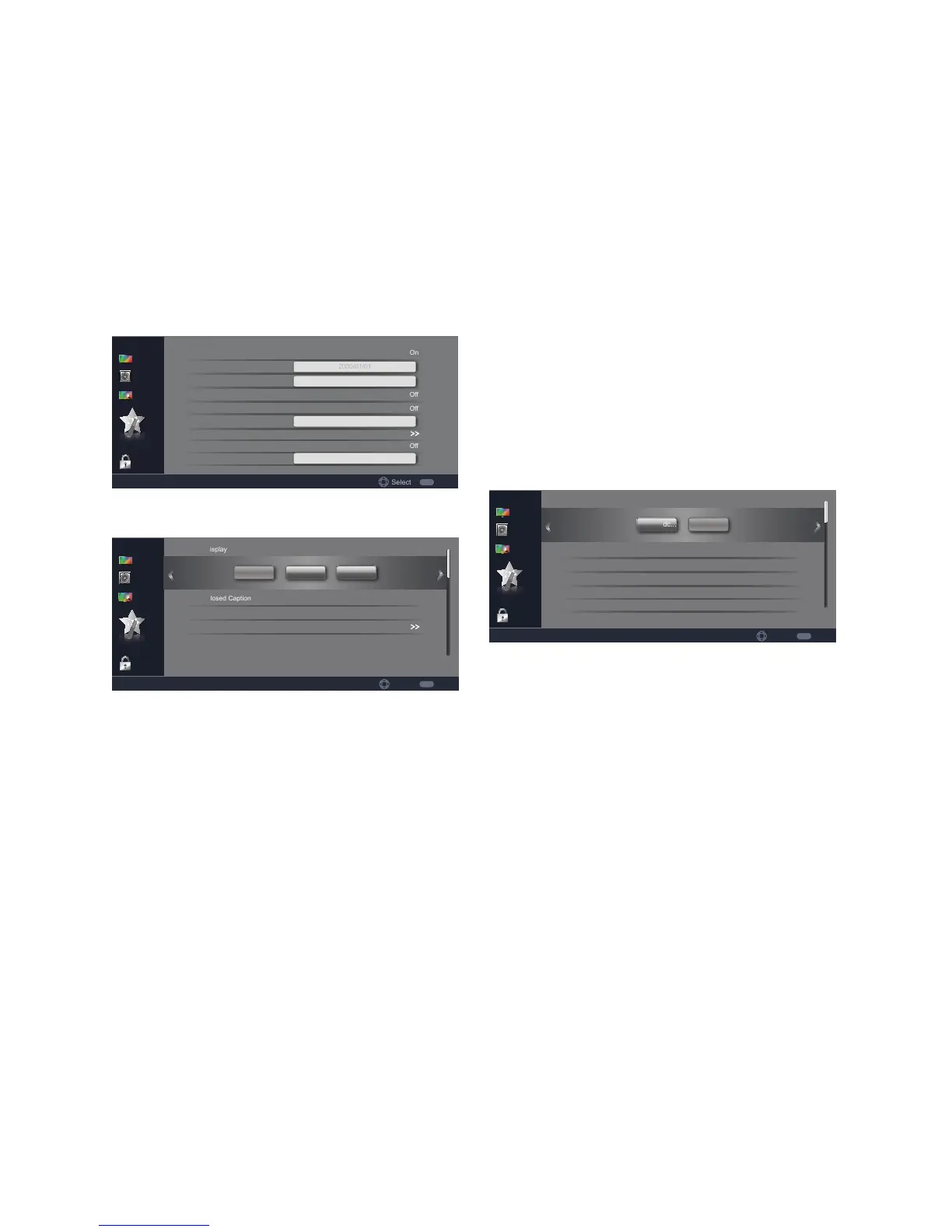
1. Caption Display: Use the [CH-]
or [CH+] buttons to highlight one
of the following options, then press
[ENTER] to enter the sub-menu
and press[VOL-] or [VOL+] to
adjust.
[Off ] – Set the caption display off
to hide the closed captions (CC).
[On] – Set the caption display on
to display the CC.
[OnMute ] – When muted, the
CC will be displayed. If audio line
out is used, the line out will not be
controlled.
2. Analog Closed Caption: Select
the closed-captions mode for
analog programs.CC1/CC2/CC3/
CC4/TEXT1/TEXT2/TEXT3/
TEXT4.
3. Digital Closed Caption: Select
the closed-captions mode for digital
programs. Off/Service1/Service2/
Service3/Service4/Service5/
Service6.
4. Digital Caption Style: Applies
only to digital channels with
closed captions. Set Caption Style/
Font Size/Font Style/Font Color/
Font Opacity /Background color/
Background Opacity.
Digital Caption Style
Select Back
Font Size
Caption Style
Font Style
Font Color
Large
Style 1
White
Solid
Black
As Broadc...
MENU
Font Opacity
Background Color
Parental
Video
Audio
TV
Setup
Custom
1. Caption Style: Use the [CH-] or
[CH+] buttons to highlight one of
the following options, then press
[ENTER] to enter the sub-menu
and press[VOL-] or [VOL+] to
adjust.
Set the style of caption.
As Broadcast/Custom.
Note: Changing the settings
below will automatically
change the Caption Style to
Custom.
2. Font Size: Set the font size. Small/
Medium/Large.
3. Font Style: Set the font style.
Style1~style7.
4. Font Color: Set the font color.
Black/White/Green/Blue/Red/Cyan/



 To Next Page