26
Play
Repeat
Shuffle
Rotate
Show Info
Photo
None
Koala.jpg
Short
3/8
Menu Enter
MENU Enter
Photo
None
Koala.jpg
Short
3/8
Menu Enter
MENU Enter
Album:
Orientation:
Artist:
Name:
Date:
Size:
Next:
EXPOSURE TIME:
F NUMBER:
EXPOSURE PROGRAM:
COLOR SPACE:
Photo
Rotate 90°
Corbis
koala.jpg
2012-04-20 15:21:55
1024 x 768
Light house.jpg
Music
Music
8/10
Menu Enter
MENU Enter
20
00:00:57 00:04:47
Someone like you.mp3
Pause
Repeat
Shuffle
Show info
Hide Spectrum
Lyric Display Line
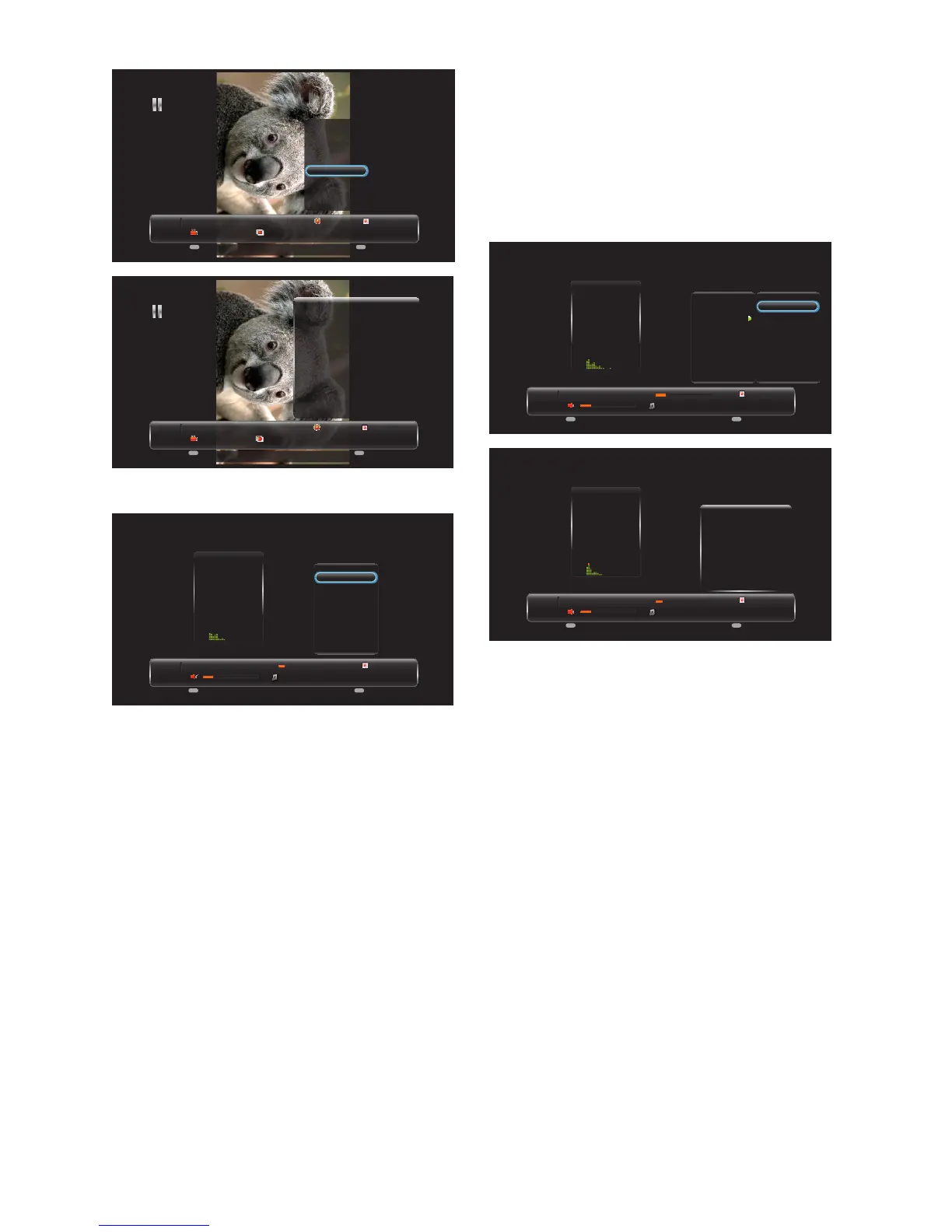
Press MENU to display the menu. Use
the [CH+] and [CH-] buttons to select
an option.
[Pause] – Press ENTER to pause
or play the music.
[Repeat ] – None/Repeat One/
Repeat All. Press ENTER to select
the repeat mode.
[Shuffle ] – Press ENTER to
enable shuffle mode.
[Show info] – Press ENTER to
display the information about the
current music.
[Hide Spectrum] – Press ENTER
to hide or show the spectrum.
[Lyric Display Line] – Press
Enter to adjst Lyric Display line
(OFF, Single line ,Multiple lines).
[Audio Only] – Press [ENTER]
to disable the screen ,and press any
key to resume.
Music
8/10
Menu Enter
MENU Enter
20
00:01:05 00:04:47
Someone like you.mp3
Pause
Repeat
Shuffle
Show info
Hide Spectrum
Lyric Display Line
None
Repeat One
Repeat All
Music
8/10
Menu Enter
MENU Enter
20
00:00:42 00:04:47
Someone like you.mp3
Titel:
Artist:
Album:
Genre:
Year:
Duration:
Next:
Someone Like You
Adete
21
N/A
N/A
00:04:47
take it all .mp3
Note: Please refer to page 15 for
details on how to use the remote
control in the USB Multimedia
mode.



 To Next Page