11
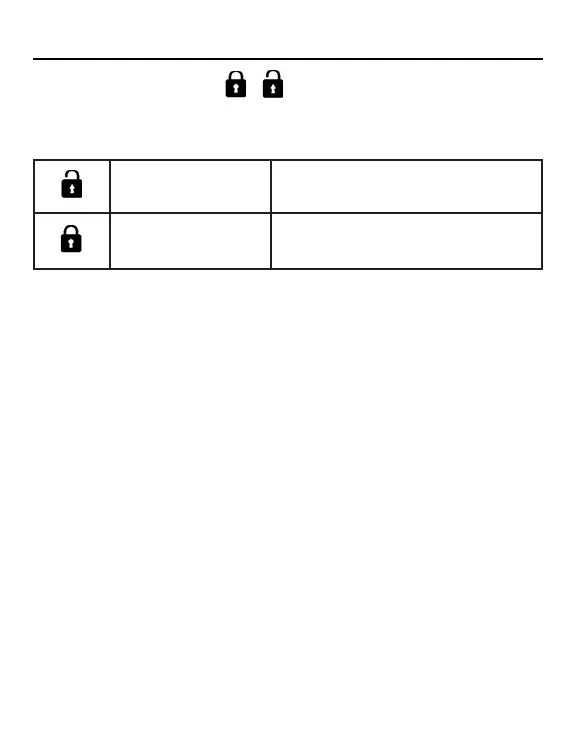
Central/Lock Function: /
Function is active only when system has a central control, such as
the YCZ-A004. This setting is activated only by the central Control.
Fahrenheit Setting and Display:
• Fahrenheit to Celsius: Adjust set temperature to lowest
öè÷÷ìñê& ÏúëèñÎÌØìöòģÙõèööäñçëòïçÝÎÖÙ¡éòõ!%
seconds. During the 15 second count the display will beep
once at 5 seconds and display error codes. Then after another
5 seconds, the display will beep once again and display 00,
after 5 more seconds the display will change to Celsius.
• Celsius to Fahrenheit: Adjust set temperature to highest
öè÷÷ìñê# ÌúëèñÎæòìöòģÙõèööäñçëòïçÝÎÖÙéòõ!%
seconds. During the 15 second count, the display will beep
once at 5 seconds and enter Special Functions menu. Then
after another 5 seconds, the display will show 00, after 5 more
seconds the display will change to Fahrenheit.
Lock Settings / Fahrenheit Setting
Central Control Øñ¦Øģéøñæ÷ìòñòñïüäùäìïäåïè
Central Lock No functions available.



 To Next Page