EasyManua.ls Logo

Haier TFT-LCD - Page 25

Haier TFT-LCD
49 pages
To Next Page IconTo Next Page
To Previous Page IconTo Previous Page
Loading...
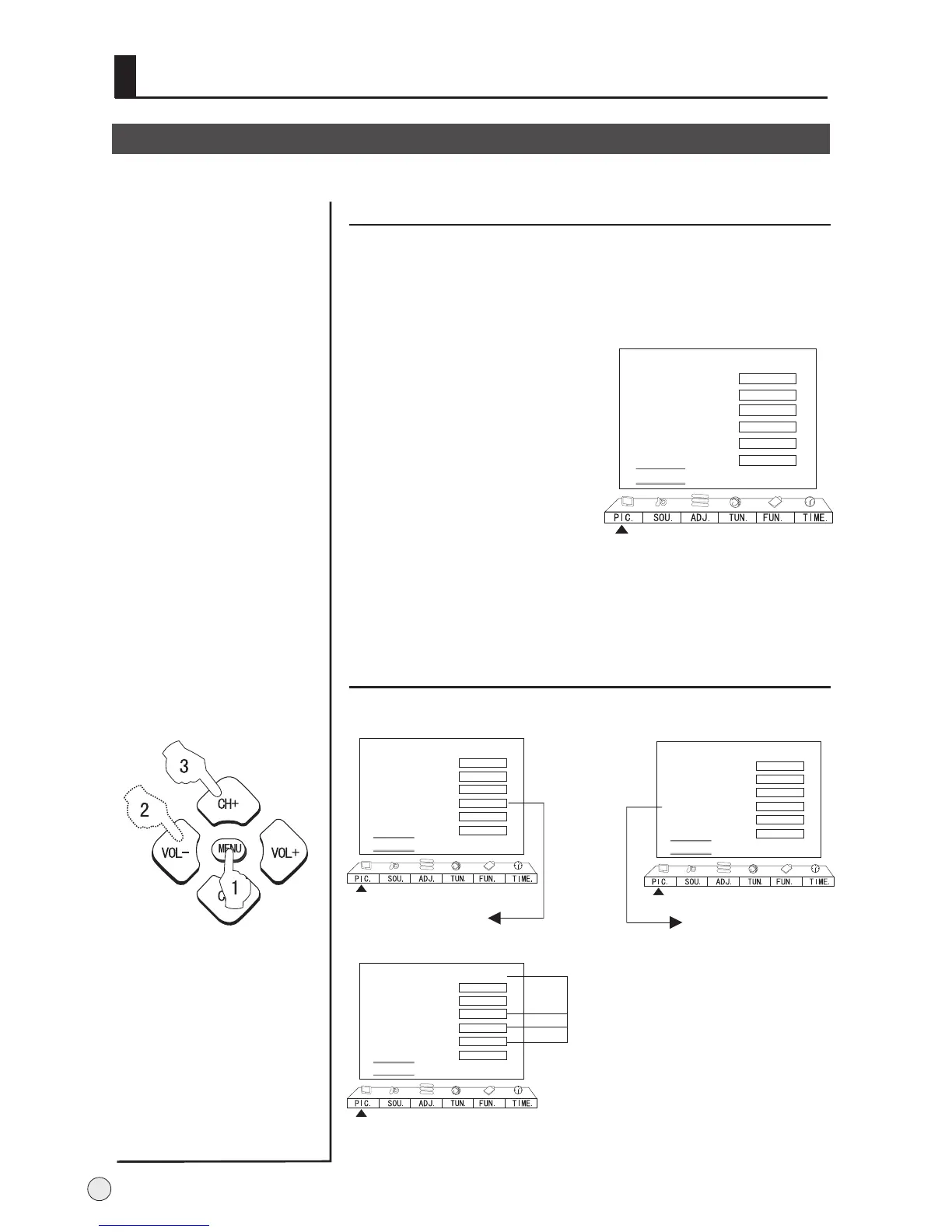
DNR( Digital Noise Reduction)
1 After calling up the
Picture menu, press
CH+/- button to select
item.
"DNR"
2
Press VOL+ to enter
the list. Select Off,
Auto, Weak
according
to the image noise.
, Medium
or Strong
3 Press MENU return
to the picture menu.
Automatically filters out and reduces the image
noise and improves picture quality when receiving
weak video signals.
Mode Personal
Contrast
Brightness
Chroma
Hue
Sharpness
BackLight
DNR Auto
B
C
A
50
50
50
0
50
50
Multiple picture modes
Picture Control Functions
Mode Personal
Contrast
Brightness
Chroma
Hue
Sharpness
BackLight
DNR Auto
B
C
A
50
50
50
0
50
50
In other modes
TV/AV1/AV2/USB
Only N system.
Mode Personal
Contrast
Brightness
Chroma
Hue
Sharpness
BackLight
DNR Auto
B
C
A
50
50
50
0
50
50
YPbPr/YCbCr
No adjustable
Mode Personal
Contrast
Brightness
Chroma
Hue
Sharpness
BackLight
DNR Auto
B
C
A
50
50
50
0
50
50
VGA/DVI
No adjustable
22

Related product manuals