Language English
Menu Timeout 15seconds
Menu Background Translucent
Blue Screen Off
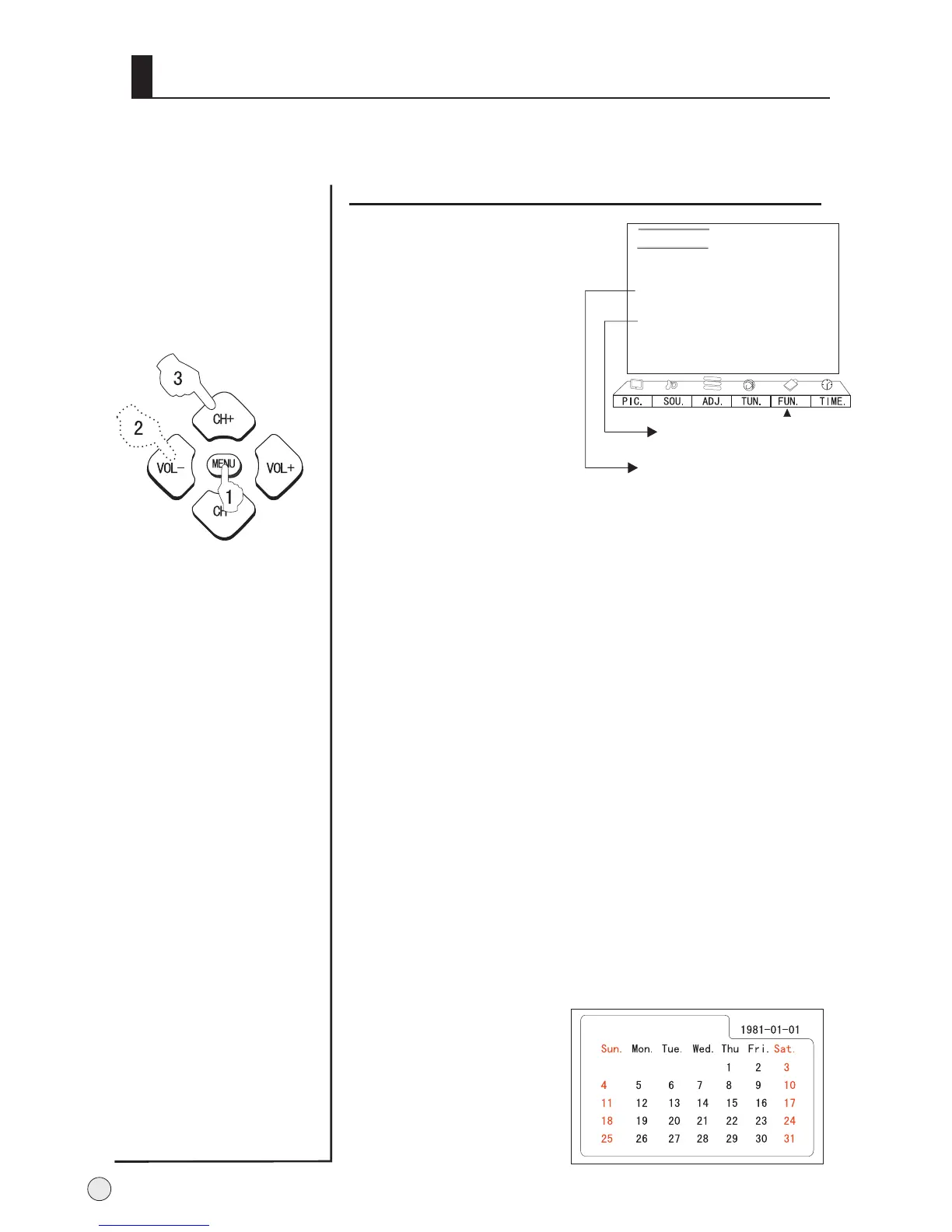
Calendar
3A Optimize Off
Time Skip 0 Min
B
C
A
Function menu
Menu Timeout
Repeat step 2 and 3 to set the menu out time.
Each Press of VOL+/- button repeatedly to select the
number of preset minutes, the time will be set in
sequence: 5seconds, 10seconds, 15seconds,
20seconds, 25seconds, 30seconds, 40seconds.
Menu Background
Repeat step 2 and 3 to select semi transparency and
opaque background of OSD.
Blue Screen
Repeat step 2 and 3 to select Blue Screen.
If you select ON, when no signal, the background is
blue; if you select OFF, when no signal, the
background is dark.
3A O
Repeat step 2 and 3 to set the 3A
The 3A optimize tracks picture contrast and color to
improve the quality of picture in terms of brightness
and sharpness.
Repeat step 2 to select
the , press
ptimize
optimize as on or
off.
Calendar
Calendar
VOL+ button to search
the desired year or
month.
Press CH+/CH- button
to adjust the desired
year or month.
It is possible to select language, OSD transparency, menu timeout, calendar,
3A optimize, time skip.
1.Press MENU and VOL+/-
button to enter the FUN.
Menu.
2. Press CH+/- to select
desired item.
3. Press VOL+/- button to
adjust the values level.
4. Press menu to exit.
Function menu operation
No adjustable in AV/AV2/YPbPr/
YCbCr/VGA/DVI/USB modes
No adjustable in YPbPr/YCbCr/
VGA/DVI/USB modes
28



 To Next Page