Time Functions
How to use the remind time and program
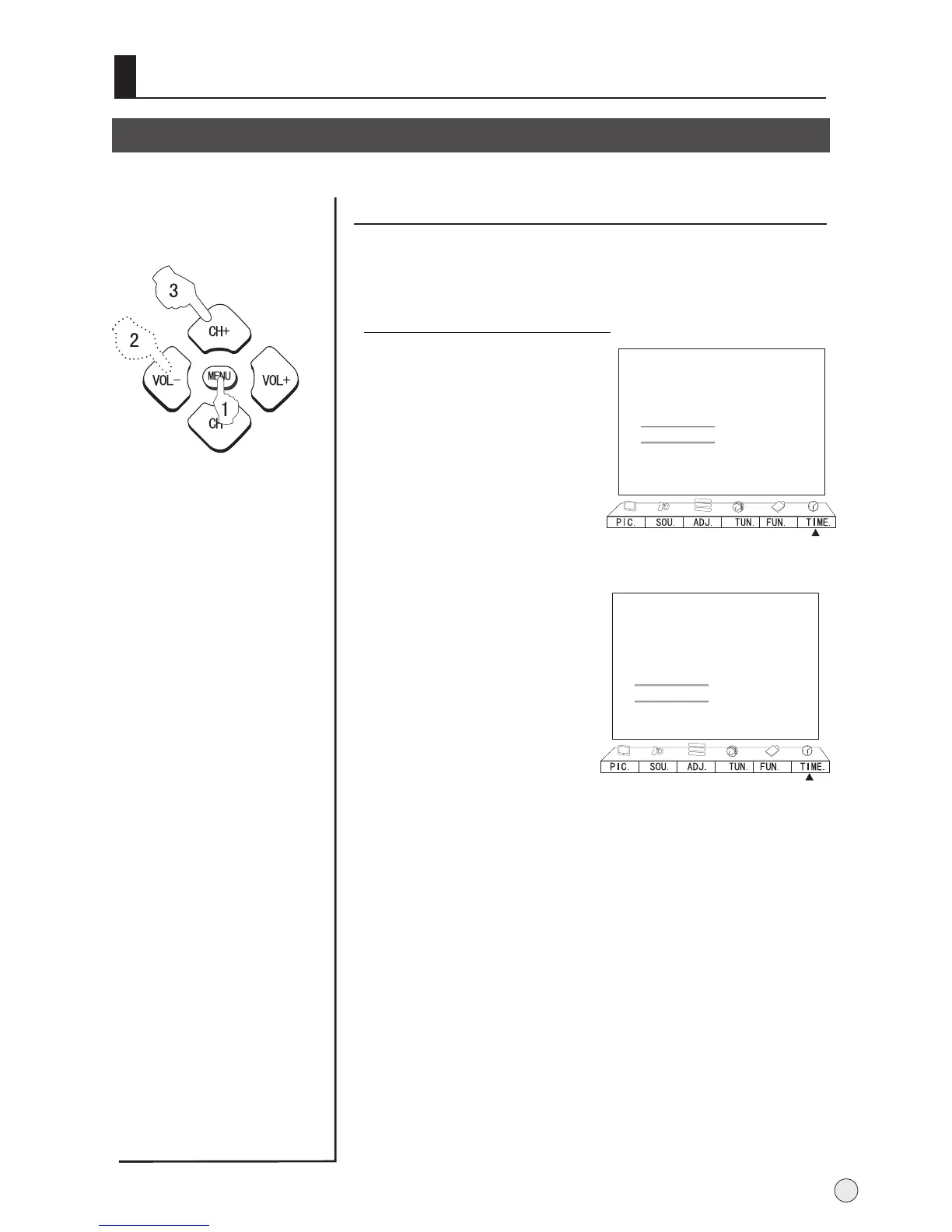
Remind Time and Remind Program setting
1 Press
button to call up the TIME
menu on the screen.
MENU and VOL+/-
2 Press CH+/- buttons to
select "Remind Time",
then press VOL -/+ buttons
to select hour or minute
position; then press the
digital to set the value of
hour or minute.(take 19:30
as an example)
3 Press CH+/- buttons to
move the cursor to "Remind
Prog.", then press the digital
buttons to set the desired
channel.
Program remind timer, that displays an on-screen
reminder prompt, when a program on a different
channel is due to start.
27
Clock --:--
Off Time --:--
On Time --:--
On Prog. 000
Remind Time --:--
Remind Prog. 000
B
C
A
Clock --:--
Off Time --:--
On Time --:--
On Prog. 000
Remind Time --:--
Remind Prog. 000
B
C
A



 To Next Page