of the screen.
perform “Vacuum Check”.
1.
2.
3. When “Clogging” appears, perform cleaning and replace filters.
4. Select <EXIT>, and press the <ENT> button to return to the selection screen.
5. OPERATION (continued)
● Preset Temp (Setting of each preset temperature)
1. Move the cursor to select “Preset Temp”. After selecting, press <ENT>.
Select the preset No. whose temperature setting you wish to change.
2.
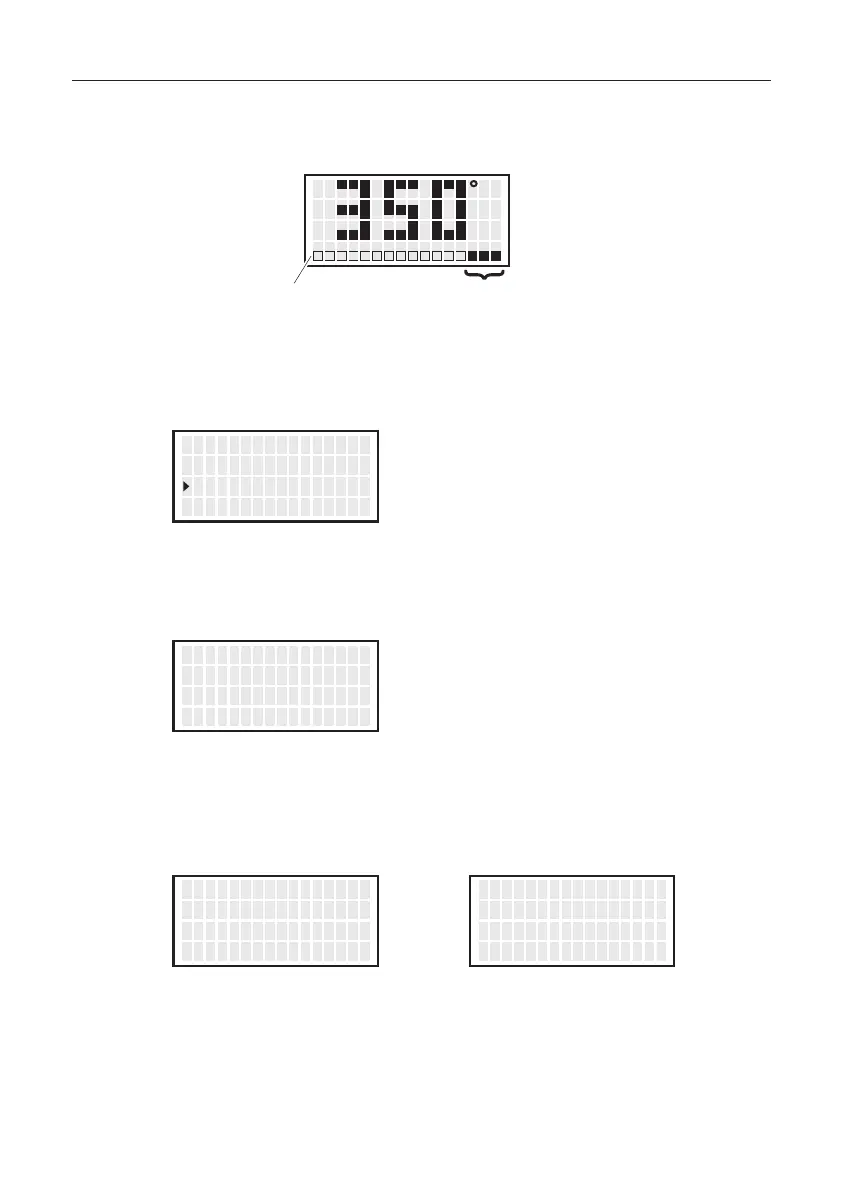
Entering from hundreds to units digit
Press the <↑> or <↓> to set the desired figure.
You will proceed to the next digit if the <ENT> button is pressed.
Only values from 3 to 5 can be selected when entering the hundreds digit.
(In
°F mode, values from 6 to 9 can be selected.)
Values from 0 to 9 can be selected when entering the tens or units digits.
(The same values can be selected in ℉ mode.)
3. After entering the units digit, press the button to save the figure to the system
memory and begin heater control with new setting temperature.
4. To exit from each setting screen, scroll the screen, select <EXIT>, and press the
<ENT> button.
CAUTION
If power is switched off or lost during the execution of this procedure, no data
will be entered. The entire procedure must be repeated from step 1.
<↑> <↓> <ENT>
O f f s e t T emp
V acuum Check
P r ese t T emp
00゚ C
<↑> <↓> <ENT>
P1 T emp
P2 T emp
P3 T emp
350゚ C
400゚ C
450゚ C
<↑> <↓> <ENT>
PRESET1 T empS e t
50゚ C
<↑> <↓> <ENT>
PRESET1 T empS e t
3 0゚ C
<↑> <↓> <ENT>
PRESET1 T empS e t
35
゚ C
<↑> <↓> <ENT>
P2 T emp
P3 T emp
<EXIT>
400゚ C
450゚ C
10
CAUTION
The temperature range is from 350 to 500°C. (660 to 940°F)
If you enter a value outside the temperature setting range, the display returns to
the hundreds digit, and you have to enter a correct value.


 To Next Page