30
●Preset
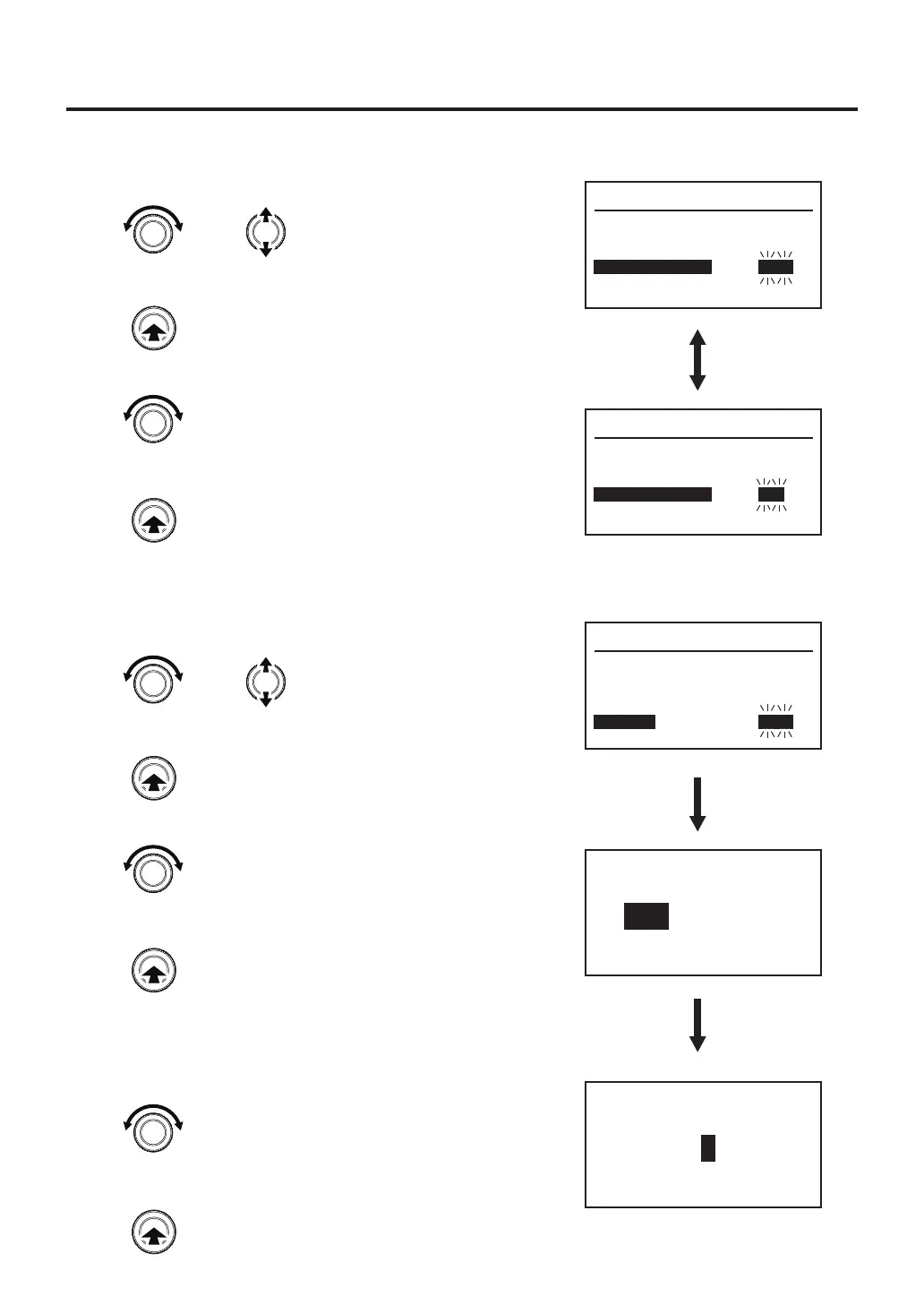
1. Turn the control knob, select “Preset”.
2. After selecting, press the center of the control knob.
3. ON and OFF will be switched alternately.
4. After selecting, press the center of the control knob.
※When selecting “ON”
5. If selecting the preset mode, you will be asked for the
number of preset to have available for programming.
6. After setting, press the center of the control knob.
System Parameter
Temp Mode
Sleep
Shut Off
Air Shut Off
Preset
TC B Alert
º
C
ON
30m
OFF
OFF
---
Preset
OFF
ON
Select
“ON”
Preset Max Num.
5
Set the Preset number
System Parameter
Temp Mode
Sleep
Shut Off
Air Shut Off
Preset
TC B Alert
º
C
ON
30m
ON
OFF
---
●AirShutOff
1. Turn the control knob, select “Air ShutOff”.
2. After selecting, press the center of the control knob.
3. ON and OFF will be switched alternately.
4. After selecting, press the center of the control knob.
System Parameter
Temp Mode
Sleep
Shut Off
Air Shut Off
Preset
TC B Alert
º
C
ON
30m
OFF
OFF
---
Select "ON" or "OFF"
or
Changes the selected item
Enter
Enter
Select "ON" or "OFF"
or
Changes the selected item
Enter
Enter
Enter



 To Next Page