26
Press and hold the control knob while turning on the power switch.
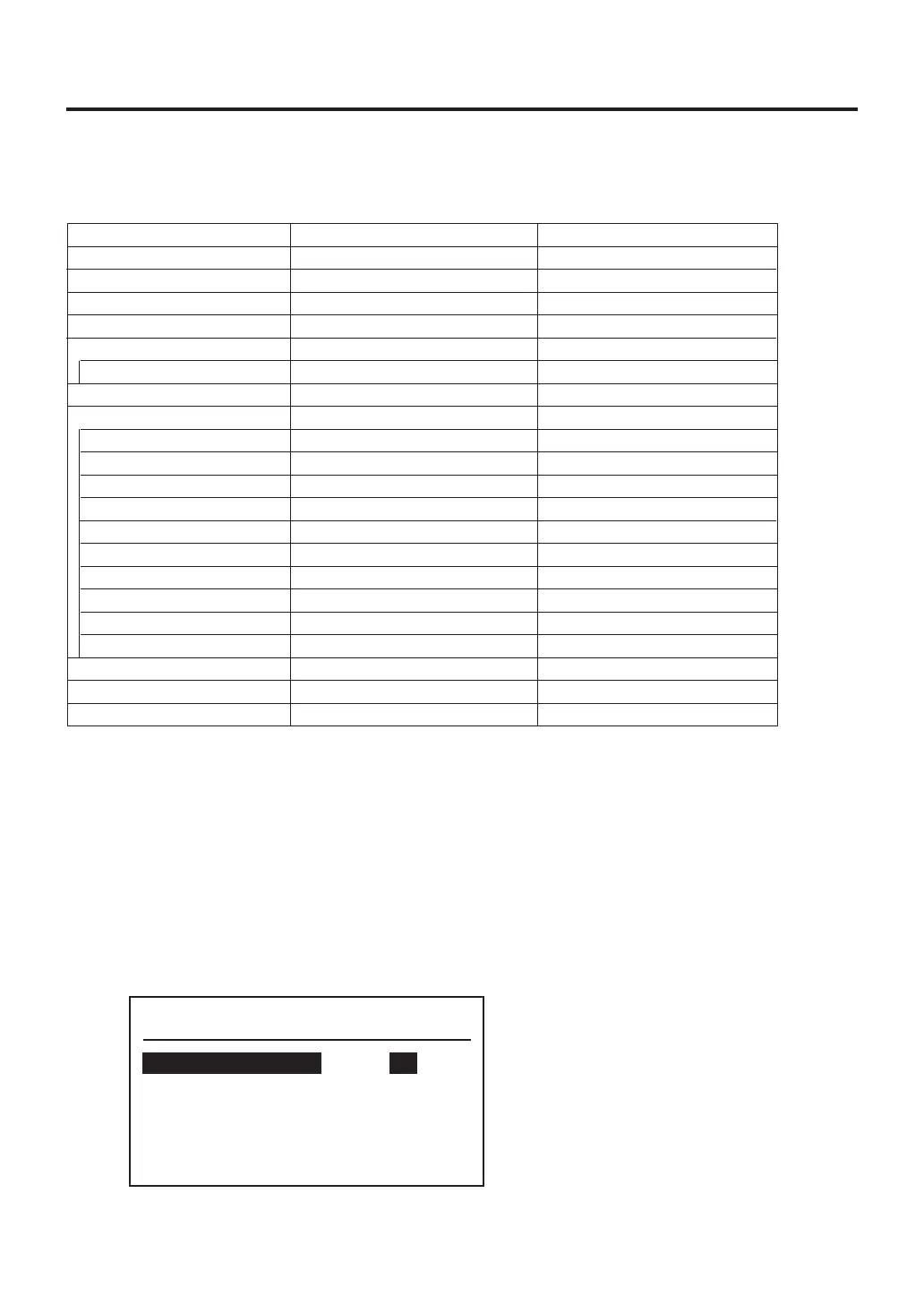
Parameter setting screen
System Parameter
Temp Mode
Sleep
Shut Off
Air Shut Off
Preset
TC B Alert
º
C
ON
30m
OFF
OFF
---
8. PARAMETER SETTING
● Parameter settings
Parameter settings table
The HAKKO FR-811 has the following parameters:
Initial value
℉
ON
30 min
OFF
OFF
-
- -
OFF
-
-
-
-
-
-
-
-
-
-
00
-
Value
℃ / ℉
OFF / ON
---, 30〜60 min
OFF / ON
OFF / ON
2 - 5 pcs.
- -, 01〜30 min
ON / CUSTOM / OFF **
LOCK / FREE
LOCK / FREE
LOCK / FREE
LOCK / FREE
LOCK / FREE
LOCK / FREE
LOCK / FREE
LOCK / FREE
LOCK / FREE
LOCK / FREE
Date setting
-05 〜 +05
Partial / All / Cancel
Parametername
Temp Mode
Sleep
ShutOff Set
Air ShutOff
PRESET
PRESET MAX. number *
TC B Alert
Lock Mode
TEMP SET ***
SEL PRESET ***
OFFSET SET ***
FLOW SET ***
TIMER SET ***
RAMP SET ***
PROFILE SET ***
SEL PROFILE ***
MODE CHANGE ***
USB OPE ***
Date & Time
Contrast
Initial Reset
* “ON” is selected.
**
ON
: You can not make changes without entering a password.
CUSTOM : You can choose whether or not a password is needed to make changes.
OFF
: You can make changes without entering a password
*** “CUSTOM” is selected.



 To Next Page