10
High output setting
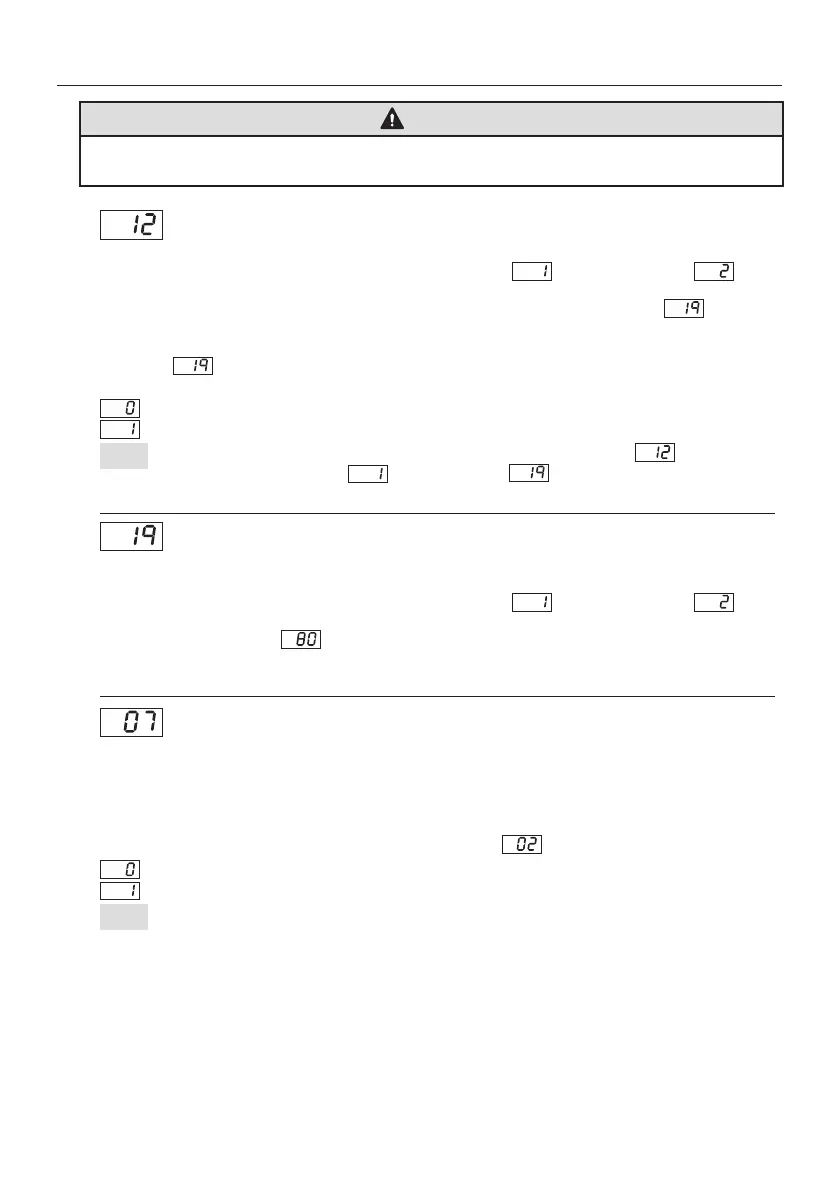
Enable or disable the high-output function.
This function operates when the password setting mode is set to (partially enabled) or
(enabled).
When the high output function is enabled, it is possible to set higher values than usual in Output
upper limit setting.
When the high output function is enabled, the maximum settable upper limit value and the maximum
parameter Output upper limit setting will be 120. (When the function is disabled, the maximum
value for both is 100.)
Output upper limit setting
An upper limit for the blade output value can be set, making it impossible to set the value to higher than
the upper limit.
This function operates when the password setting mode is set to (partially enabled) or
(enabled).
If the set parameter value is , the maximum settable output value will be 80. It is possible to set
the values in increments of 5%.
(The initially set value is 100%.)
Auto sleep enable/disable setting
Enable or disable the auto sleep function.
The auto
sleep function saves the set output by approx. 50%, reducing the blade temperature and power
consumption.
This function extends the service life of blades.
When the auto sleep function is enabled, the auto sleep function will operate when the specified time has
elapsed after placing the handle on the handle holder.
The time until the auto sleep function operates can be set ink“ : Auto sleep time setting”.
: High output function is disabled.
: High output function is enabled.
: Auto-sleep is disabled.
: Auto-sleep is enabled.
NOTE:
In order to achieve high values above 100 for the settable value, parameter High output
setting should be changed to , then parameter Output upper limit setting must
also be changed before changing the settable value.
NOTE:
When setting the output setting to 85 or more, regardless of the ON / OFF setting of the auto
sleep function, placing the soldering iron on the soldering iron will activate the auto sleep function.
6. SETTING PARAMETERS (continued)
WARNING
The high temperature at 105% - 120% could shorten blade life or that the blade will glow red.
Place the handle on the handle holder when not using the HAKKO FT-802.


 To Next Page