33
This radio has a 3.5 mm jack connection that allows you to connect external source devices to the radio.
Please note that all operations are carried out via the source device. On the radio, you can only change
the volume.
• The radio detects whether a device is connected and playback is taking place.
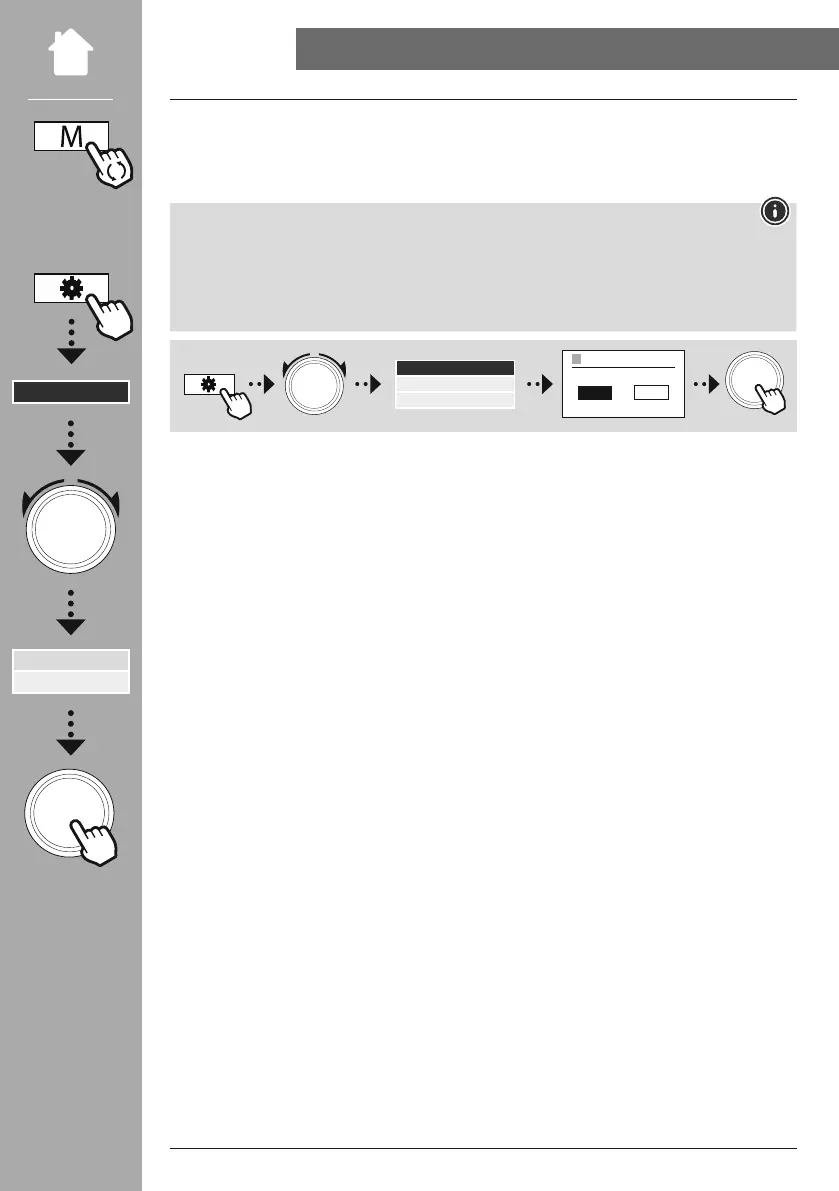
• Occasionally, the input signal may be too weak and the radio may mistakenly go into standby mode.
• If this occurs, deactivate the radio's automatic switch-off mechanism.
• Please note that the radio does not automatically go into standby mode when there is no playback.
NAVIGATE
ON OFF
AUTO-STANDBY
ENTER
Auto-Standby
Aux In



 To Next Page