4
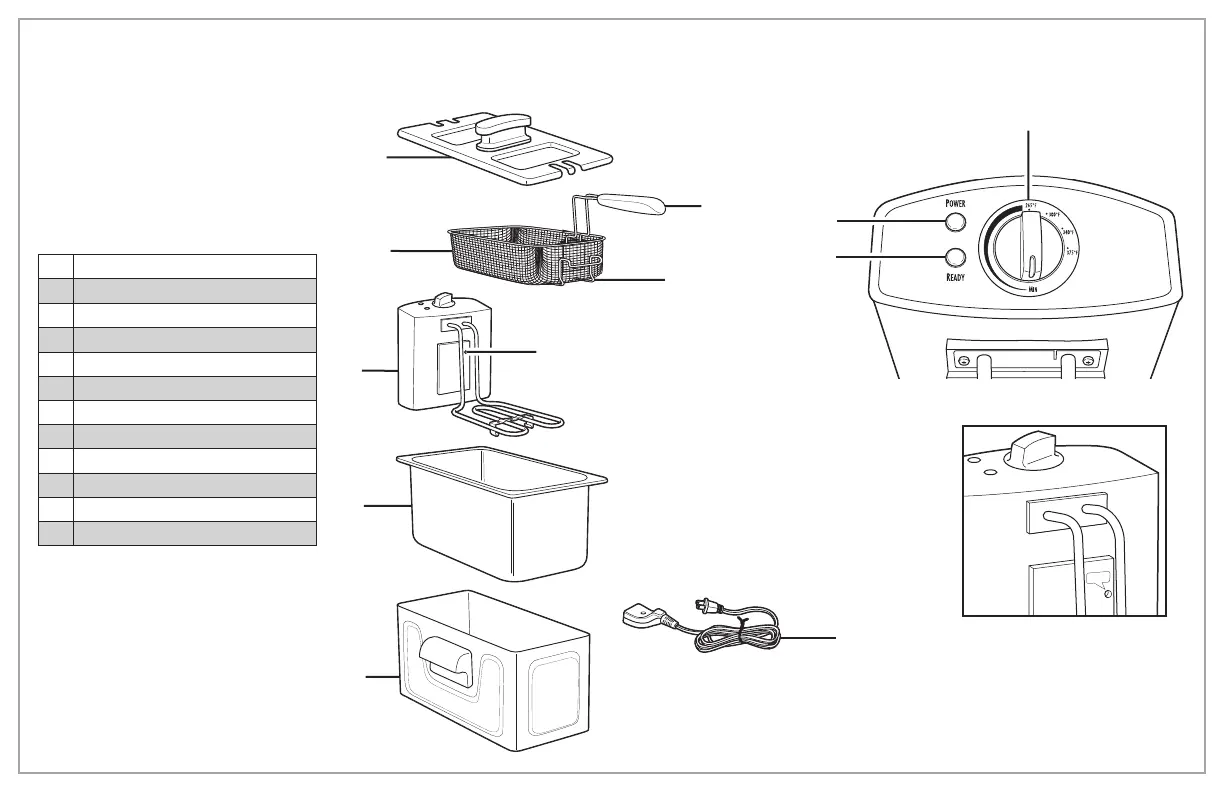
Parts and Features
To order parts, visit:
hamiltonbeach.com/parts
RESET Button
Press RESET Button on Heating
Element Assembly by inserting
a small pointed item (such as
a paper clip) into the opening
labeled RESET.
RESET
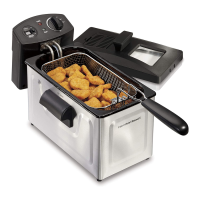
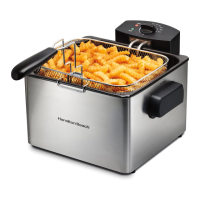
1 Removable Lid
2 Removable Basket Handle
3 Frying Basket
4 Basket Drain Bracket
5 Heating Element Assembly
6 RESET Button
7 Removable Oil Pot
8 Base
9 Magnetic Cord Assembly
10 Adjustable Thermostat
11 Power On Light
12 READY Light
1
3
5
7
8
10
11
9
2
6
4
12
Before first use: Wash Oil Pot, Lid, Basket,
and Handle in hot, soapy water. Rinse and dry.




 To Next Page