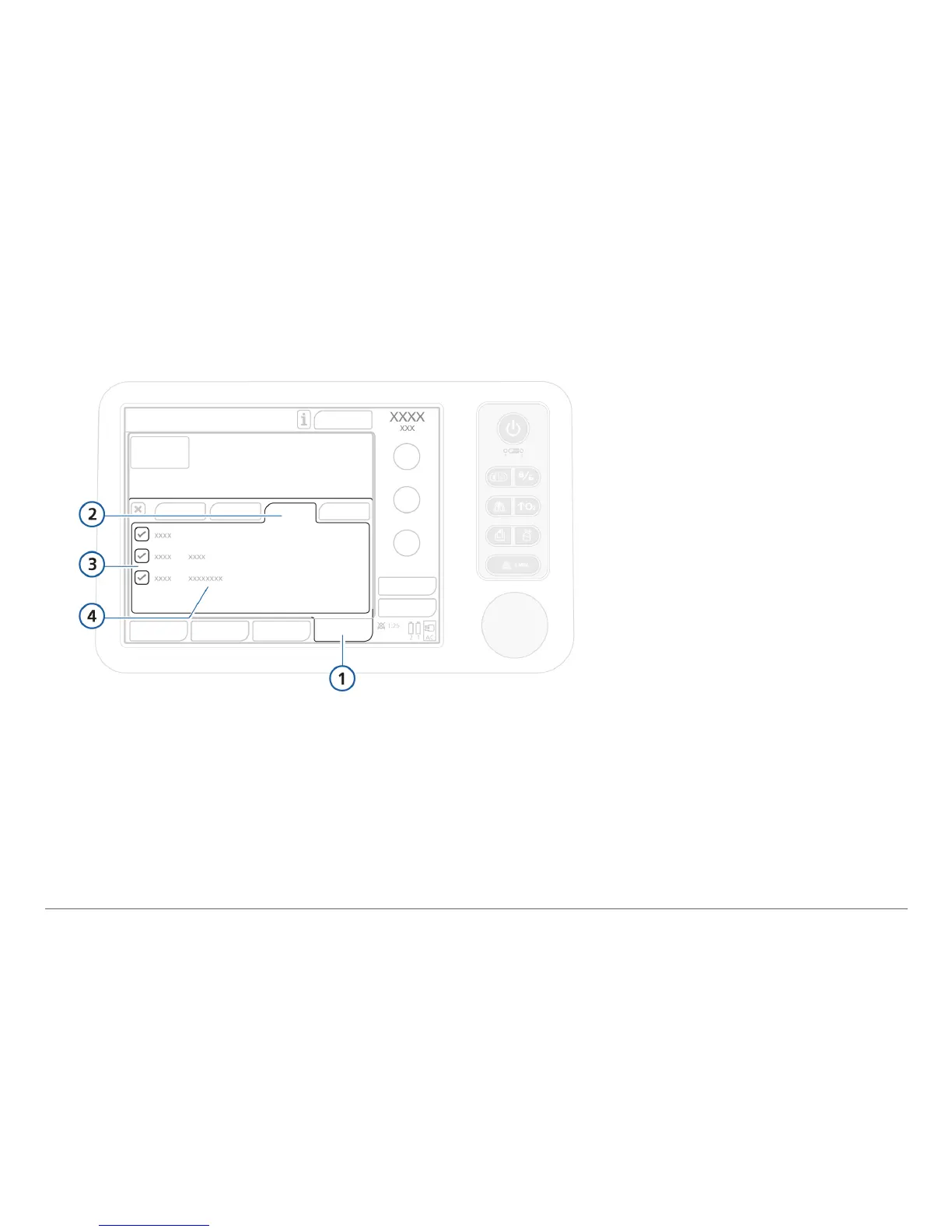
2.9 Enabling CO2/SpO2 monitoring
To enable CO2 / SpO2 monitoring
1
Open the System > Sensors on/off window.
2 Select the CO2 and/or SpO2 checkboxes, and close the window.
The status text Acve appears next to the checkbox as long as the adapter is connected
to the ventilator. If the status area is empty, the adapter is not connected.
1 System
2 Sensors on/off
3 CO2 and SpO2
4 Sensor status



 To Next Page