22
Band
You can choose one mode of the following you need.
2.4GHz (B): 802.11b supported rate only.
2.4GHz (G): 802.11g supported rate only.
2.4GHz (B+G): 802.11b supported rate and 802.11g supported rate.
The default is 2.4GHz (B+G) mode.
SSID
Shows the SSID name.
Channel Number
Select which channel to be located (from 1 to 11).
Associated Clients
Click to show all the listed active clients.
Save
After completing the settings on this page, click Save to save the settings.
Reset
Click Reset to restore to default values.
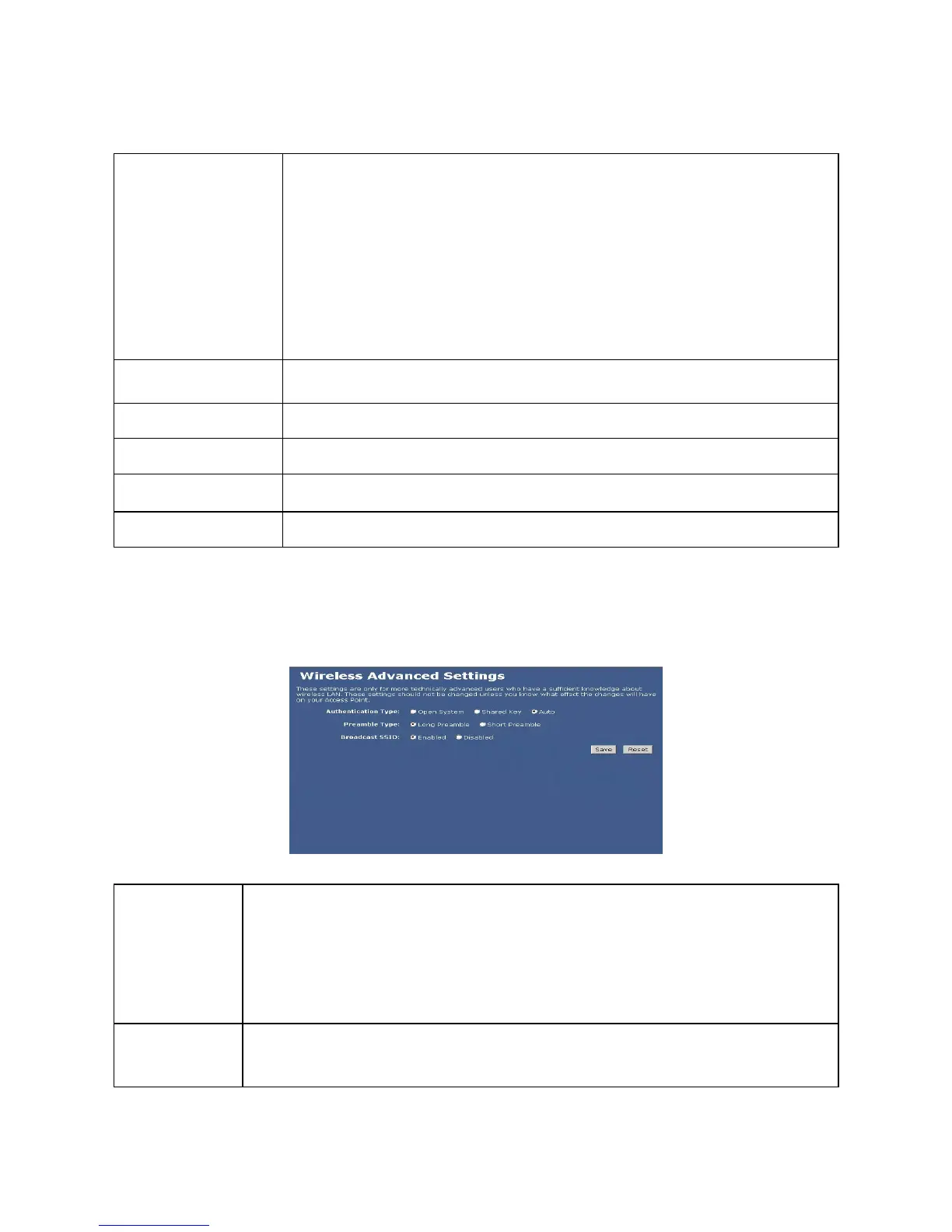
Wireless Advanced Settings
Authentication
Type
Open System: If your access point/wireless router is using "Open " authentication, then
the wireless adapter will need to be set to the same authentication type.
Shared Key: Shared Key is when both the sender and the recipient share a secret key.
Auto: Select Auto Switch for the adapter to automatically select the appropriate
Preamble Type
A preamble is a signal used in wireless environment to synchronize the transmitting timing including
Synchronization and Start frame delimiter. (Note: If you want to change the Preamble type into Long


 To Next Page