41
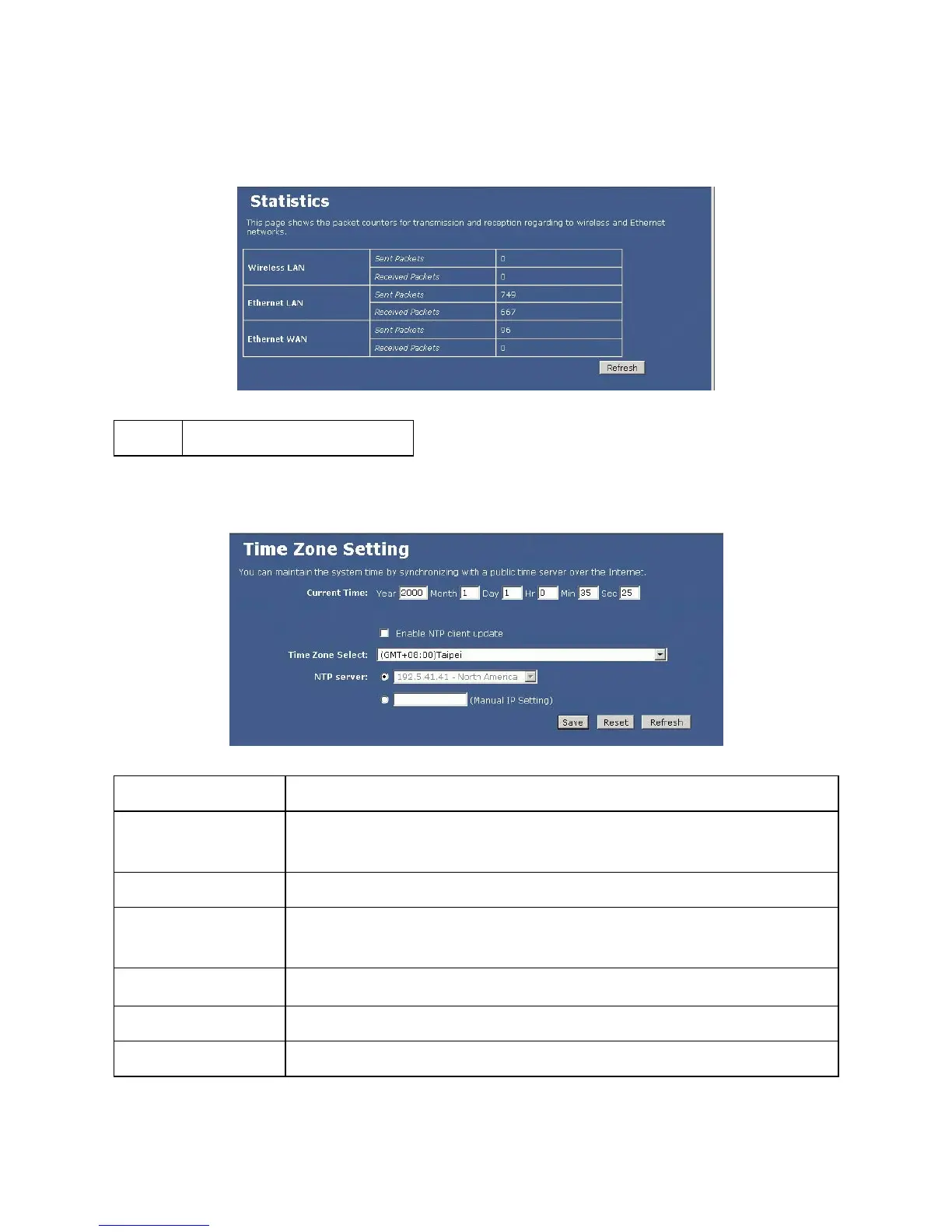
Statistics
Refresh
Click to refresh the statistics table.
Time Zone Setting
Current Time
Enter the current time of this wireless router.
Enable NTP client
update
Check to enable NTP (Network Time Protocol Server) client update function.
Time Zone Select
Select the time zone from the pull-down menu.
NTP server
You may choose to select NTP server from the pull-down menu or enter an IP address of a
specific server.
Save
After completing the settings on this page, click Save to save the settings.
Reset
Click Reset to restore to default values.
Refresh
Click to refresh the current time.


 To Next Page