14
6 Basic Settings
6.1 WIRELESS & NETWORKS
! Wi-Fi
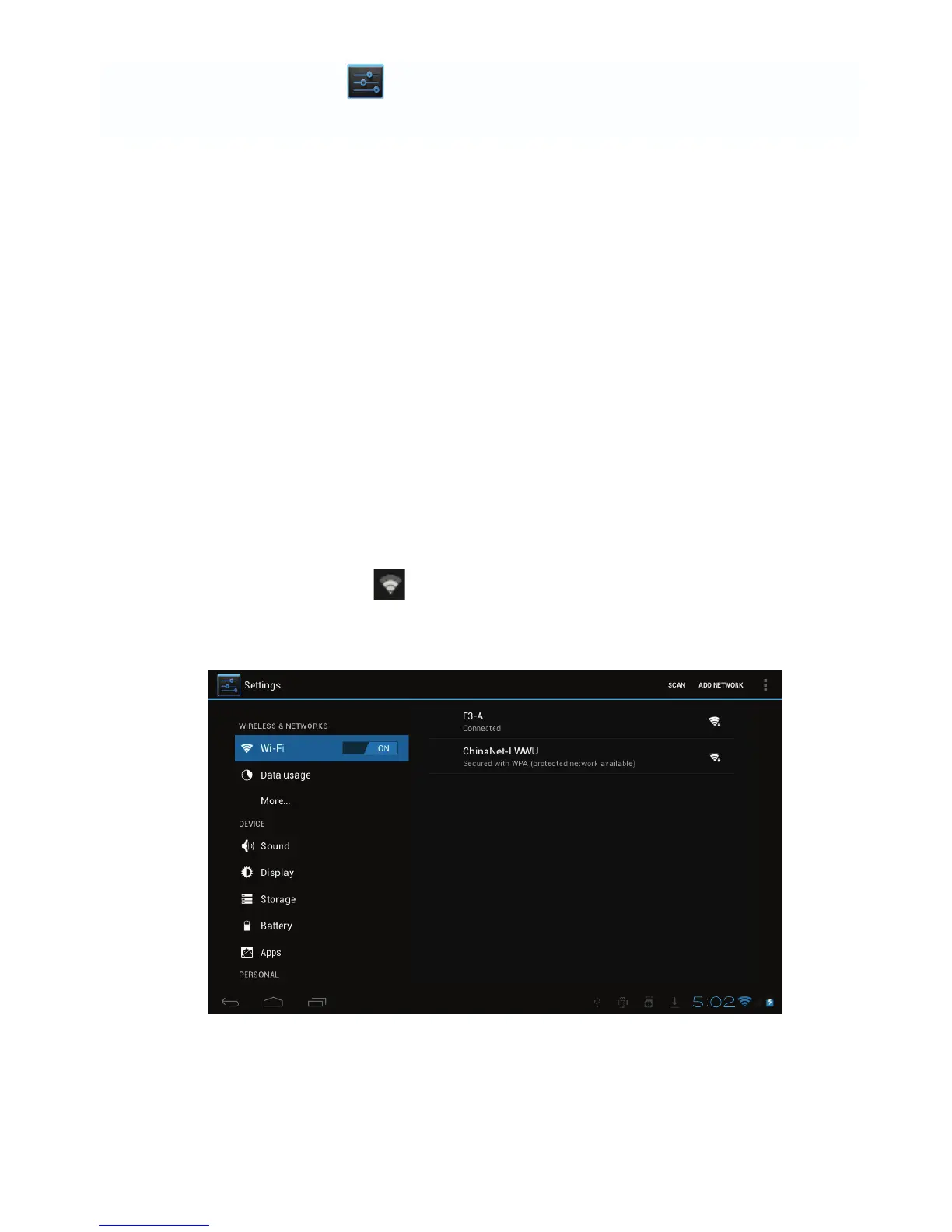
Tap on setting icon, then tap on the “OFF” to open Wi-Fi, All available
Wi-Fi networks will be listed, tap on your Wi-Fi network and start to
connect. If the Wi-Fi network does not need a password, tap "connect" to start
the connection. If the Wi-Fi network needs a password, then input the
password and tap “connect” to start the connection. If the Wi-Fi network
has been successfully connected before, that information will be stored.
Connection will be done automatically. Once your tablet connects to Wi-Fi
successfully, the Wi-Fi icon will appear on the status bar at the below
of the screen.



 To Next Page