36
! Video Player
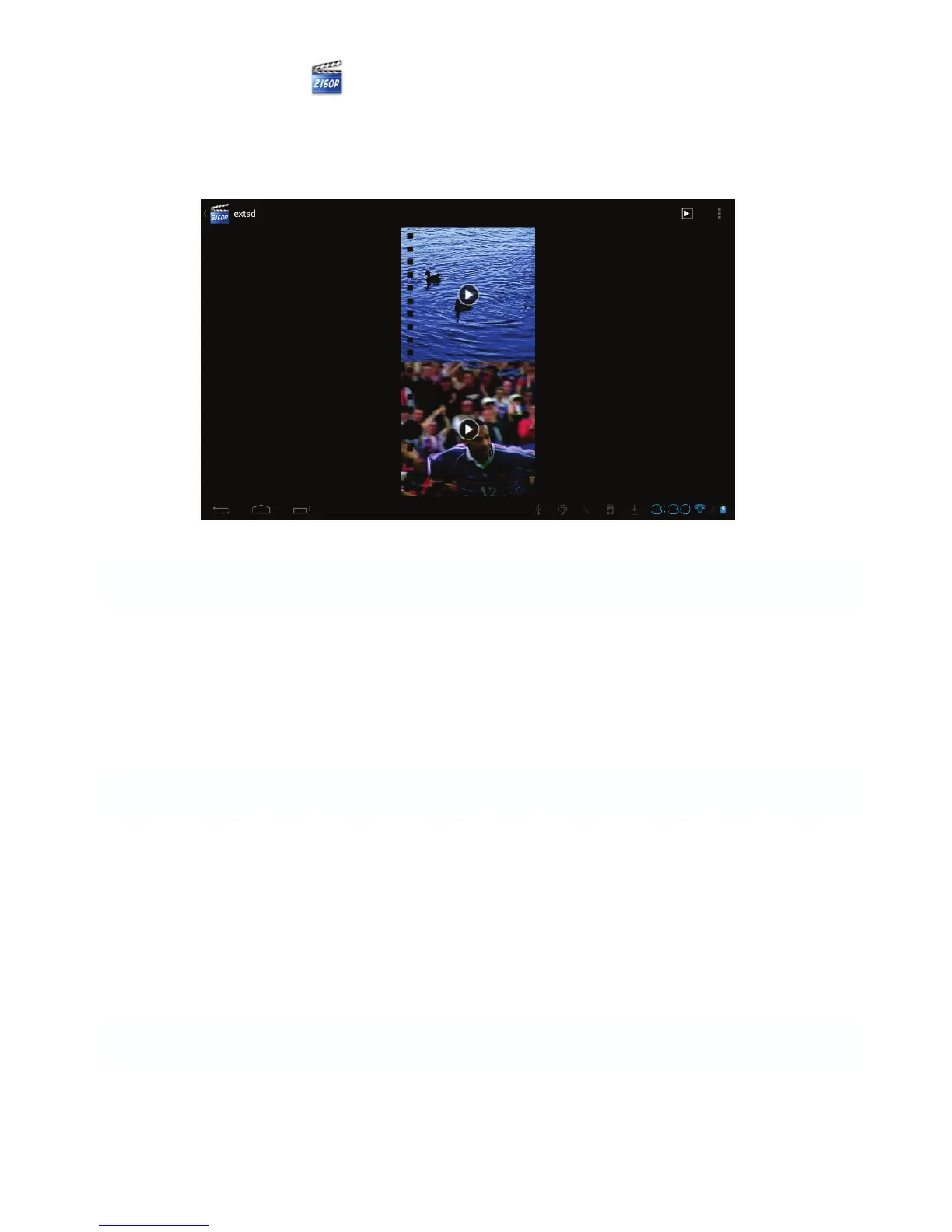
To play the videos, tap on the Video Player icon to run the application.
All videos will be listed and tap on your desired video to play it.
9 Forced shutdown
In case of your tablet was down and you are unable to turn it off according to
standard procedures, press the power switch and hold it for 7 seconds, the
tablet will be turned off.
10 Factory Reset
To restore the tablet to original factory settings and erase all personal
informations, tap on “Settings”! “Backup&reset” ! “Factory data reset”.
Warning: After resetting the device, Google account, data, system settings, and
downloaded applications will be removed from your tablet.



 To Next Page