16
6.2 DEVICE
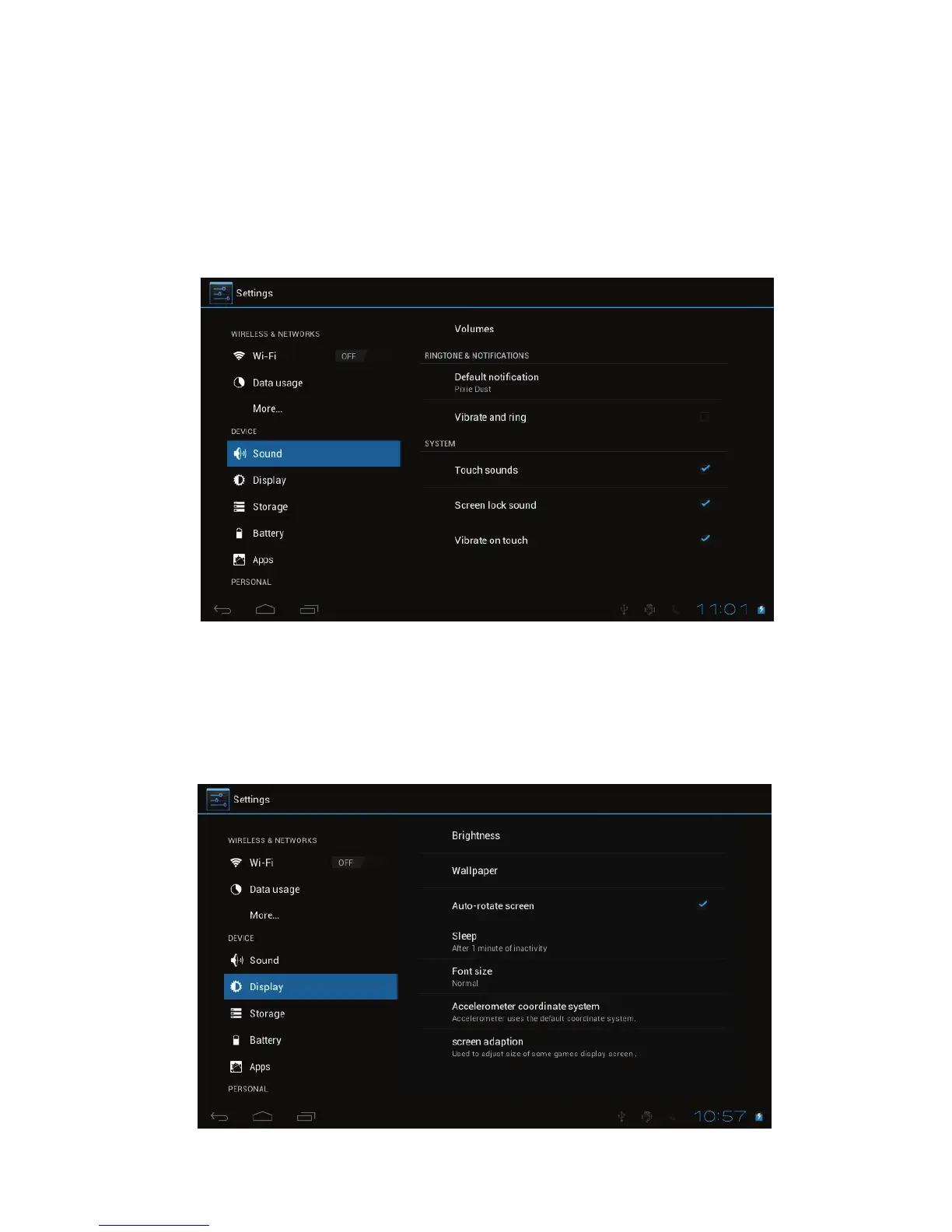
! Sound
Settings on Volume, Ringtone & Notifications, you can also tick to select or
untick to unselect for Vibrate and ring, Touch sounds, Screen lock sound and
Vibrate on touch.
! Display
Settings on LCD Panel brightness, Wallpaper, Auto-rotate screen, sleep, Font
size, Accelerometer coordinate system, Screen adaption.



 To Next Page