18
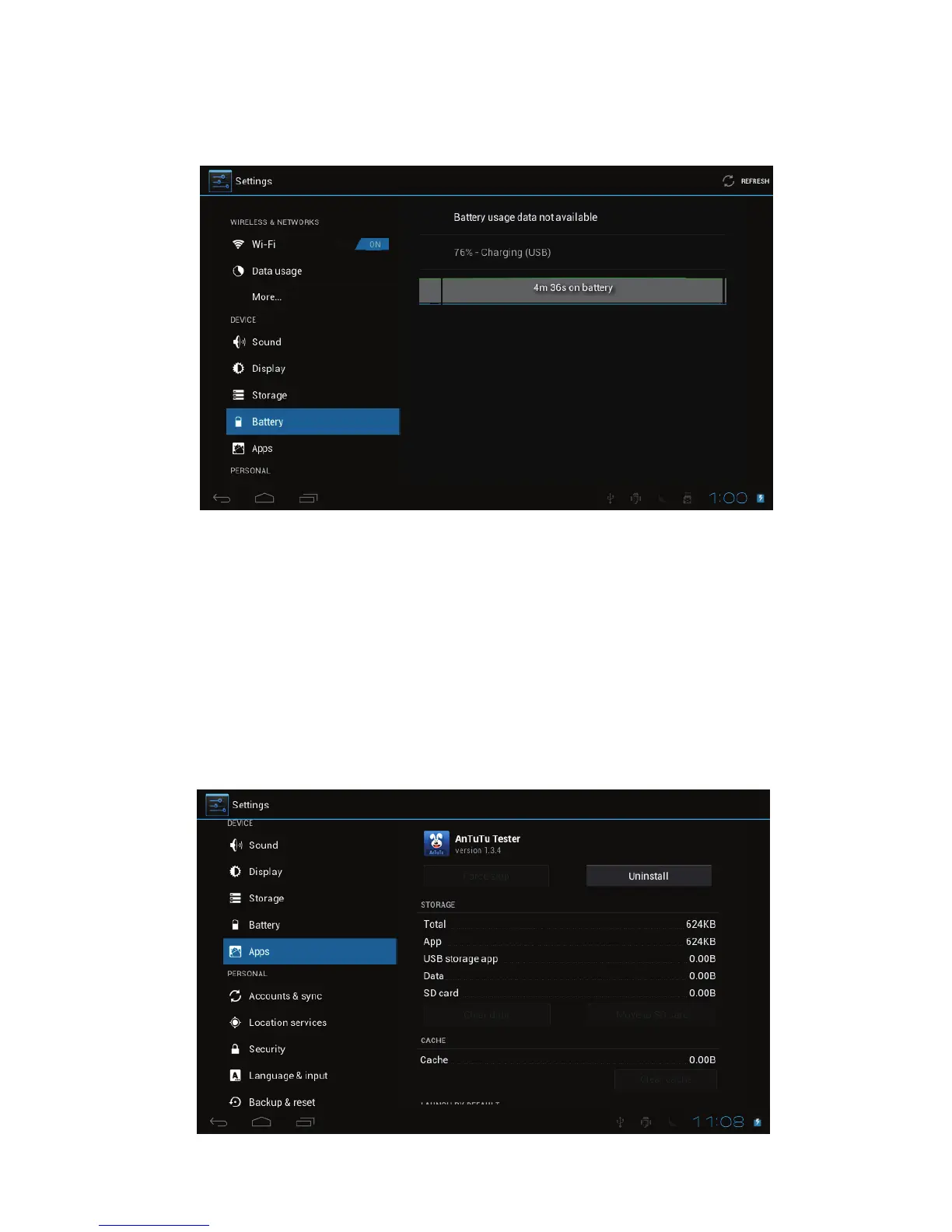
! Battery
To know the battery usage information.
! Apps
To Manage the applications. Tap on the directories (DOWNLOAD, ON SD
CARD, RUNNING or ALL) and select the application which you want to uninstall,
you will enter into the following interface, tap on Uninstall, then you can remove
that application from tablet.



 To Next Page