20
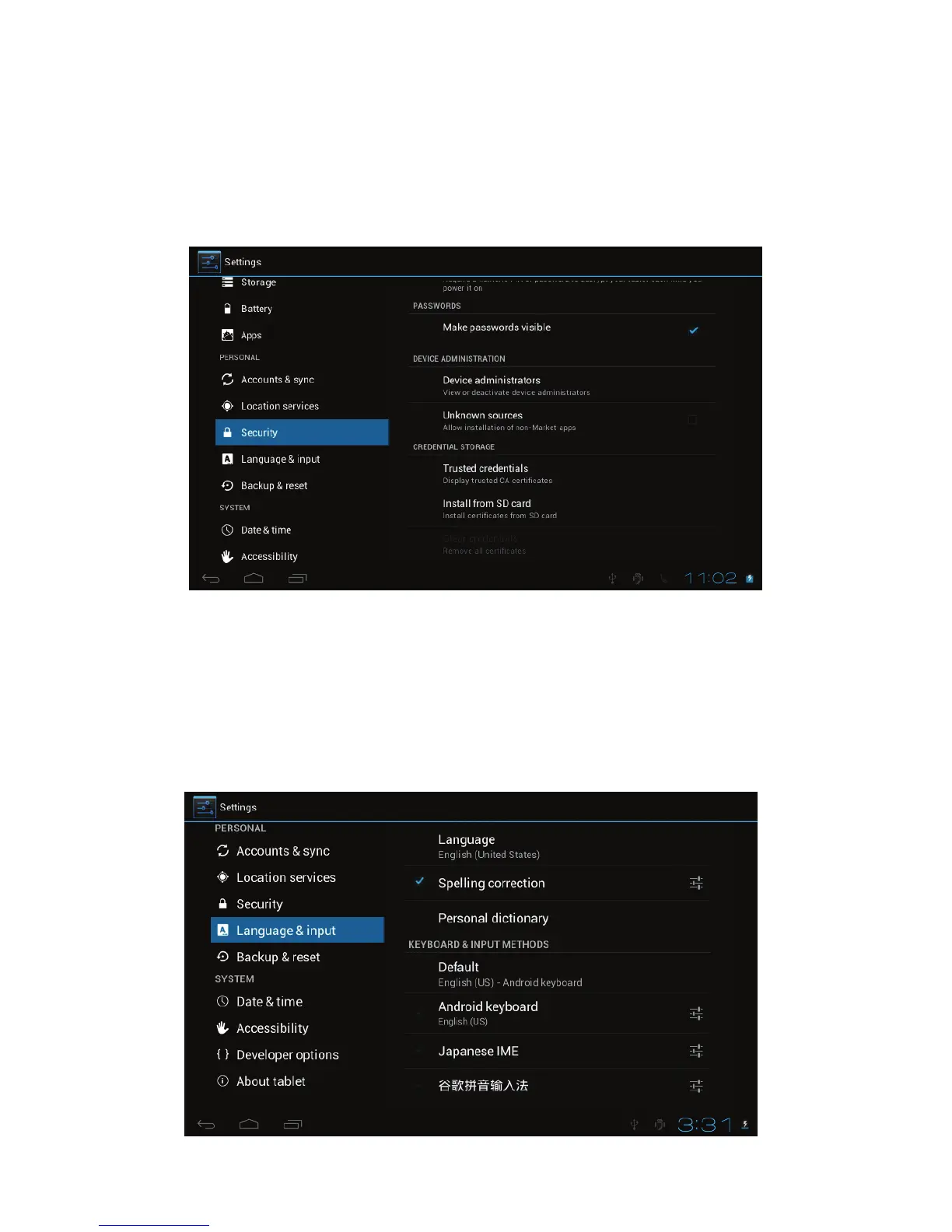
! Security
Settings for Screen lock, Owner info, Encrypt tablet, Make passwords visible,
Device administrators, Unknown sources, Trusted credentials, Install from SD
card.
! Language & keyboard
Language selection, text input and automatic error correction option, select your
desired Keyboard & Input methods, and settings on Text-to-speech output,
Pointer speed.



 To Next Page