EasyManua.ls Logo

HAMPTON BAY 14414 - User Manual

HAMPTON BAY 14414
16 pages
Print Icon
To Next Page IconTo Next Page
Loading...
Item #301-469
USE AND CARE GUIDE
Questions, problems, missing parts? Before returning to the store
call
Hampton Bay Customer Service
8 a.m. - 6 p.m., EST, Monday-Friday
1-800-527-0998
HAMPTONBAY.COM
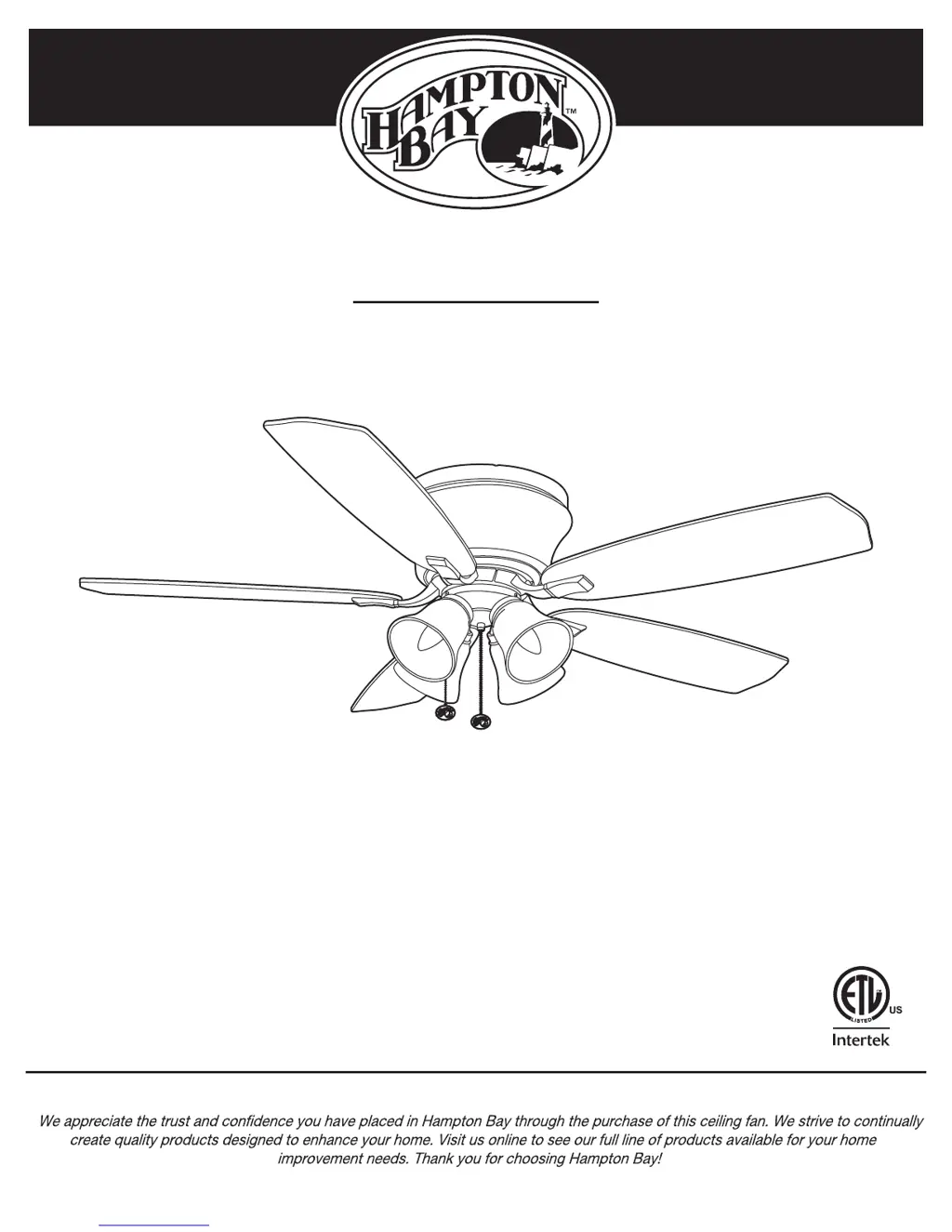
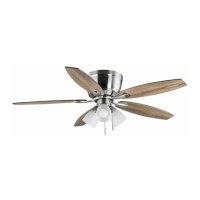
HOLLANDALE 52 INCH CEILING FAN
Model #14414
THANK YOU

Questions and Answers

  • C
    Chad HarrisJul 31, 2025
    What to do if my HAMPTON BAY 14414 will not start?
    • V
      victoria46Jul 31, 2025
      If your HAMPTON BAY Fan isn't starting, here's what you can do: * First, check the main and branch circuit fuses or breakers to ensure they haven't tripped. * Next, inspect the line wire connections to the fan and the switch wire connections in the switch housing. * Also, verify that the dip switches on both the remote control and the receiver are set to the same frequency.
  • J
    Joseph GrayAug 9, 2025
    Why does my HAMPTON BAY 14414 wobble?
    • J
      Jaime SilvaAug 10, 2025
      If your HAMPTON BAY Fan is wobbling, here are a few things to check: 1. Make sure all blade and blade arm screws are tightened securely. 2. Uneven blade levels often cause wobble. To check, measure from a point on the ceiling to the tip of each blade. The deviation should be within 1/8 inch. Run the fan for 10 minutes. 3. If the wobble persists, use the blade balancing kit included with your fan.
  • D
    david13Aug 20, 2025
    How to fix a noisy HAMPTON BAY 14414?
    • J
      Jessica GibsonAug 20, 2025
      If your HAMPTON BAY Fan is making noise, try the following: * Ensure all motor housing screws are snug. * Make sure the screws attaching the fan blade arm to the motor hub are tight. * Check that wire nut connections aren't rattling against each other or the switch housing's interior. * Allow a 24-hour "breaking-in" period, as most new fan noises disappear during this time. * If using a ceiling light kit, tighten the glassware screws and ensure the light bulb is secure. * Confirm there's a small gap between the ceiling and the canopy, preventing them from touching. * Verify your ceiling box is secure and uses rubber isolator pads between the mounting bracket and outlet box.

Summary

Warranty Information

Product Specifications

Technical details including fan size, speed, voltage, amps, watts, RPM, CFM, and weight.

Tools Required for Installation

List of necessary tools such as screwdrivers, step ladder, wire stripper, and electrical tape.

Pre-Installation Steps

Included Hardware

Details and quantities of all screws, washers, wire nuts, and fobs provided.

Package Contents Overview

Itemized list of all components included in the fan package, with part descriptions.

Fan Installation Guide

Mounting Options and Warnings

Instructions and safety precautions for mounting the fan to the ceiling electrical box.

Fan Assembly: Hanging

Attaching Mounting Plate

Steps to secure the fan's mounting plate to the electrical box.

Hanging Motor Assembly

Procedure for suspending the fan motor assembly from the mounting plate.

Making Electrical Connections

Guide for connecting fan wiring to house supply wires safely.

Securing Motor Assembly

Attaching the fan motor assembly to the mounting plate.

Final Installation Steps

Completing the fan housing installation and tightening all screws.

Fan Assembly: Blades

Attaching Blades to Brackets

How to fasten fan blades to their respective blade brackets.

Connecting Blades to Motor

Securing the assembled fan blades to the fan motor.

Fan Assembly: Light Kit

Attaching Light Kit Plate

Mounting the light kit plate to the fan's mounting ring.

Connecting Light Kit Assembly

Attaching the light kit assembly to the light kit plate.

Installing Shades and Bulbs

Procedure for installing glass shades, bulbs, and pull chain fob.

Fan Operation

Care and Cleaning Instructions

Guidelines for periodic cleaning and maintenance of the fan.

Troubleshooting Common Issues

Service Parts List

HAMPTON BAY 14414 Specifications

General IconGeneral
BrandHAMPTON BAY
Model14414
CategoryFan
LanguageEnglish

Related product manuals