EasyManua.ls Logo

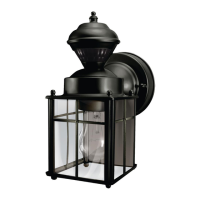
HAMPTON BAY 248-523 - User Manual

HAMPTON BAY 248-523
36 pages
Print Icon
To Next Page IconTo Next Page
Loading...
INSTRUCTIONS MANUAL
Page 1
HOME DEPOT SKU# 248-523 (UPC# 046335904293)
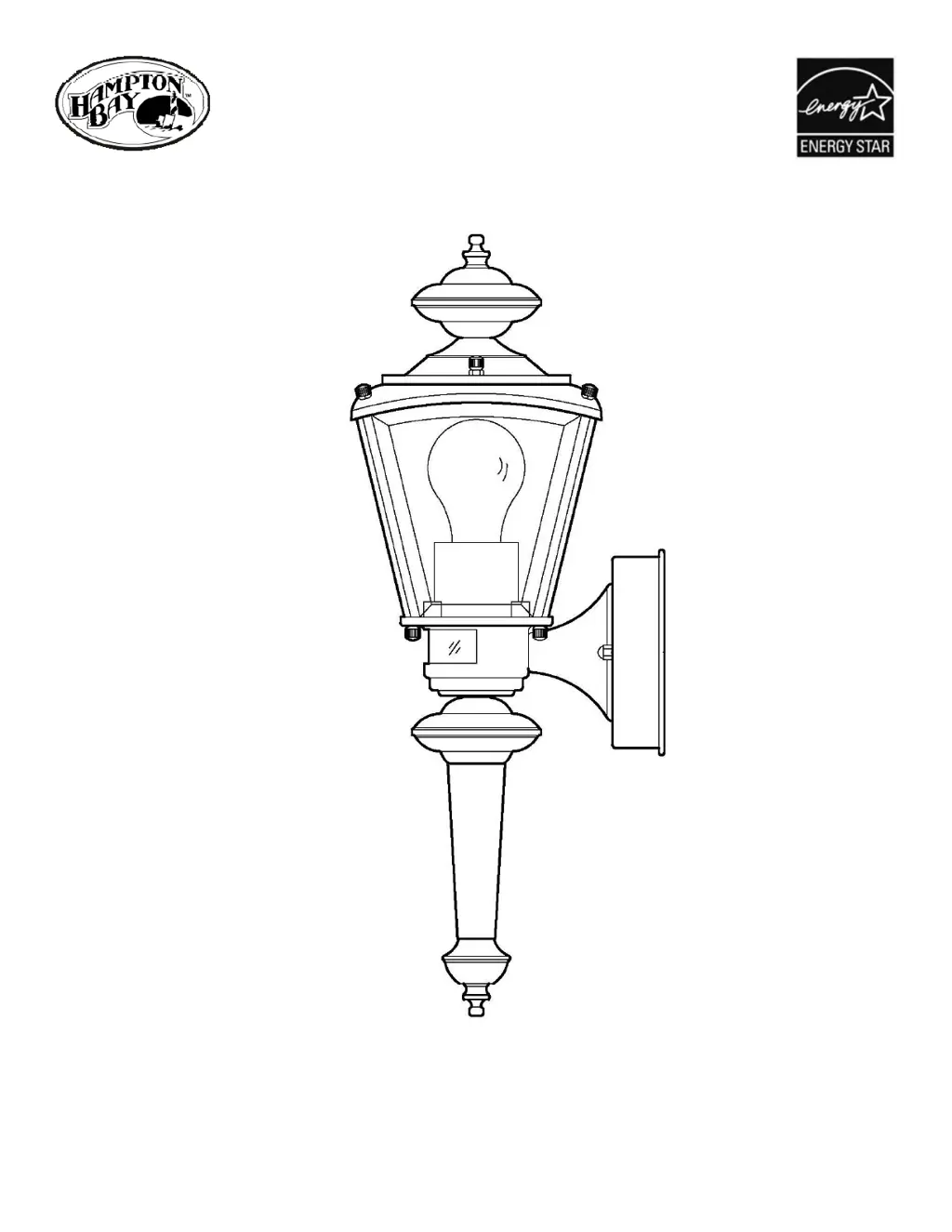
EXTERIOR WALL LANTERN WITH
MOTION SENSOR AND SIX-HOUR TIMER

Questions and Answers

  • L
    Logan LarsonAug 2, 2025
    Why does my HAMPTON BAY 248-523 Lighting Equipment come on for no reason?
    • B
      Brandon MilesAug 2, 2025
      If your HAMPTON BAY Lighting Equipment light comes on for no apparent reason, it could be due to street or sidewalk traffic triggering the motion sensor. Try lowering the sensitivity. Alternatively, a heat source like a heater, dryer vent, or heated swimming pool might be causing false triggering. In this case, eliminate the heat source or relocate the fixture.
  • T
    tadamsAug 6, 2025
    What to do if HAMPTON BAY Lighting Equipment does not turn on at night?
    • C
      Courtney HillAug 6, 2025
      If your HAMPTON BAY Lighting Equipment doesn't turn on at night, it could be due to too much light shining on the photocell sensor. This might be from a street lamp or another light fixture. You can try eliminating or turning off the other light source, blocking it from shining on the sensor, or relocating the fixture.
  • C
    Christina HernandezAug 11, 2025
    How to fix HAMPTON BAY Lighting Equipment that never turns on?
    • W
      whiteharryAug 11, 2025
      If your HAMPTON BAY Lighting Equipment light never turns on, there are several potential causes: * The power may be off. Ensure the wall switch and circuit are active. * There might be a faulty switch. Test or replace the switch. * A faulty wire connection could be the issue. Check the wiring. * The light bulb itself may be dead. Test the bulb in a working fixture and replace it if necessary.
  • C
    Christopher HortonAug 15, 2025
    Why does HAMPTON BAY 248-523 come on during the day?
    • E
      Ethan WhiteAug 15, 2025
      If your HAMPTON BAY Lighting Equipment light comes on during the daytime or too early in the evening, the fixture might be in a shaded area. This prevents daylight from reaching the photocell sensor. Try relocating the fixture to a less shaded location.
  • M
    Melissa SheppardAug 19, 2025
    What to do if HAMPTON BAY Lighting Equipment blows a fuse?
    • L
      lambertchristopherAug 19, 2025
      If your HAMPTON BAY Lighting Equipment fuse blows or the circuit breaker trips when the light is turned on, it is likely due to crossed wires or a power wire grounding out. Check the wire connections to resolve this issue.
  • J
    James JenningsAug 25, 2025
    Why HAMPTON BAY 248-523 doesn't come on at night in timer mode?
    • S
      stephanie39Aug 25, 2025
      If, when using the Six Hour Timer function, your HAMPTON BAY Lighting Equipment does not come on at night, it might be because too much light is shining on the photocell sensor from another light source, such as a street lamp or other light fixture. You can try eliminating or turning off the other light source, blocking it from shining onto the photocell sensor, or relocating the fixture.
  • J
    James WalkerAug 28, 2025
    Why does HAMPTON BAY 248-523 Lighting Equipment come on late in timer mode?
    • L
      Lisa CaseAug 28, 2025
      If, when using the Six Hour Timer function, your HAMPTON BAY Lighting Equipment comes on too late in the evening, it's possible that too much sunlight is shining onto the photocell sensor in the early evening. Consider relocating the fixture away from a western facing wall.

Summary

FEATURES

MOTION SENSOR FUNCTION

Explains how the motion sensor activates the light based on heat sources and time of day.

SIX HOUR TIMER FUNCTION

Details the automatic 6-hour timer feature for light activation and deactivation.

MANUAL OVERRIDE

Describes how users can manually control the light using an internal wall switch.

CAUTION

ELECTRICAL SAFETY AND HANDLING

Advises disconnecting power, consulting electricians, and warns against unit disassembly.

SELECTING AN INSTALLATION LOCATION

LOCATION CONSIDERATIONS

Guidance on choosing an optimal location considering motion sensor range and environmental factors.

ASSEMBLY INSTRUCTIONS

INSTALLING THE LIGHT BULB AND FIXTURE PARTS

Instructions for installing the light bulb and attaching fixture components like the hood and finial.

INSTALLATION INSTRUCTIONS

MOUNTING BRACKET AND WIRING

Instructions for mounting the bracket, connecting wires, and securing the fixture to the wall.

SECURING THE WALL PLATE AND FINAL CAULKING

Steps for adjusting and securing the wall plate, then applying caulk for weather sealing.

OPERATION INSTRUCTIONS

GETTING STARTED AND TEST MODE

Initial setup for testing the fixture, including power restoration and test mode activation.

SETTING MOTION SENSOR SENSITIVITY

Guide to adjusting the motion sensor's detection range using the sensitivity switch.

SELECTING OPERATIONAL FUNCTION

Instructions for choosing operational modes like Motion Sensor or Six Hour Timer.

TROUBLESHOOTING

PRODUCT MAINTENANCE

CLEANING PROCEDURES AND WARNINGS

Procedure for cleaning fixture surfaces and warning against using harsh chemicals.

LIMITED WARRANTY

DISCLAIMER

HAMPTON BAY 248-523 Specifications

General IconGeneral
BrandHAMPTON BAY
Model248-523
CategoryLighting Equipment
LanguageEnglish

Related product manuals