12
Operating Your Fan and Remote Control
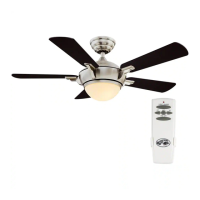
Remote Control - Your fan is equipped with a remote control to operate
the speed and lights of your new ceiling fan. For more information
on how to install the remote control, see the remote control instruction
along with the remote control components.
Speed setting for warm or cool weather depends on factors such as
the room size, ceiling height, number of fans and so on.
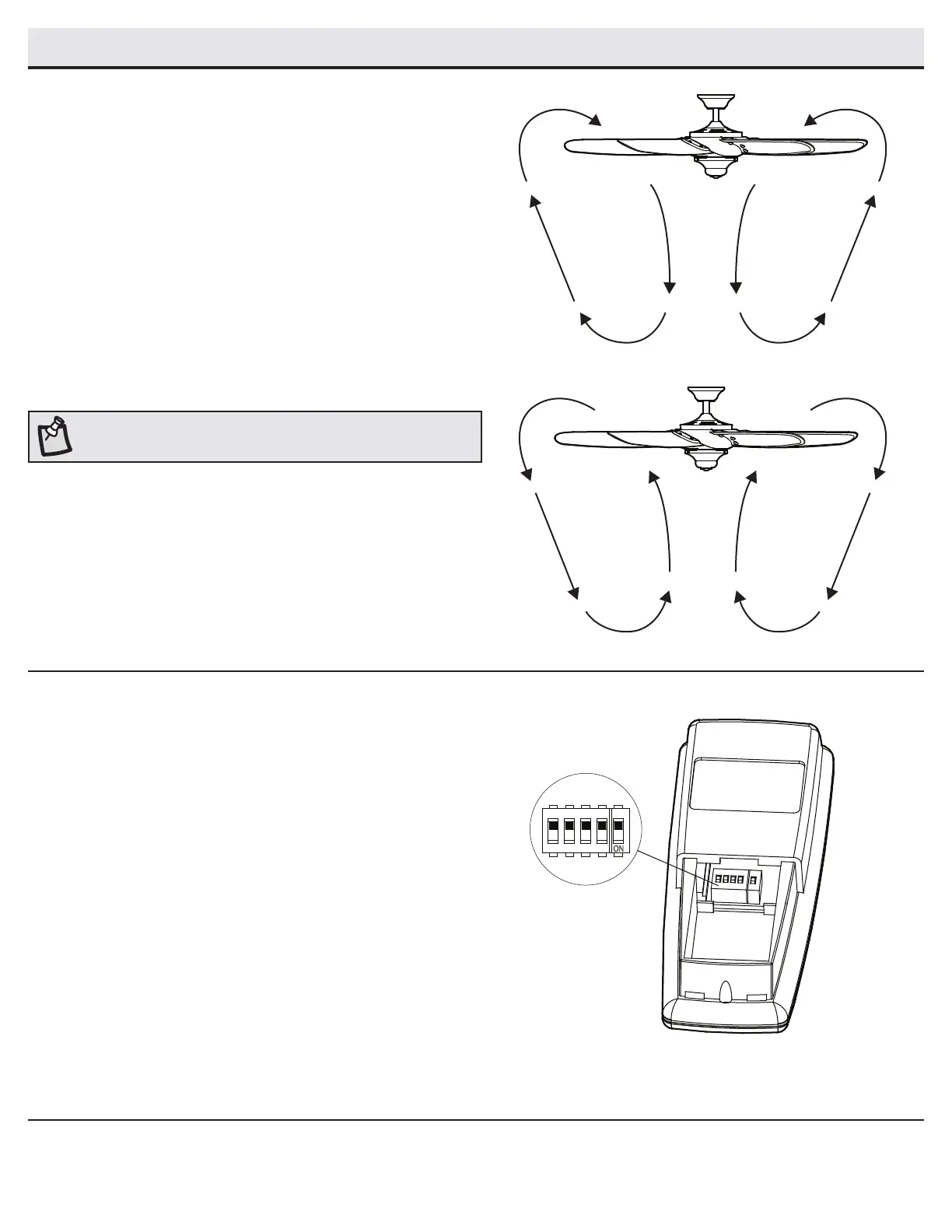
Warm weather - (Forward) A downward airow creates a cooling effect.
This allows you to set your air conditioner on a higher setting without
affecting your comfort.
Cool weather - (Reverse) An upward airow moves warm air off of the
ceiling. This allows you to set your heating unit on a lower setting
without affecting your comfort.
NOTE: Do not wait for the fan to stop before pressing the reverse button.
The fan will not reverse direction if the fan is not moving.
Setting the code on the remote control
□ Remove the battery cover by pressing rmly on the arrow
and sliding the cover off.
□ Slide the code switches to your choice of either up or down.
The factory setting is up.
□ Replace the battery cover on the remote control.
D
ON
1
2
3
4




 To Next Page