EasyManua.ls Logo

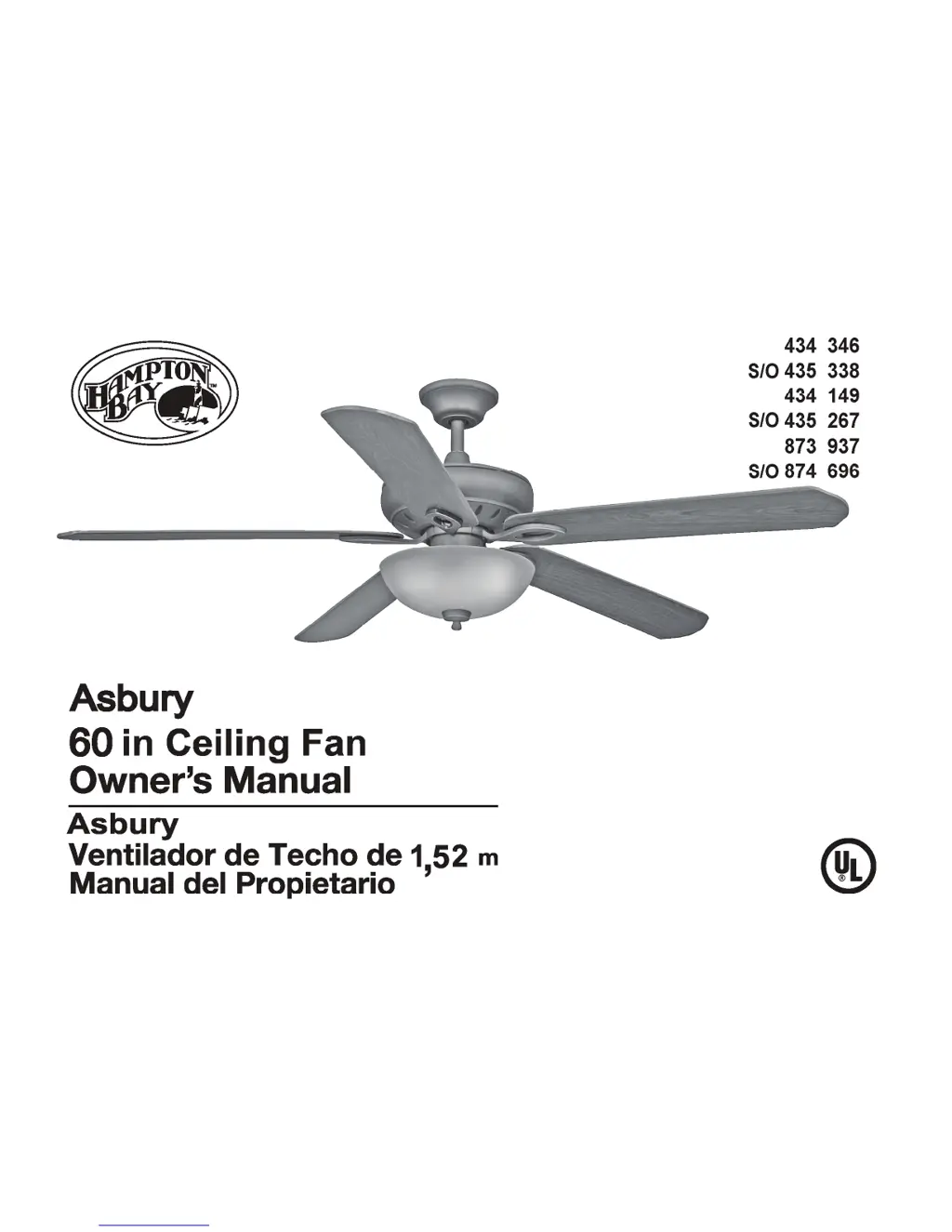
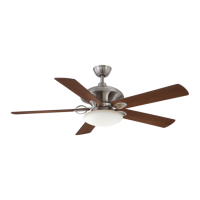
HAMPTON BAY Asbury Plus - User Manual

HAMPTON BAY Asbury Plus
33 pages
Print Icon
To Next Page IconTo Next Page
Loading...

Questions and Answers

  • D
    David McclainAug 2, 2025
    What to do if my HAMPTON BAY Asbury Plus Fan will not start?
    • R
      Ryan LewisAug 2, 2025
      If your HAMPTON BAY Fan won't start, begin by checking the main and branch circuit fuses or breakers. Then, inspect the line wire connections to the fan and the switch wire connections in the switch housing, ensuring the main power is off before you do this.
  • S
    Susan FloresAug 17, 2025
    Why is my HAMPTON BAY Asbury Plus Fan so noisy?
    • K
      Kyle GreenAug 17, 2025
      To address a noisy HAMPTON BAY Fan, ensure all motor housing screws and the screws attaching the fan blade bracket to the motor hub are snug. Also, check that wire nut connections are not rattling against each other or the interior wall of the switch housing, remembering to turn the power off first. If you are using a light kit, make sure the screws securing the glassware are tight and the light bulb is secure. Ensure the canopy is not touching the ceiling and that your outlet box is secure, with rubber isolator pads between the mounting plate and outlet box. Allow the fan a 24-hour “breaking in” period, as most new fan noises disappear during this time.

Summary

READ AND SAVE THESE INSTRUCTIONS

General Safety Rules

Critical safety instructions for installation and operation to prevent shock, fire, or injury.

Mounting Options

Hanging the Fan

Standard Ceiling Mounting

Instructions for installing the fan using the downrod and ball/socket method.

Close-to-Ceiling Mounting

Instructions for installing the fan closer to the ceiling for rooms with low height.

Installing Fan to the Outlet Box

Making the Electrical Connections

Wiring Guide and Receiver Setup

Step-by-step instructions for connecting fan wires to household wiring and remote receiver.

Attaching the Fan Blades

Light Kit Option

Blade Balancing

Remote Control

Transmitter Operation and Setup

How to use the remote transmitter for fan speed and light control.

Operating Your Fan

Troubleshooting

Common Problems and Solutions

Guide to diagnose and resolve common issues with the fan's operation.

Warranty Information

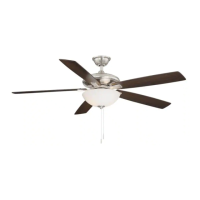
HAMPTON BAY Asbury Plus Specifications

General IconGeneral
Fan Diameter (In.)52
Number of Blades5
Bulb TypeLED
DimmableYes
Remote ControlYes
Mounting OptionsDownrod
Indoor/OutdoorIndoor
MaterialMetal
FinishBrushed Nickel
Light Kit IncludedYes
Reversible MotorYes
Light TypeIntegrated
Motor Speed3
WarrantyLifetime

Related product manuals